
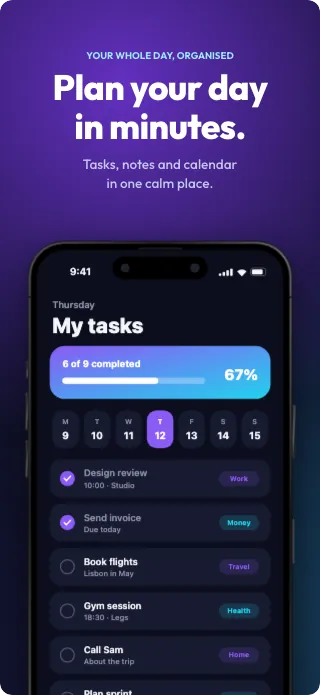
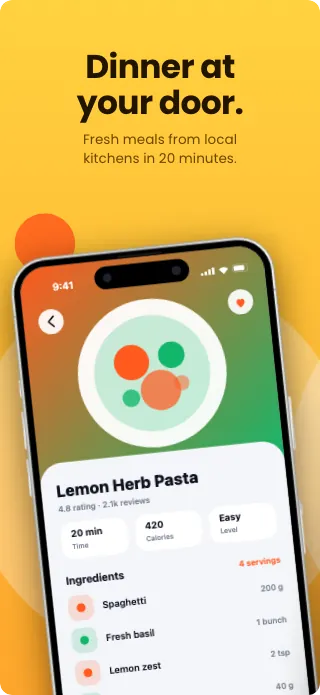
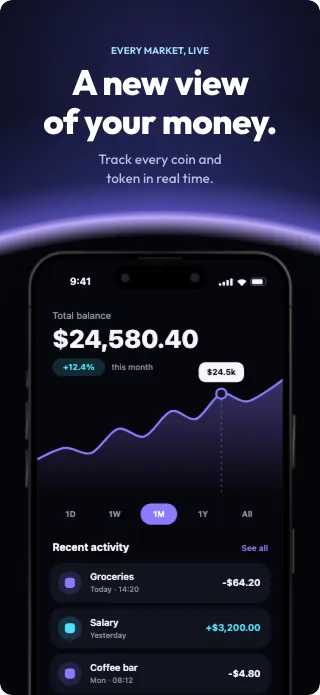
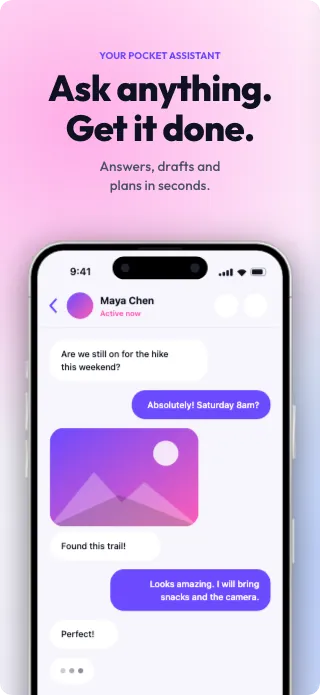
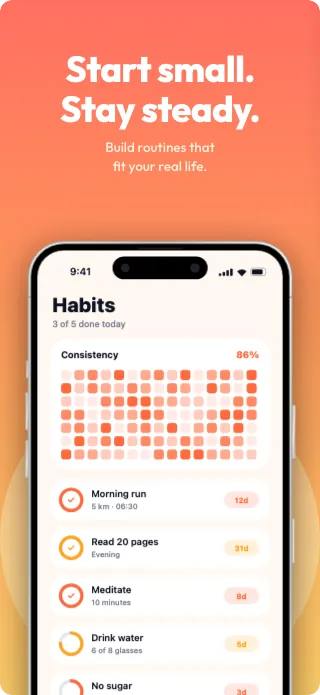
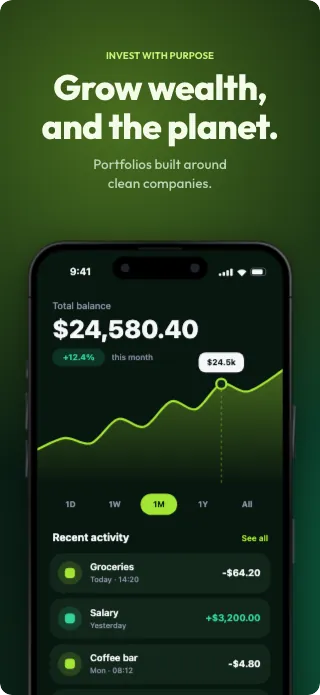
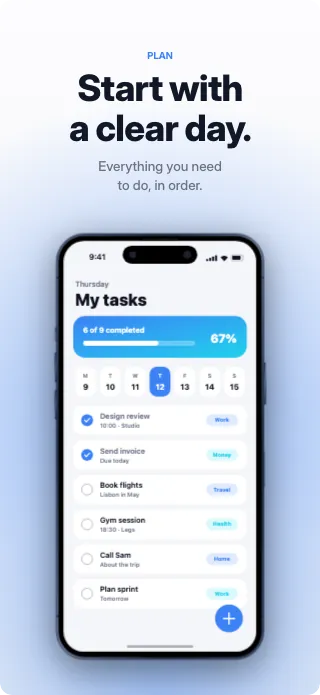
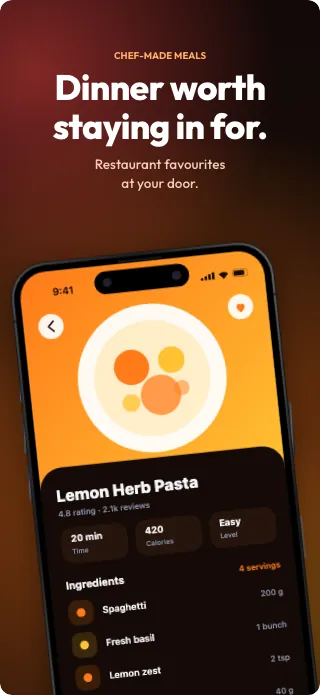
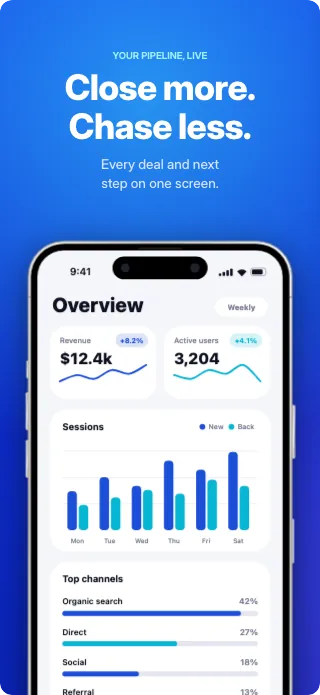
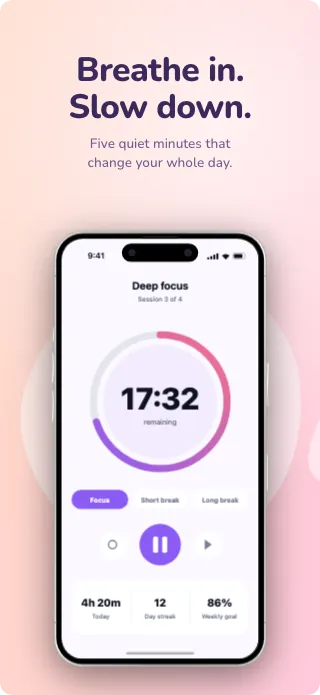
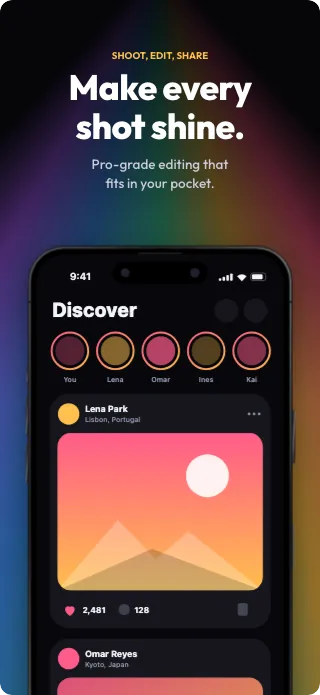
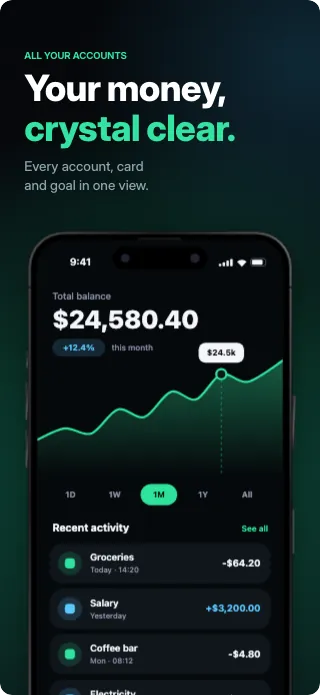
Screenshot editor for iOS and Android listings
App Store screenshot generator. Free to design, pay once to export.
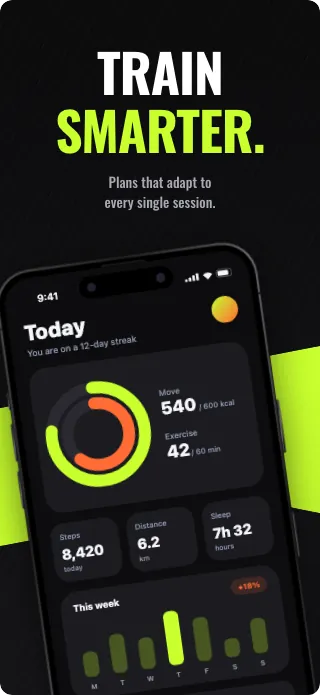
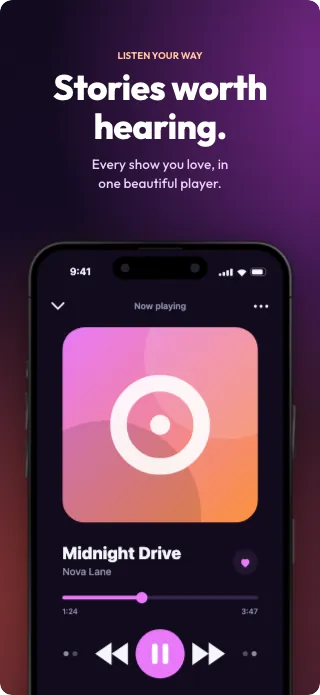
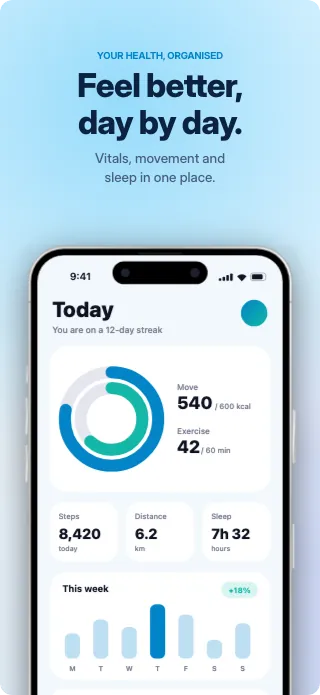
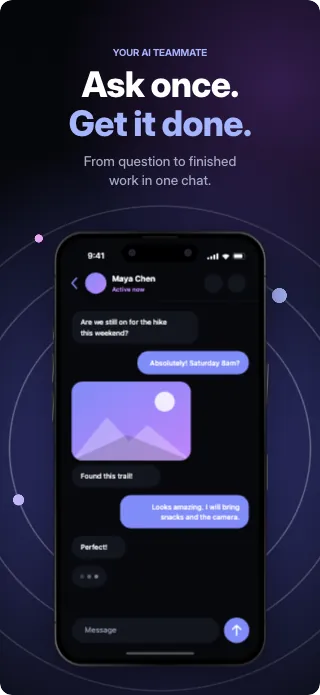
Start from a designer-made template or a blank canvas. Panoramic backgrounds, 3D device frames and export at exact store sizes, right in your browser. No subscription, and nothing is uploaded.
- No credit card required
- 5 free exports, no watermark
- Works offline
Export presetspx
6.9-inch phone1320 × 2868
6.3-inch phone1206 × 2622
13-inch tablet2064 × 2752
Android phone1080 × 1920
Feature graphic1024 × 500
18 screenshot sizes in total, including desktop and watch.
Template gallery
Pick a design. Make it yours.
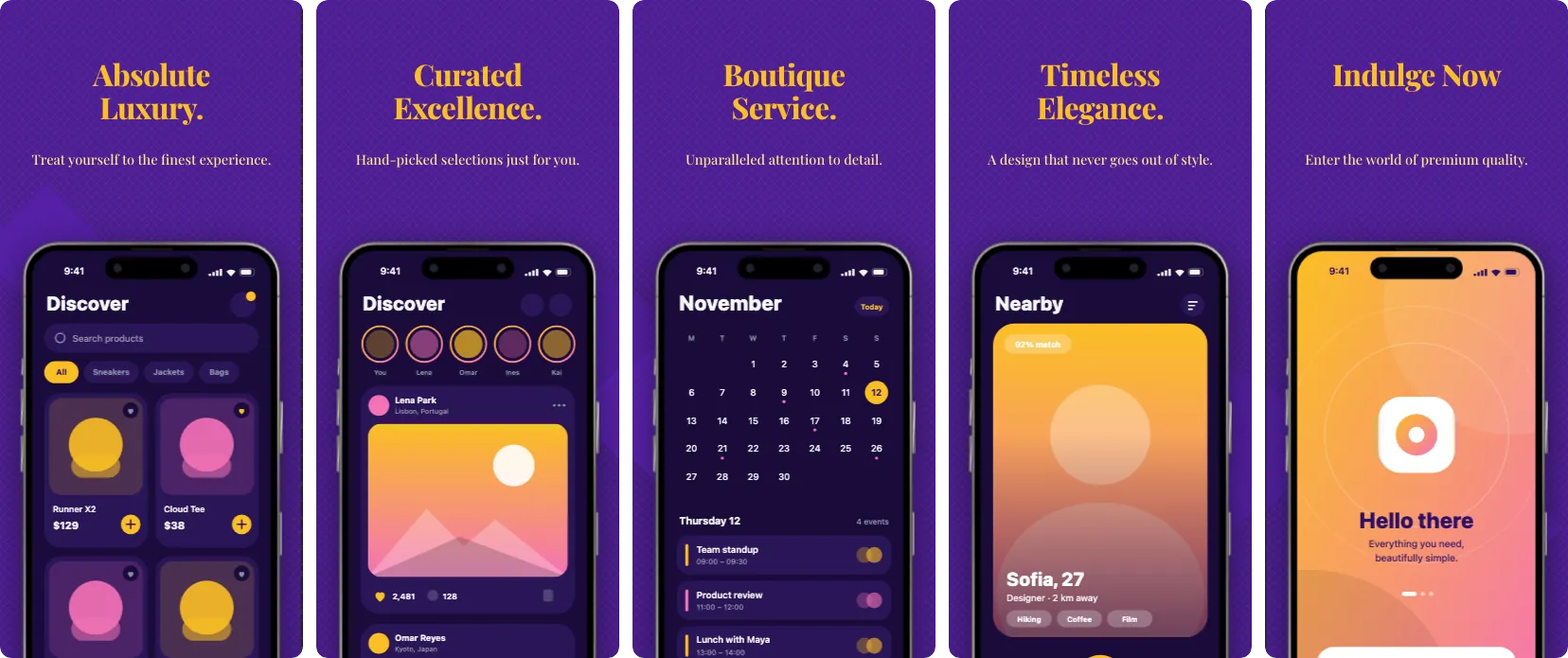
Every template opens straight in the editor with all of its screens. Drop in your own screenshots, change the text and colours, and export at every size the stores ask for. Pro templates are free to try: their exports carry a watermark until you upgrade.
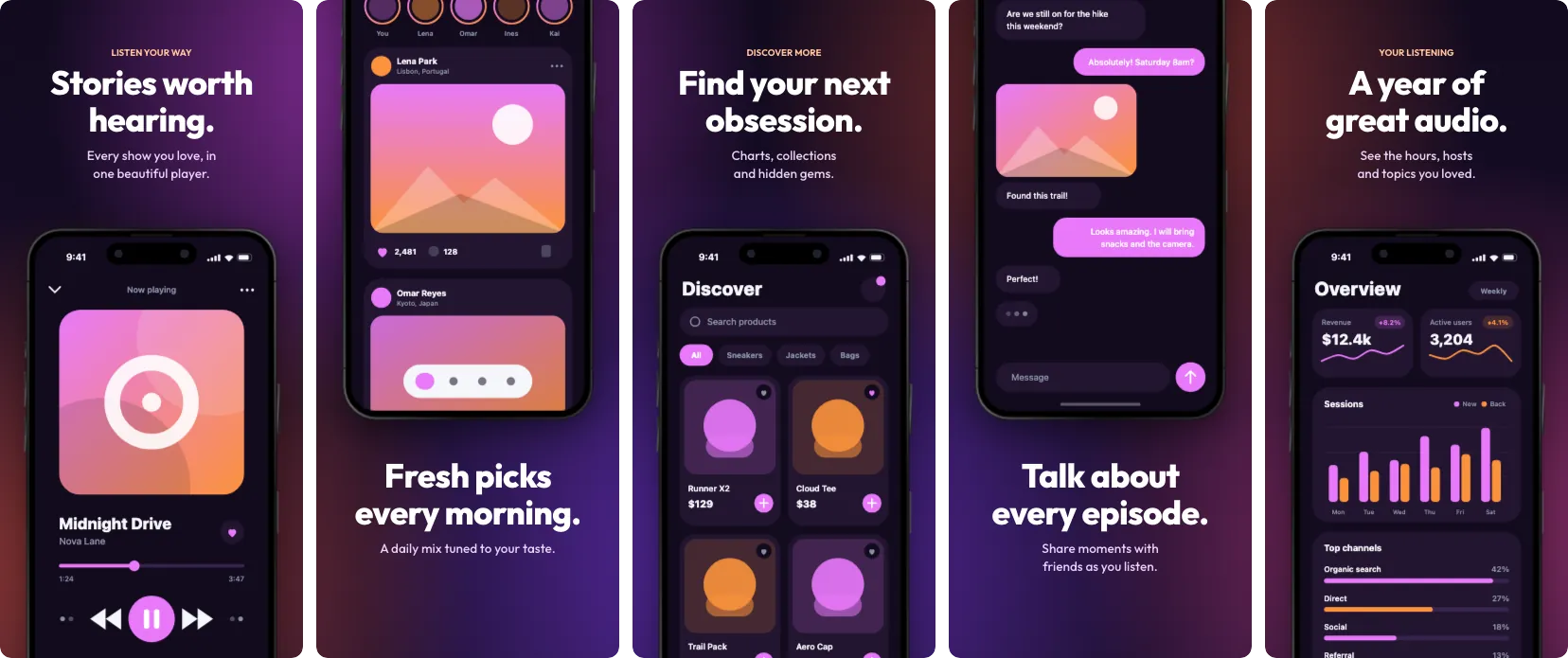
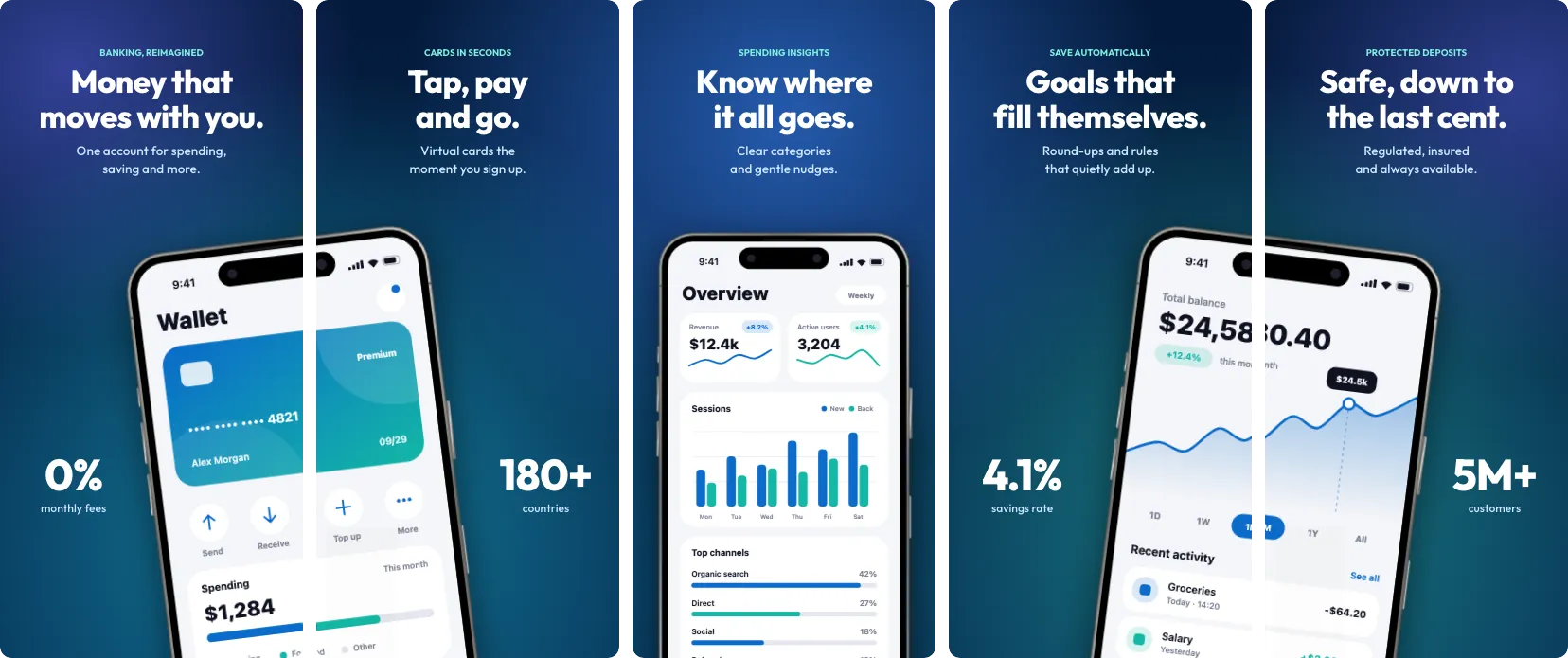
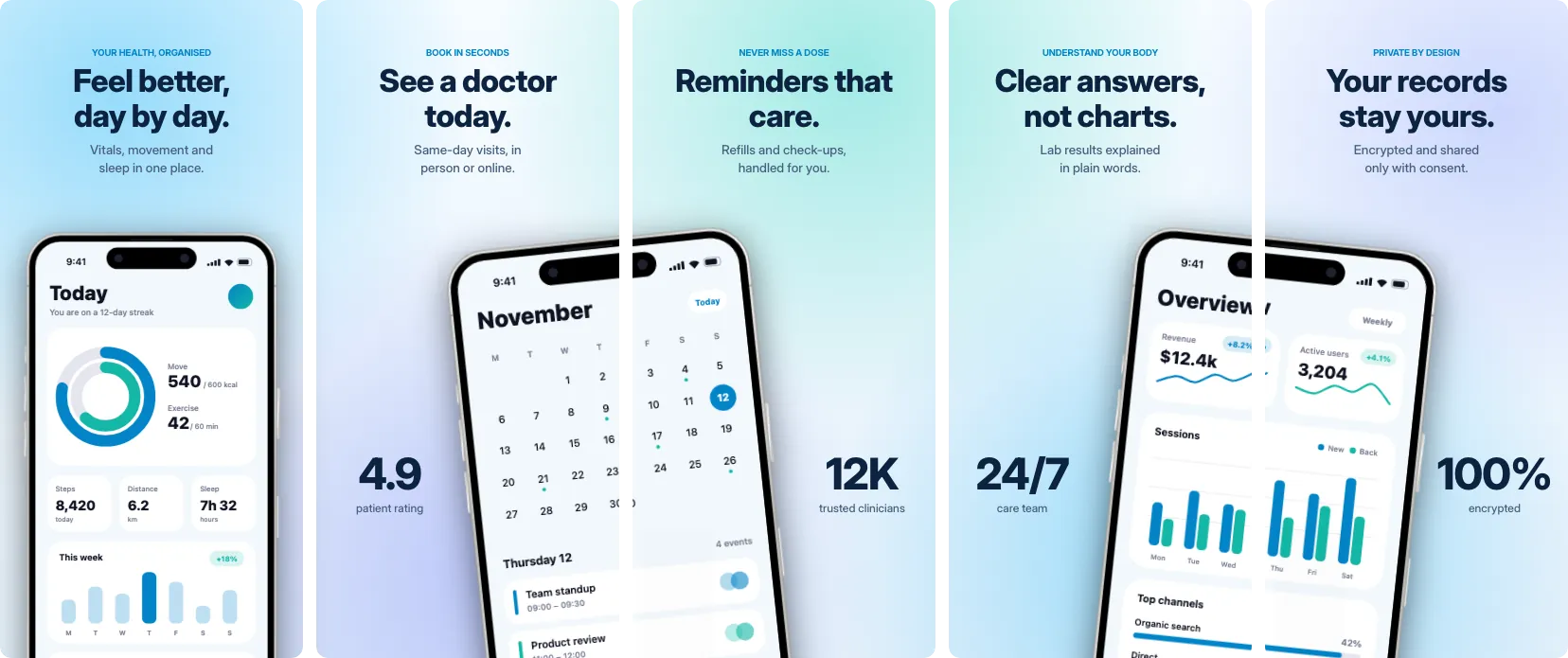
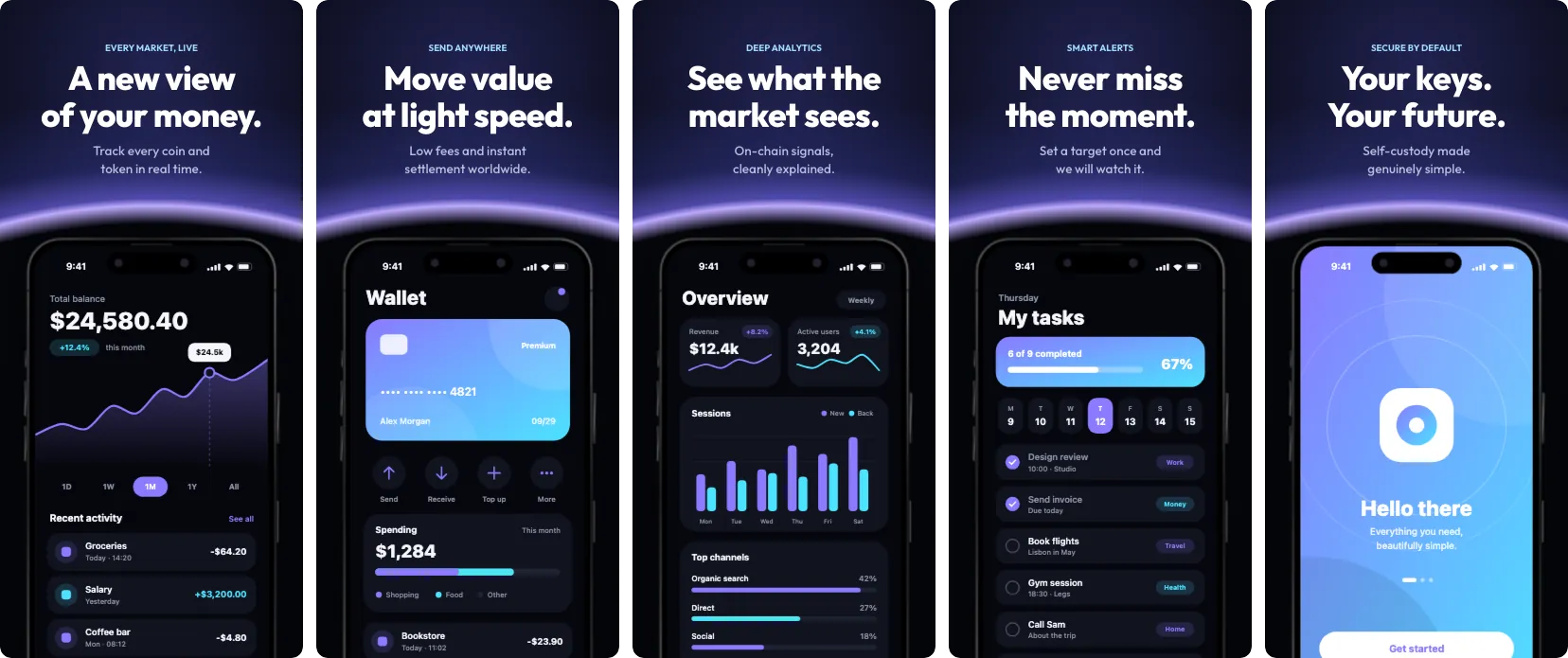
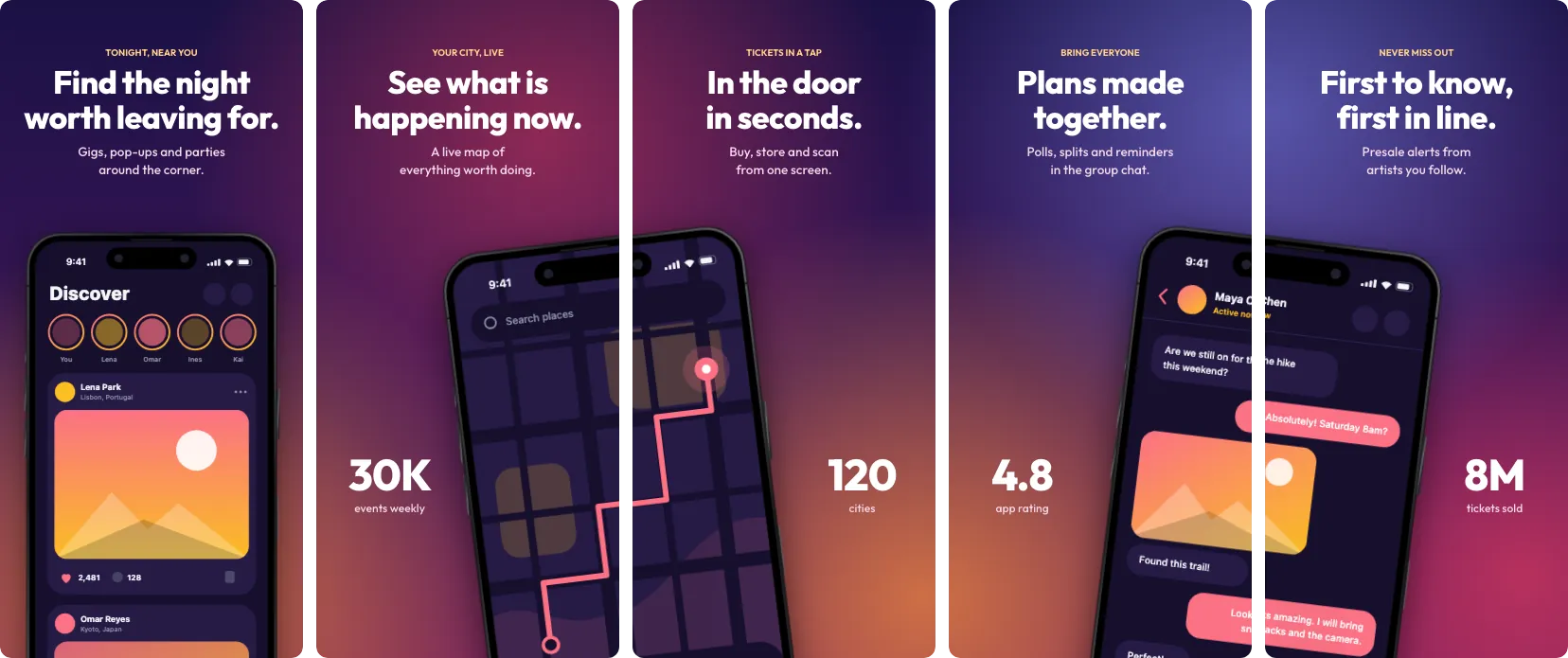
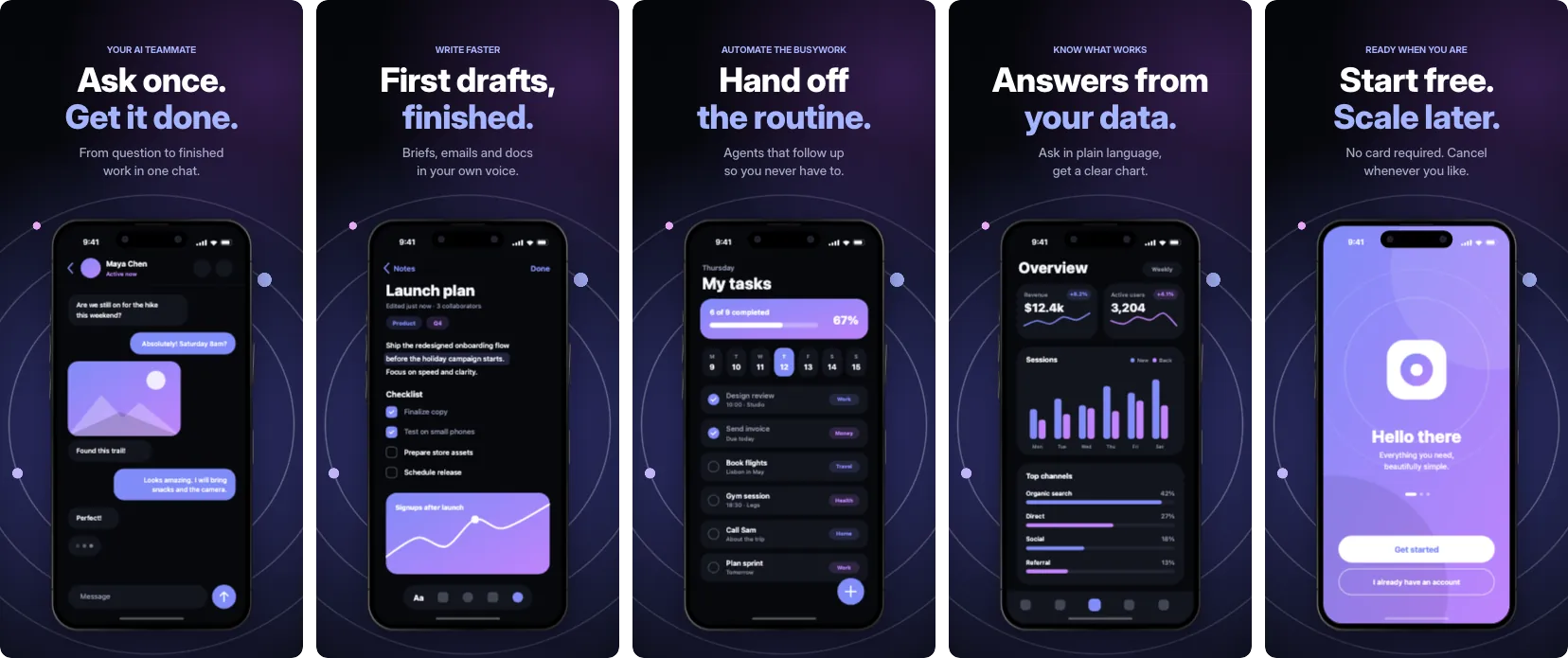
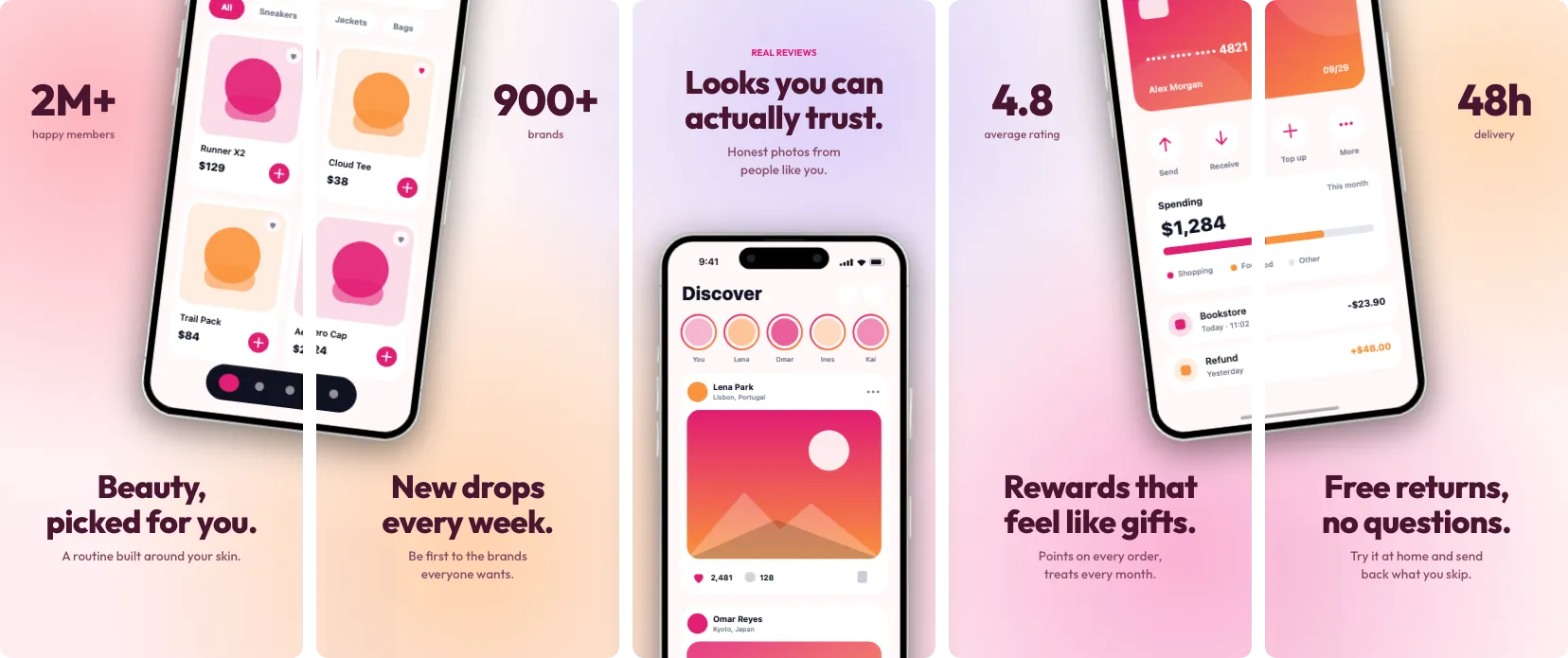
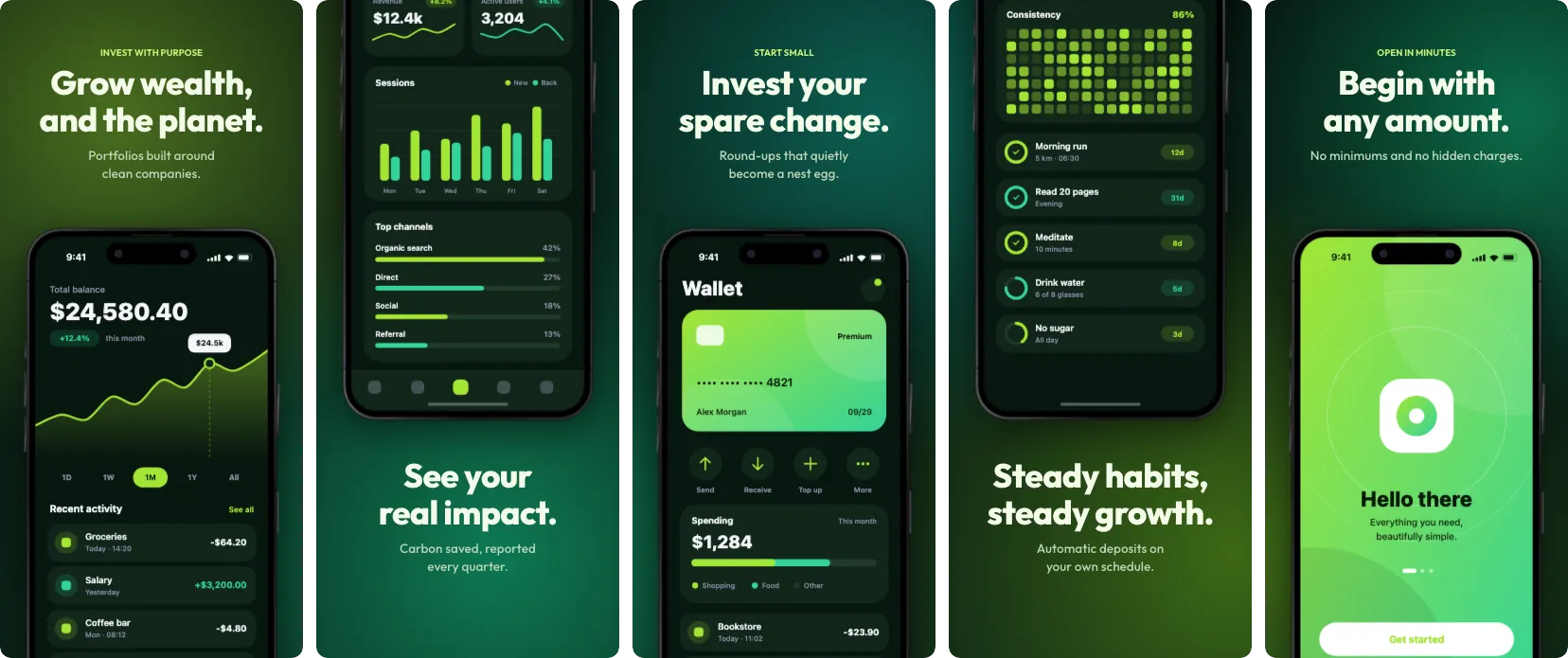
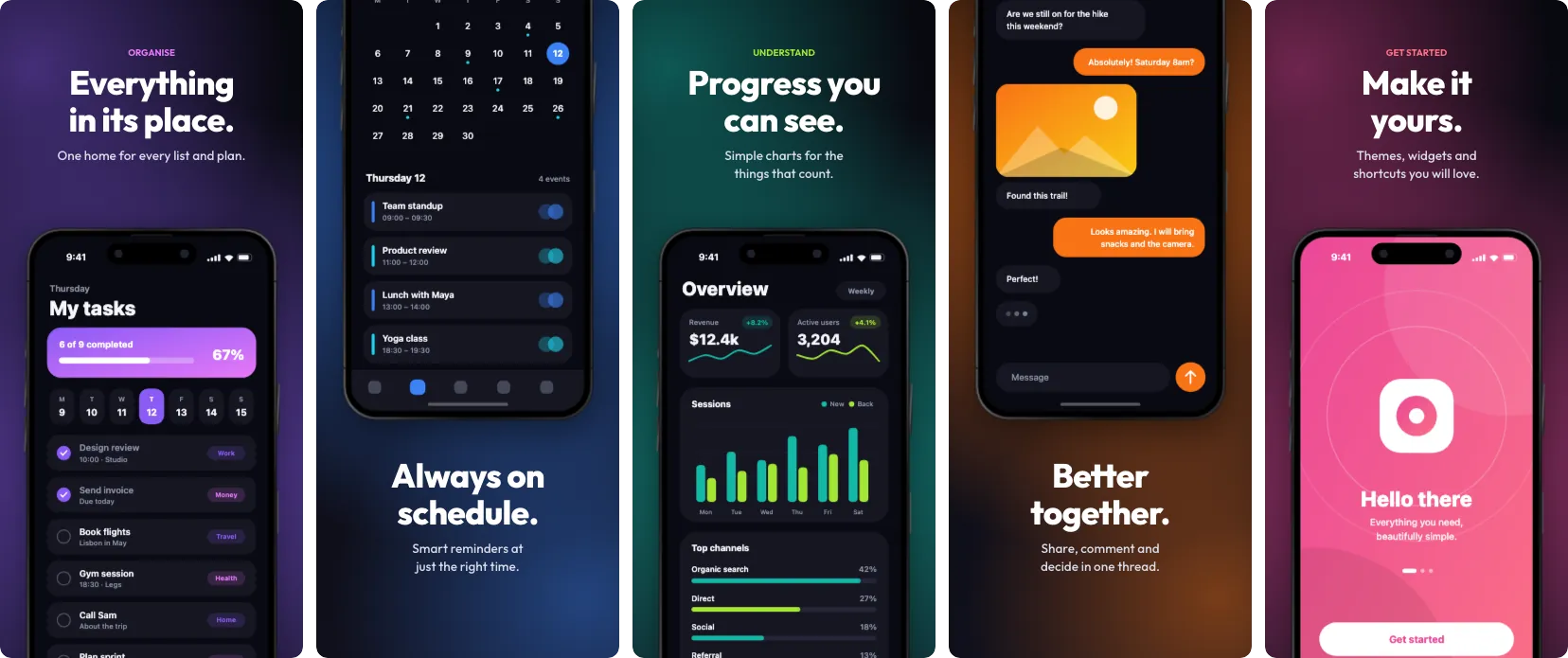
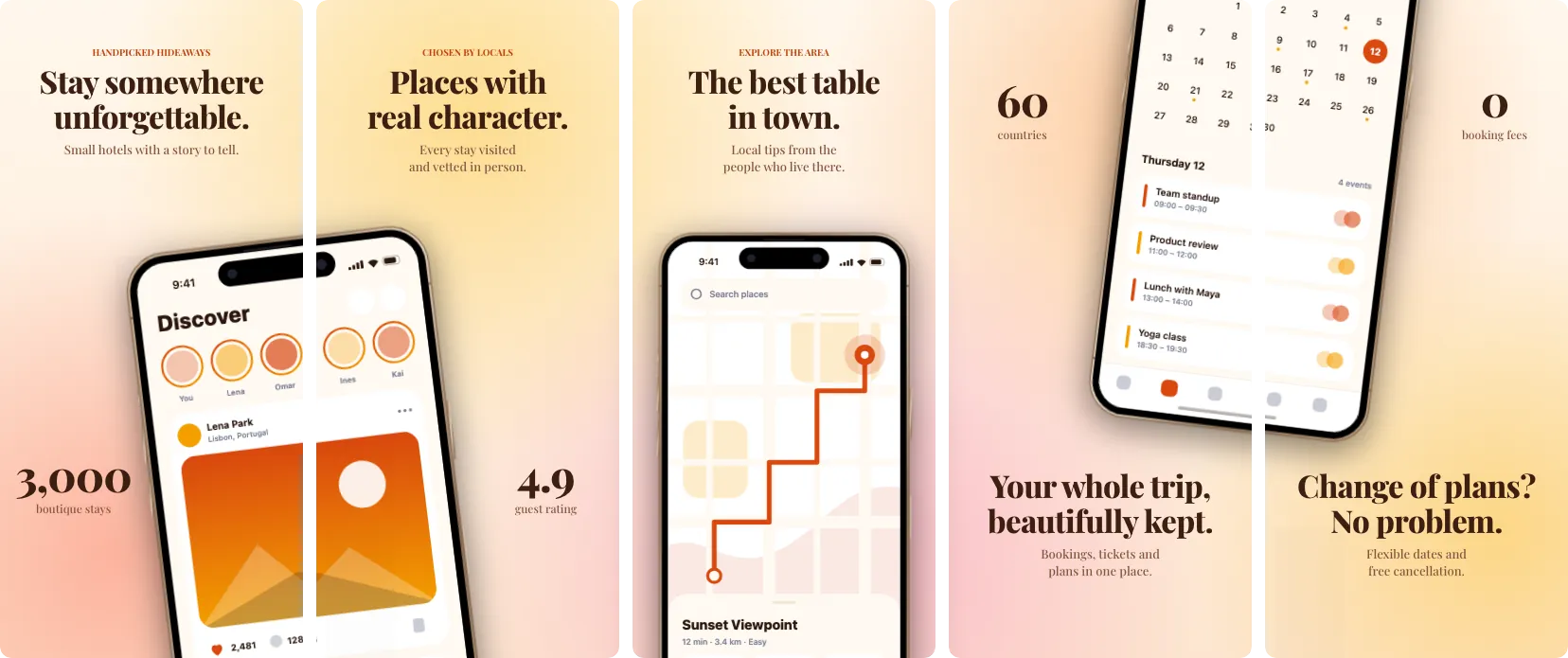
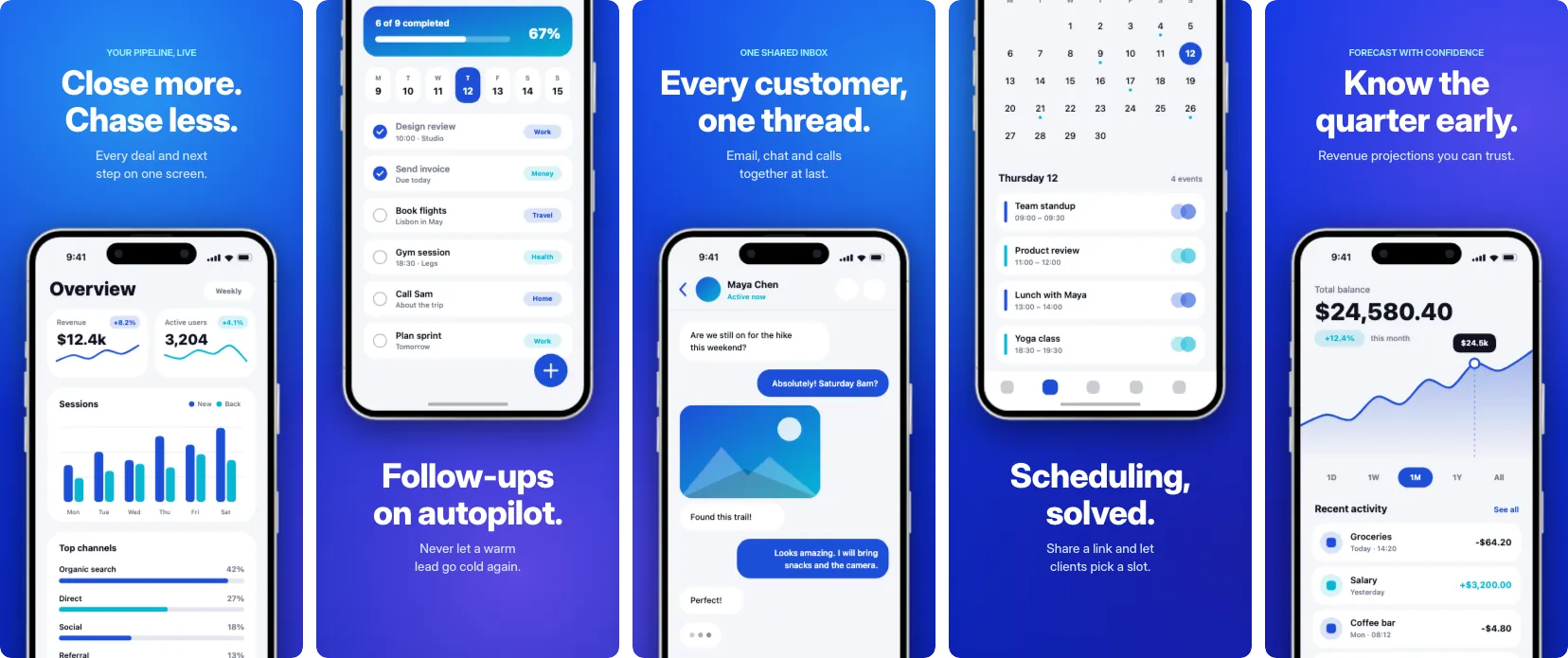
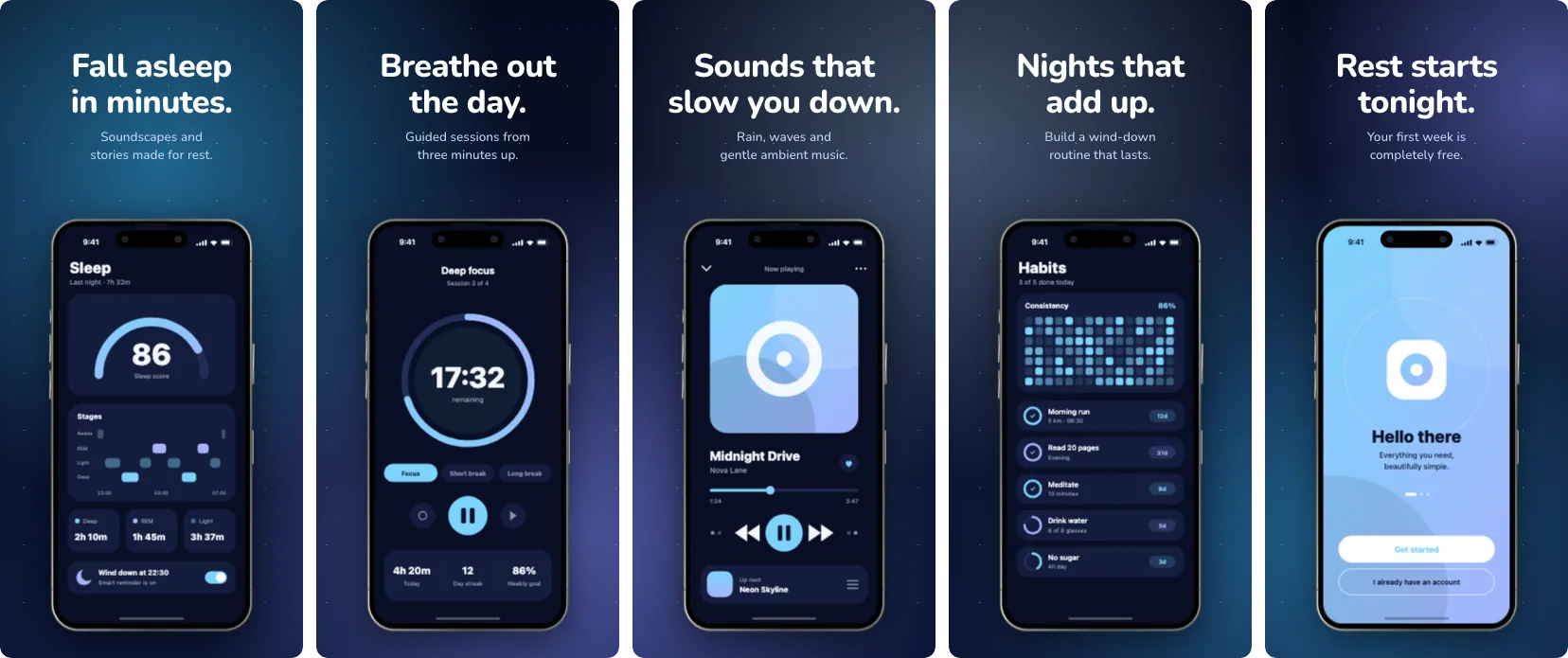
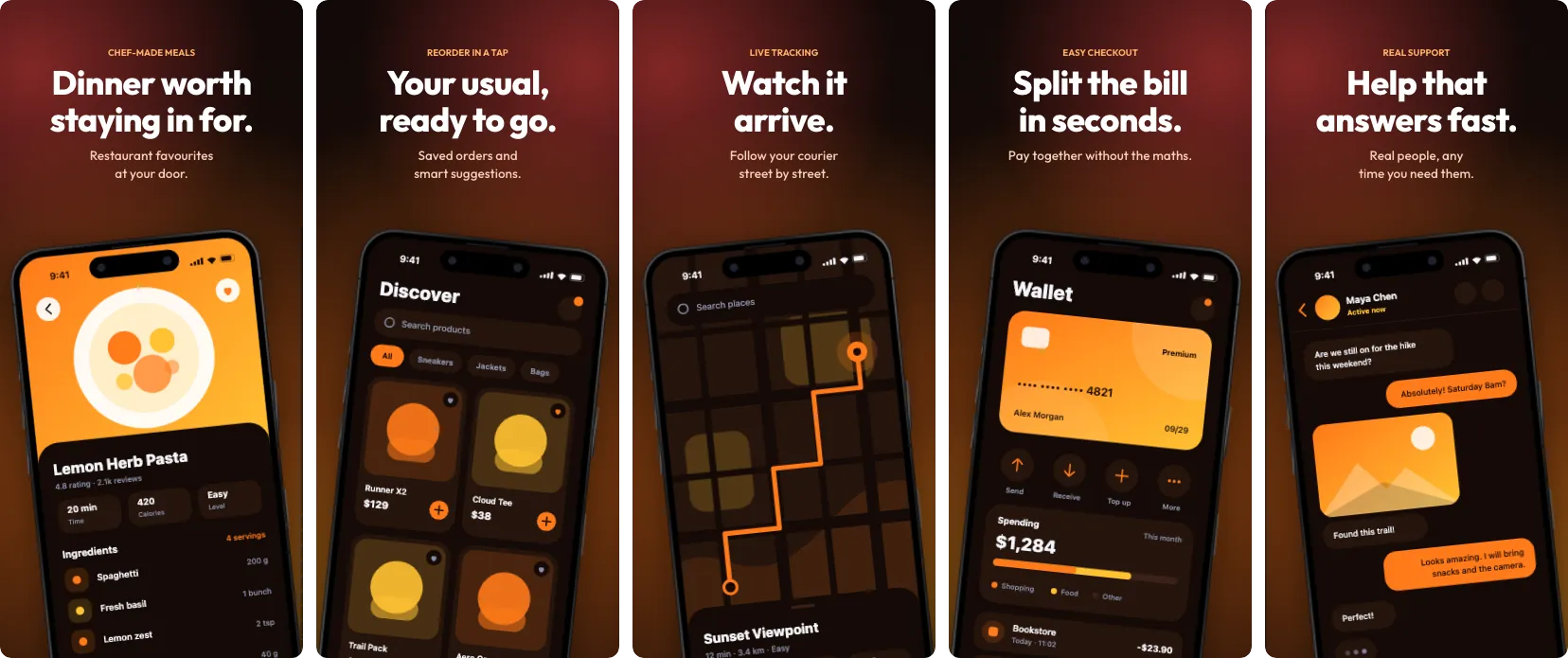
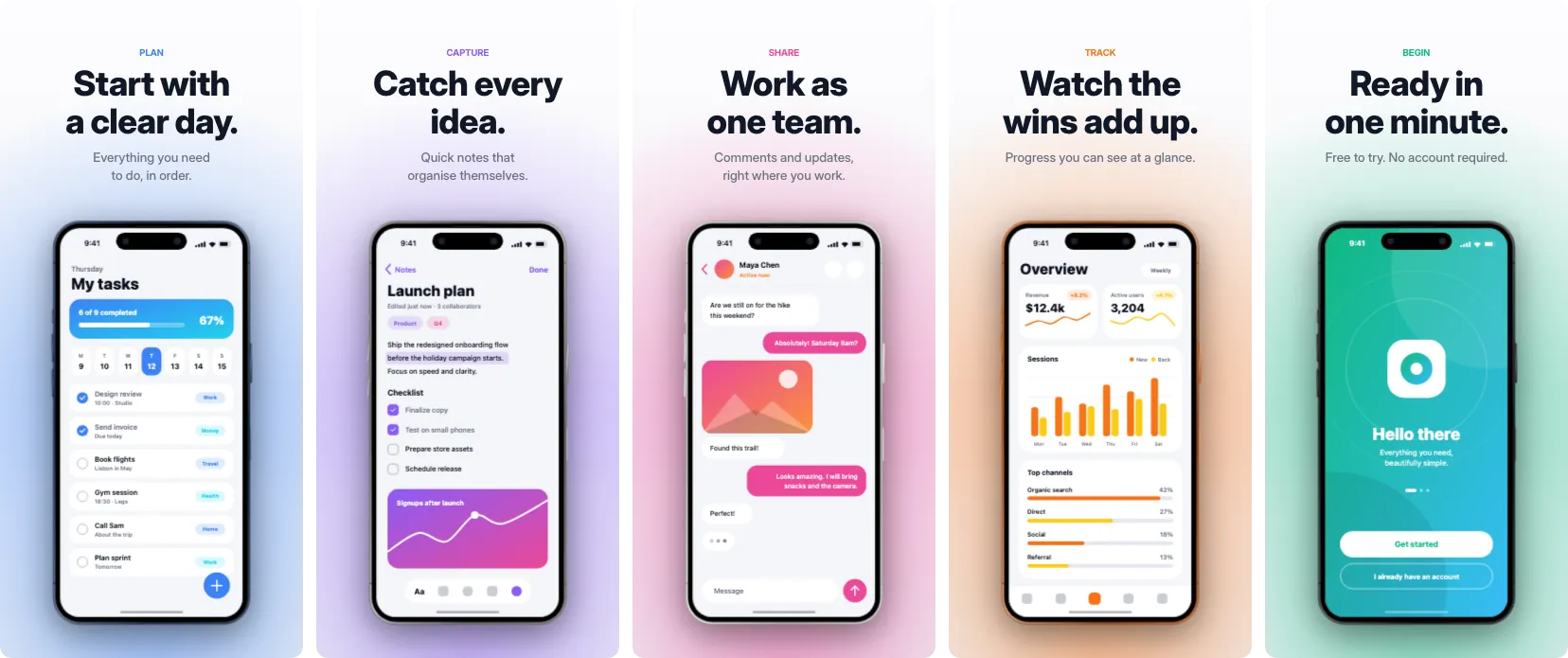
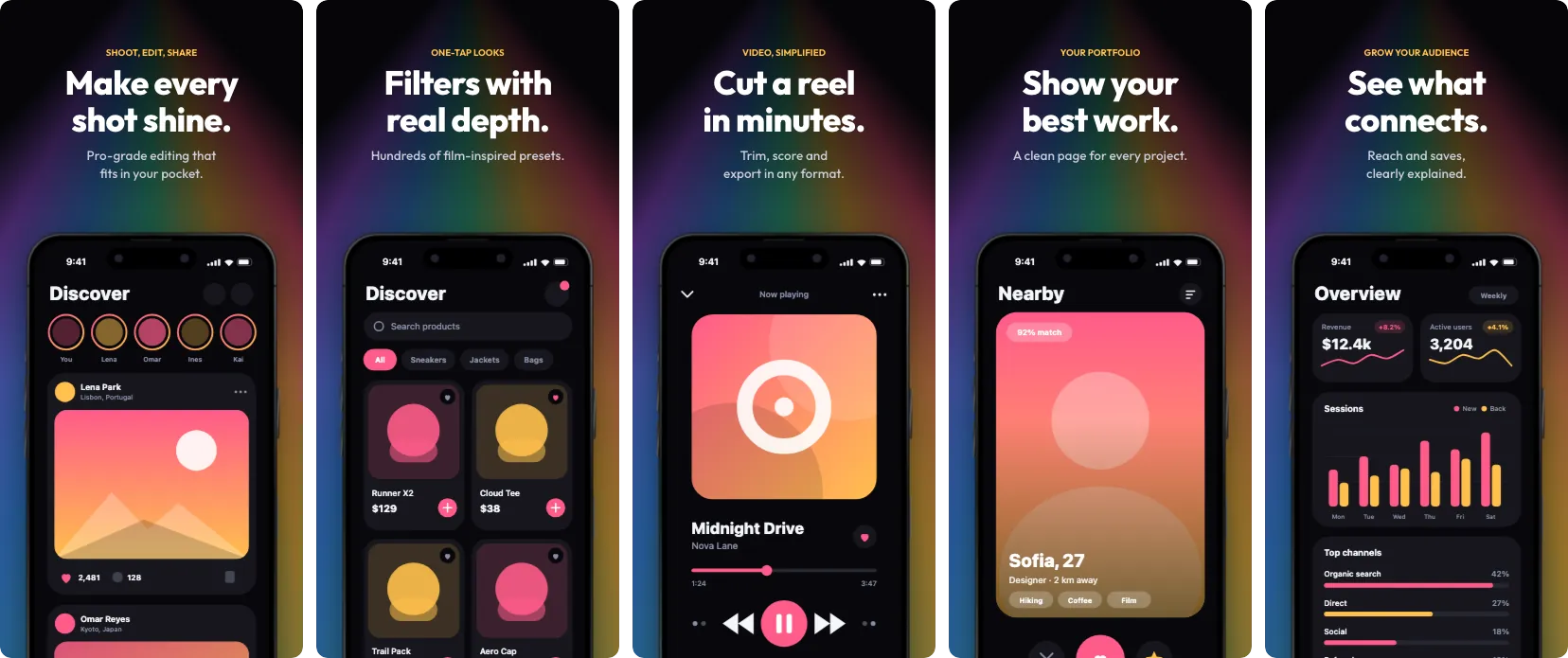
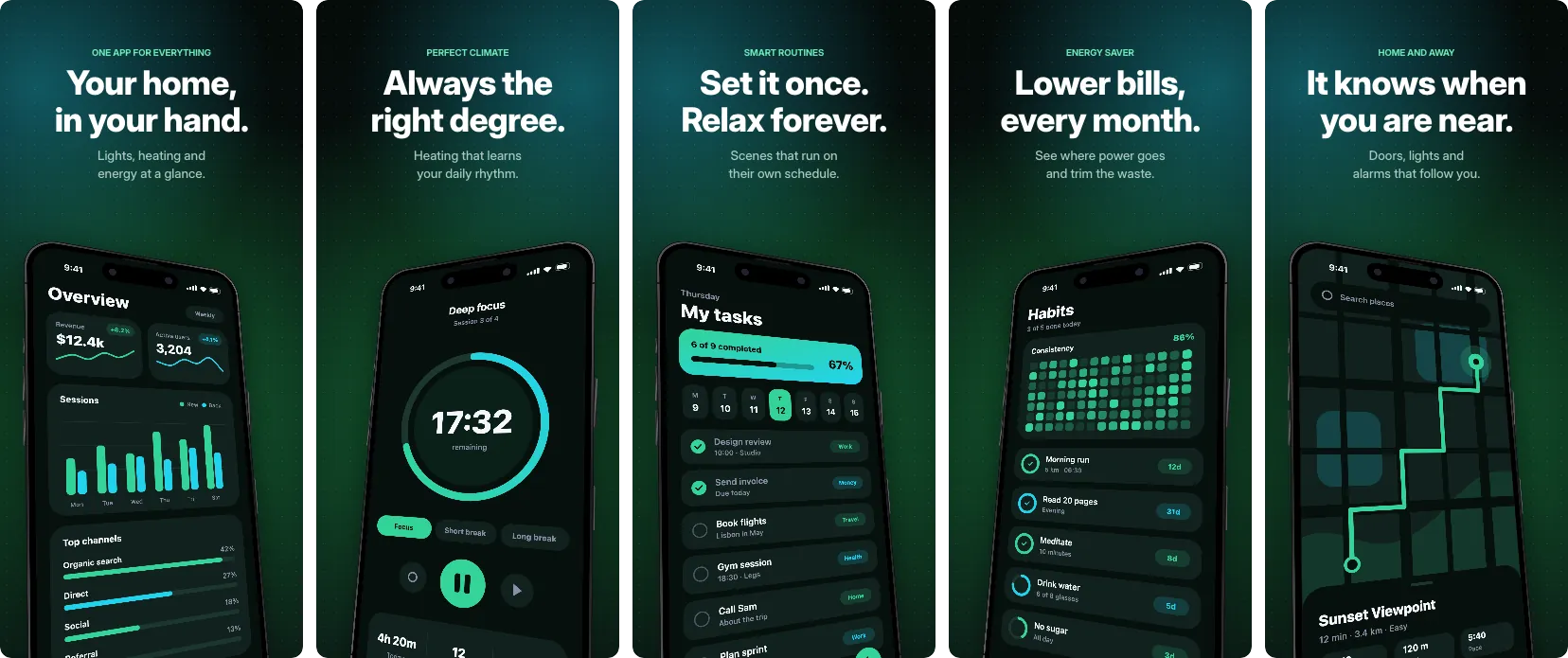
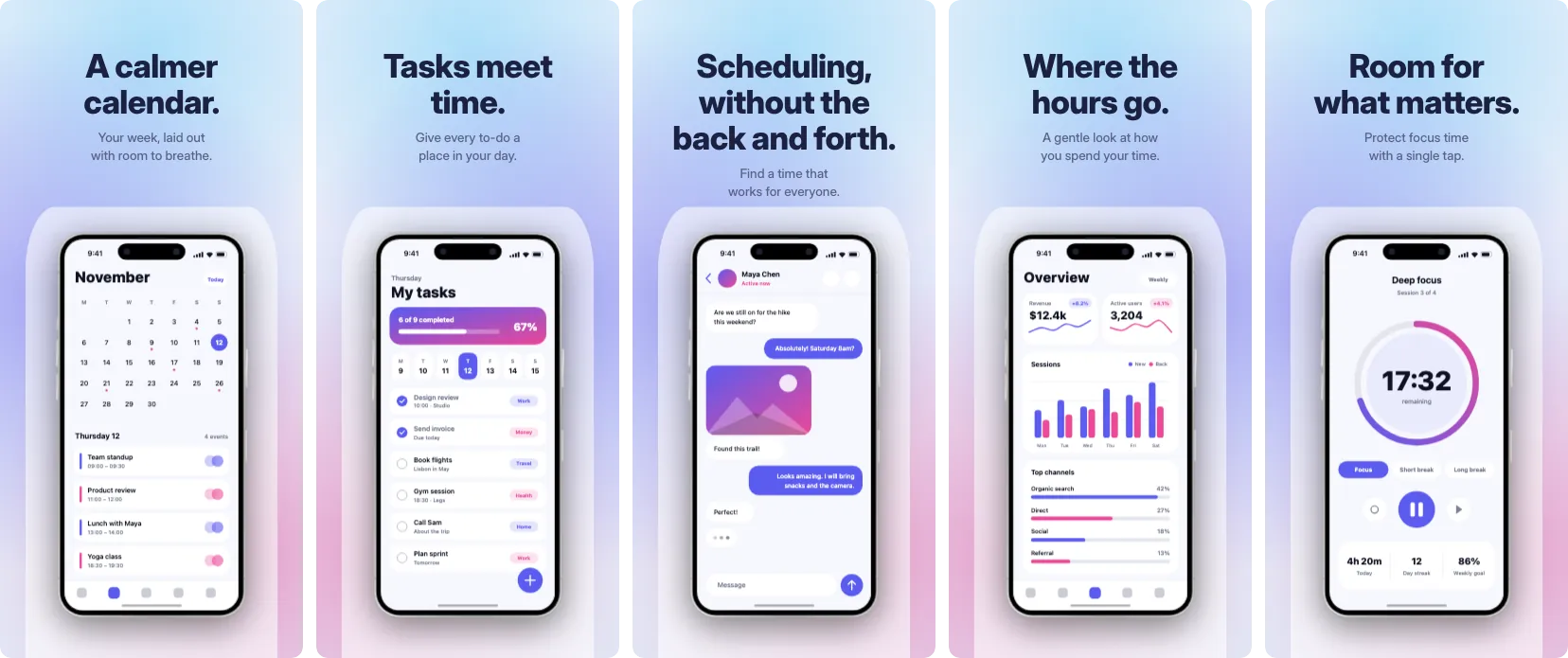
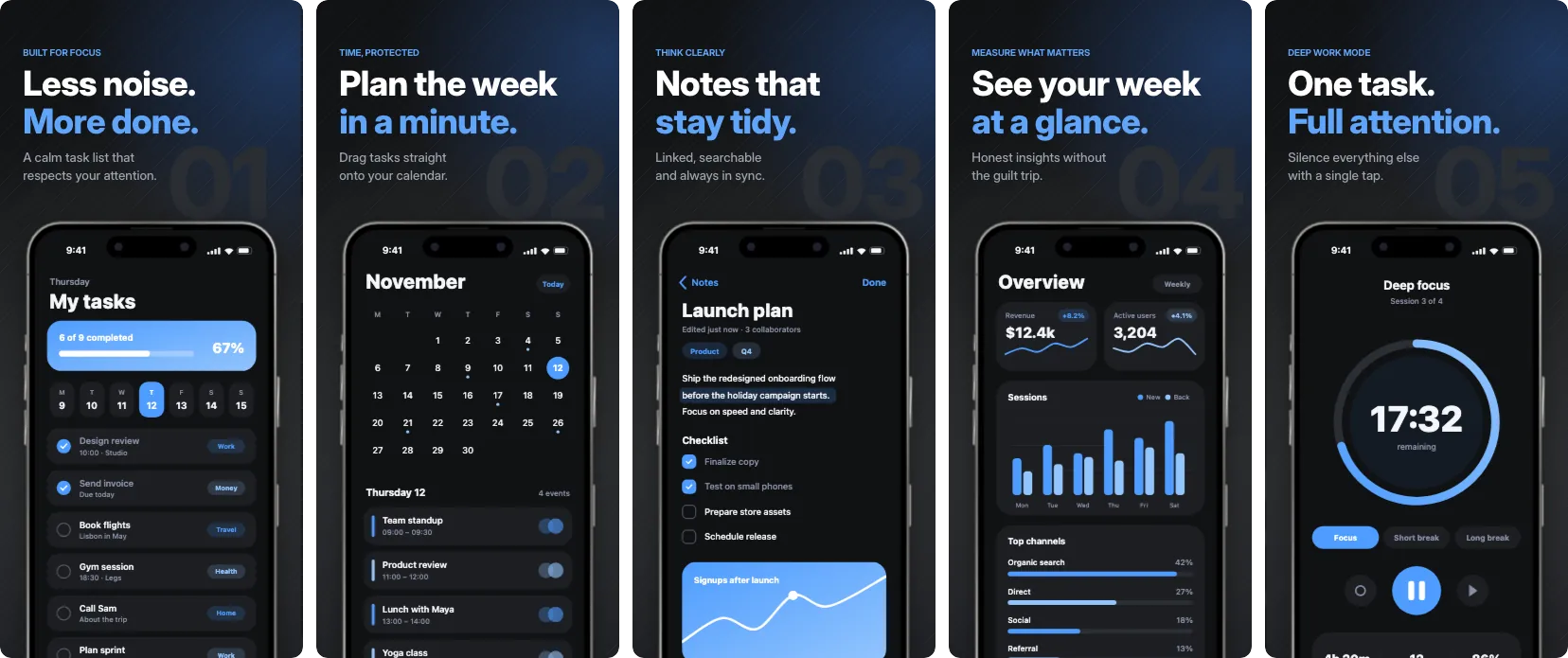
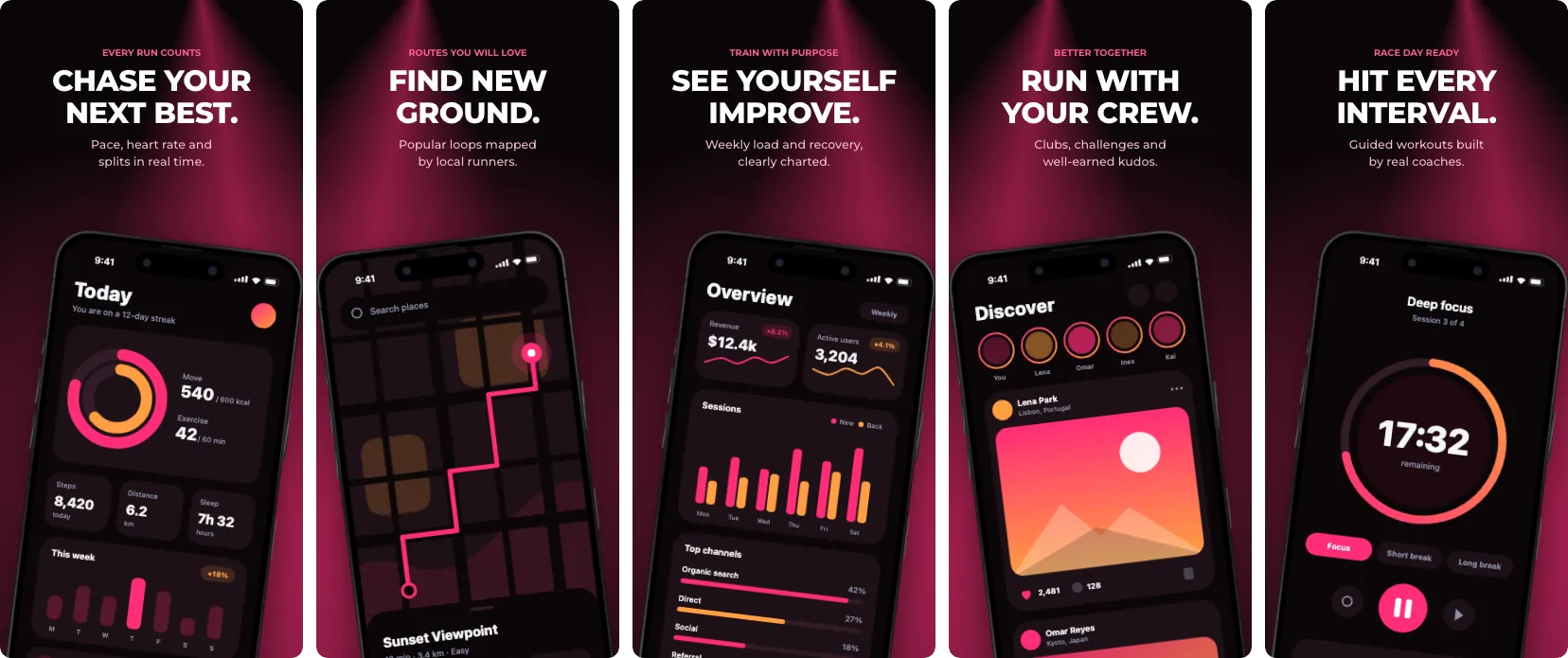
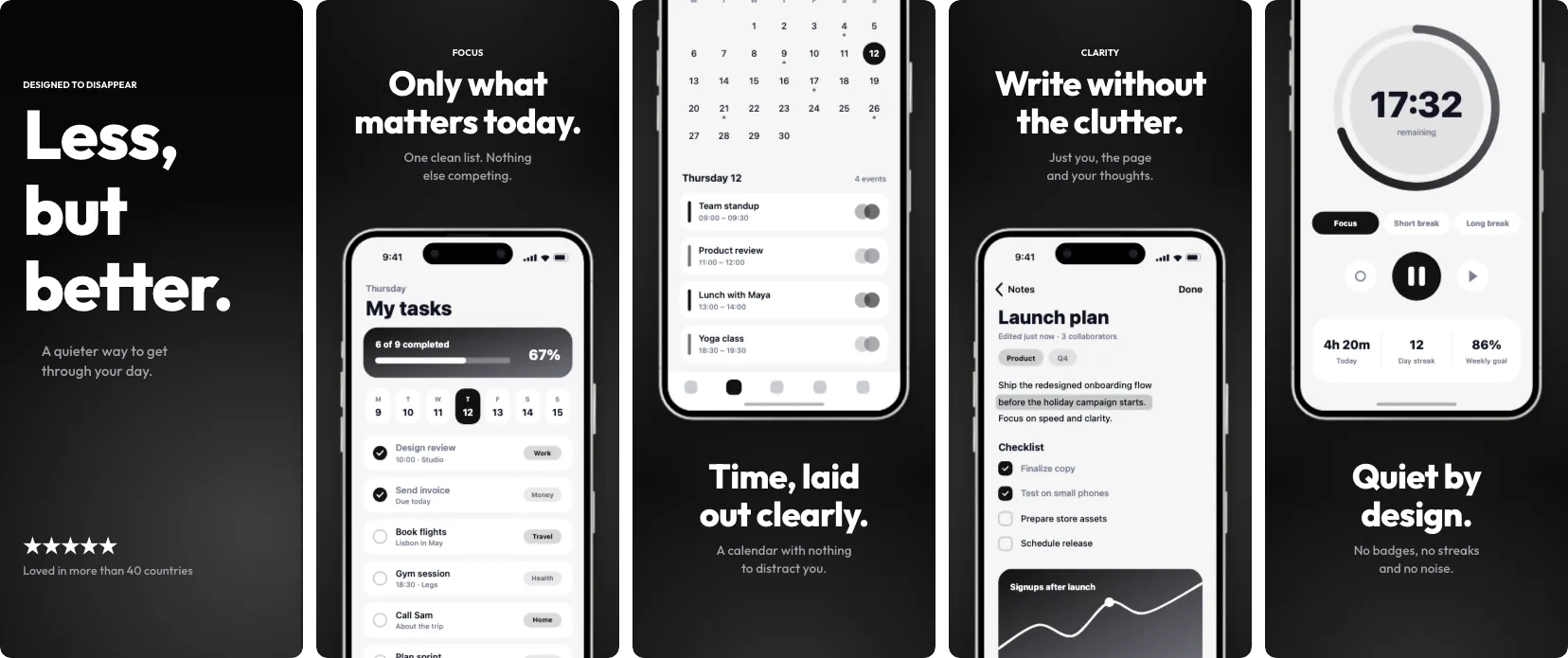
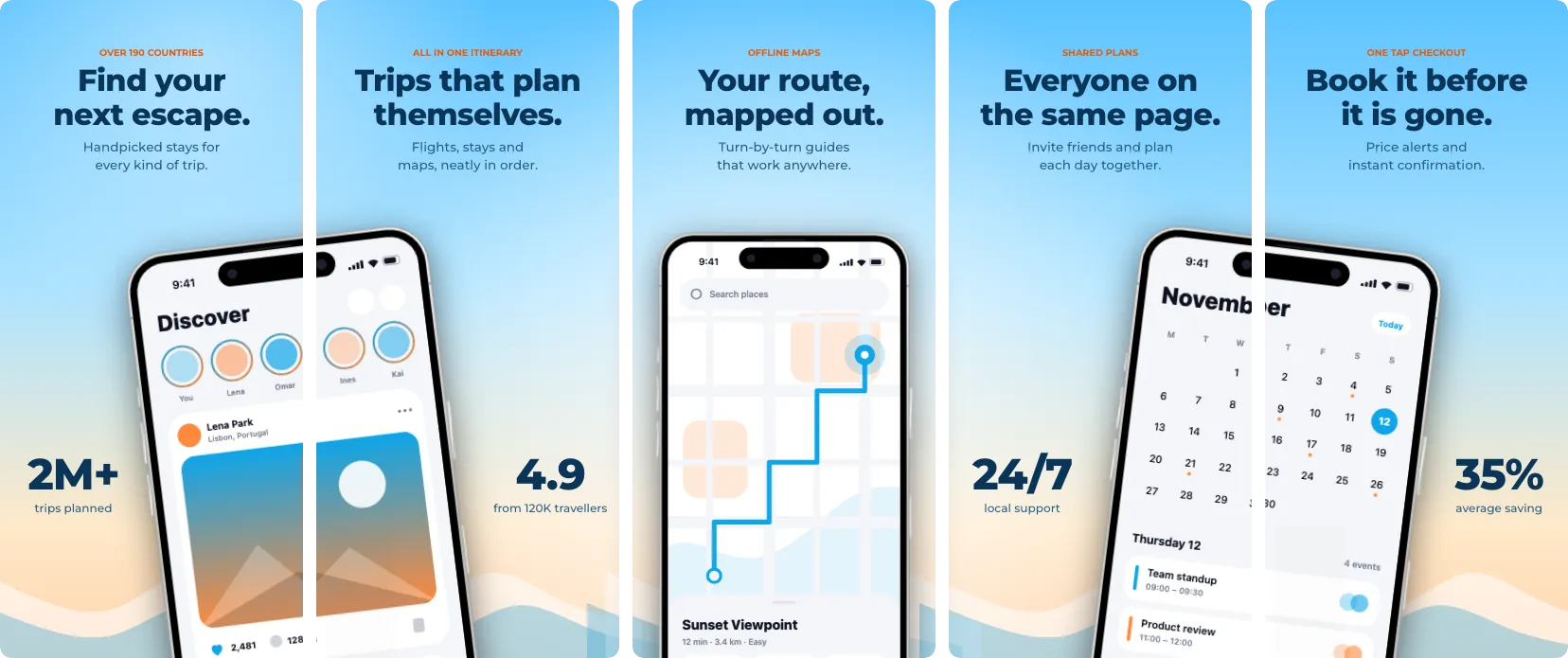
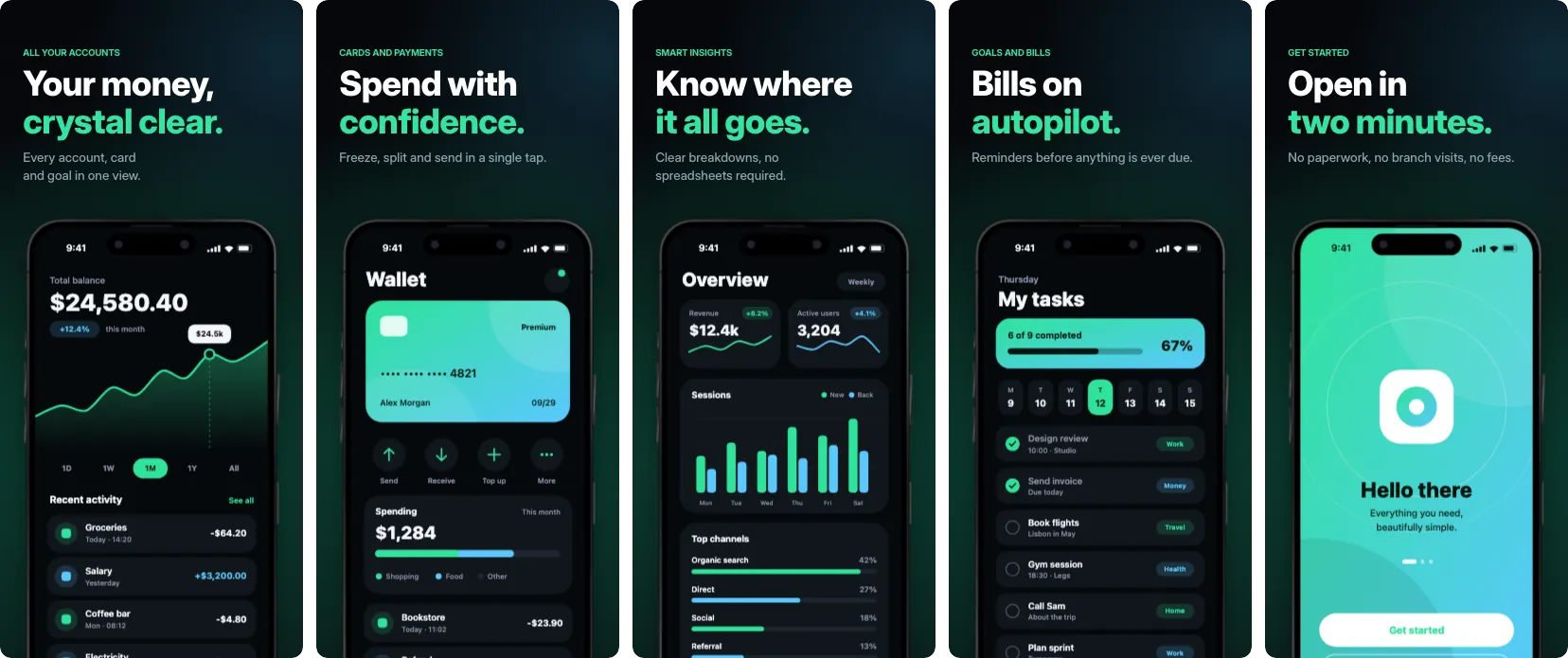
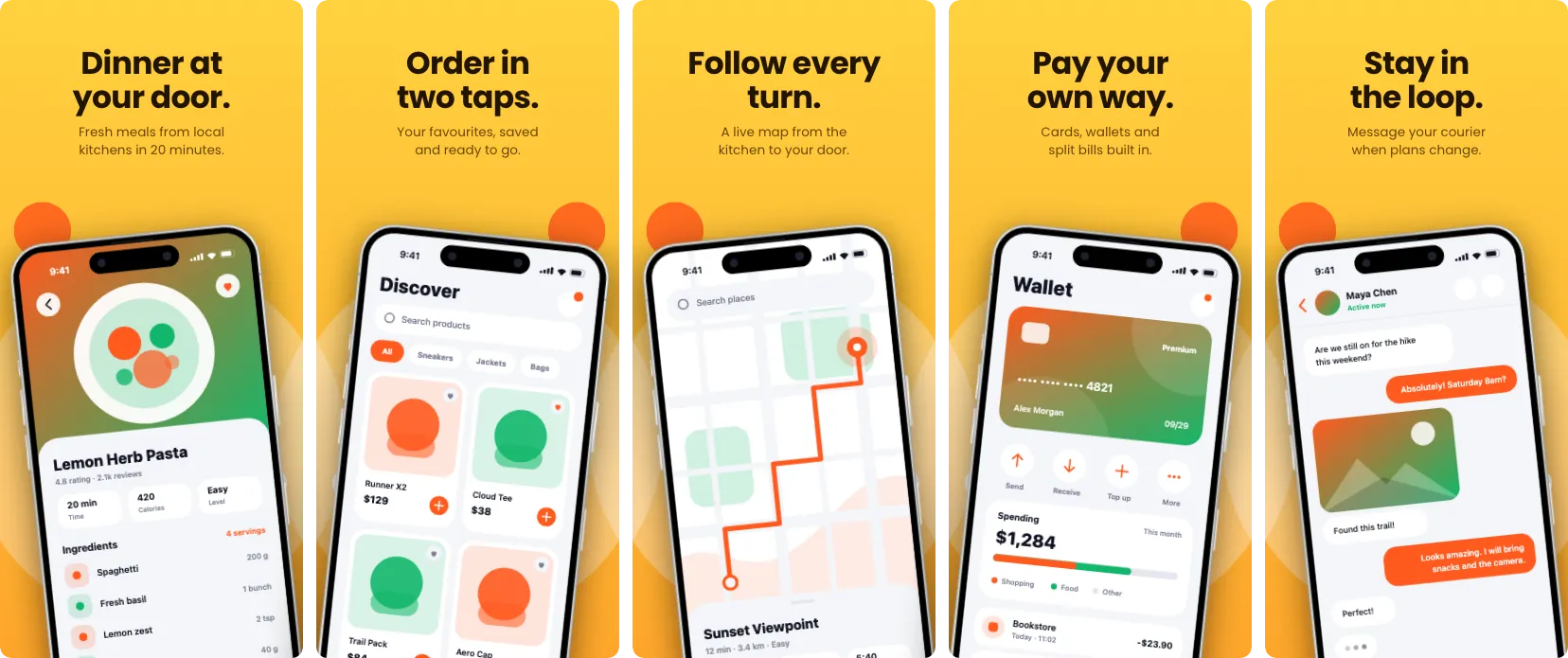
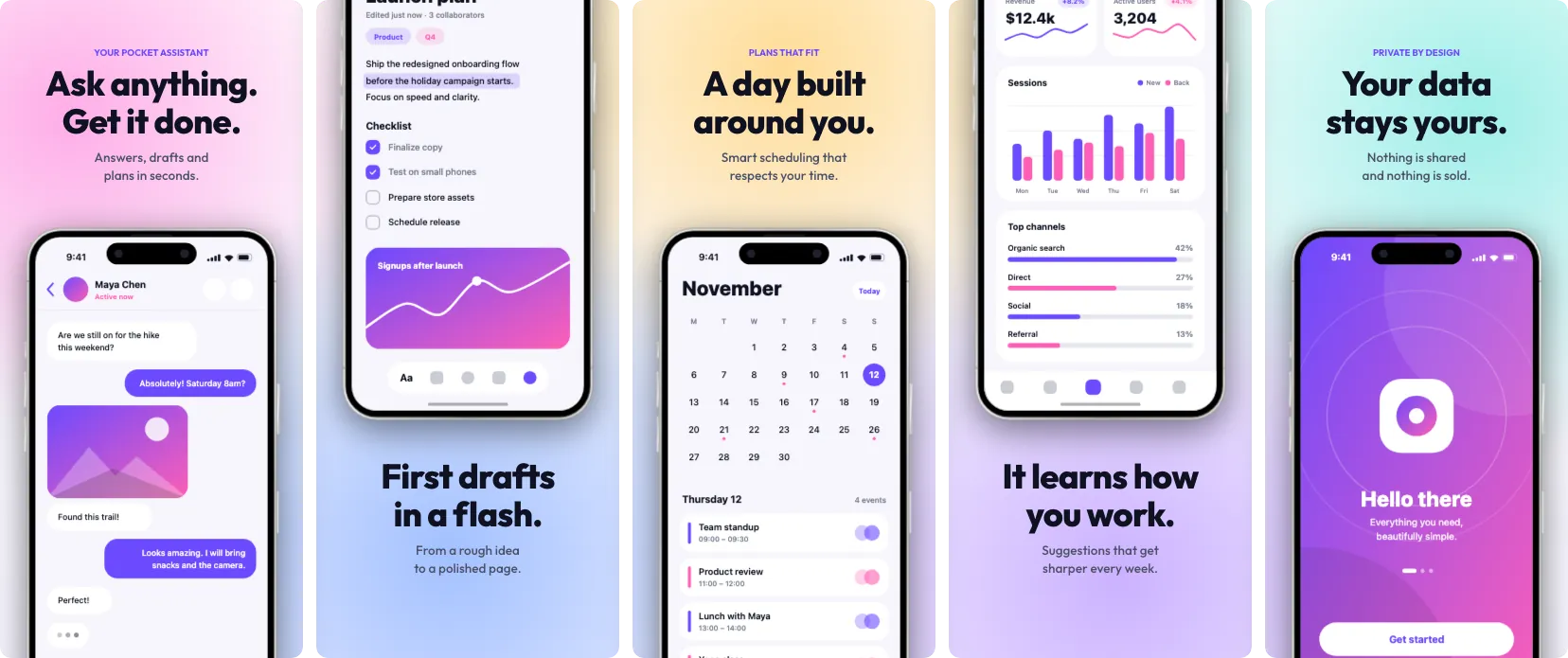
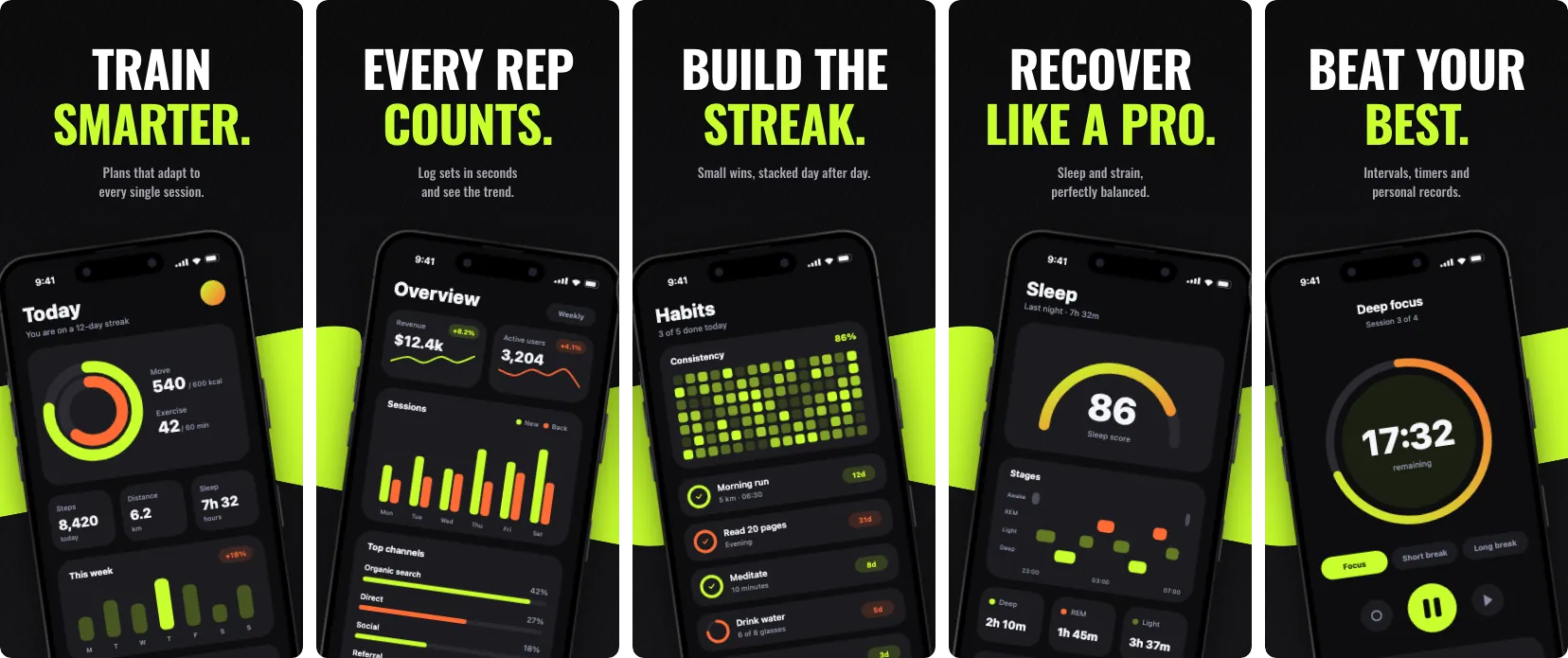
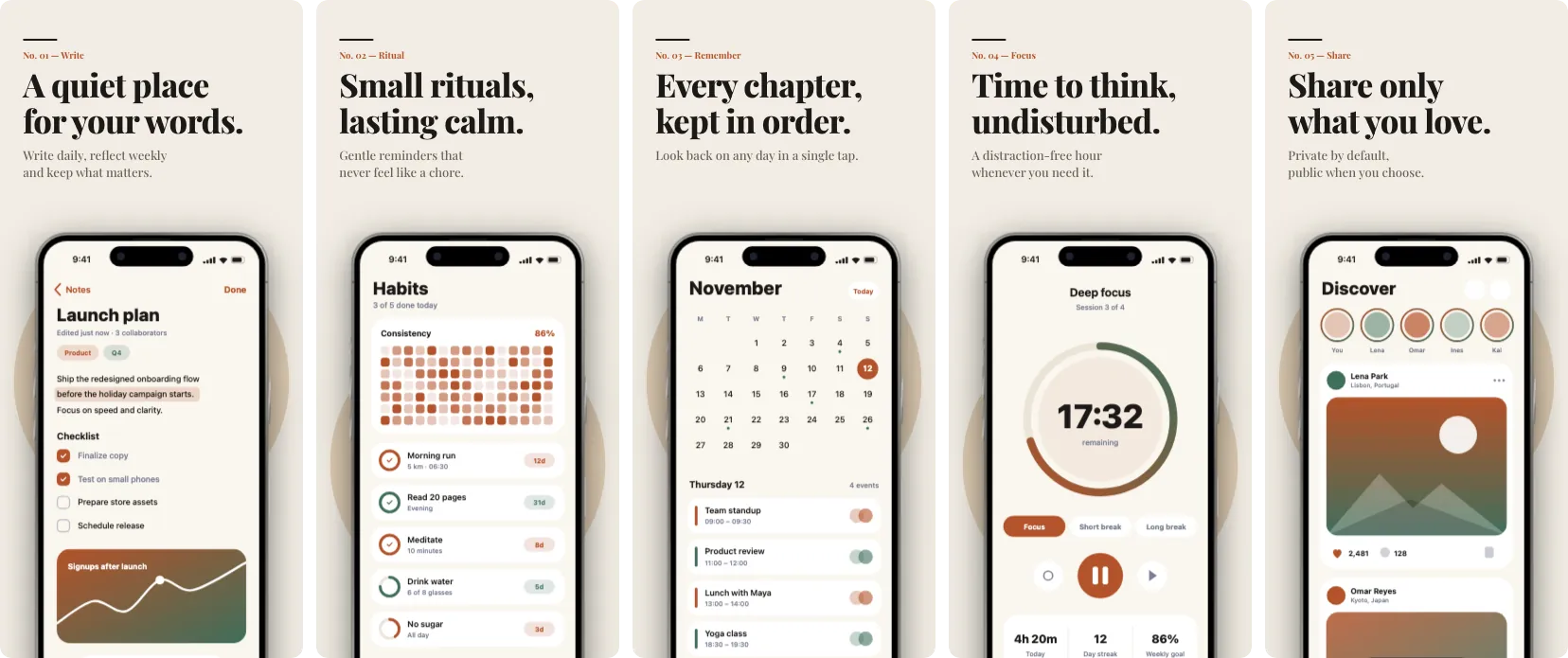
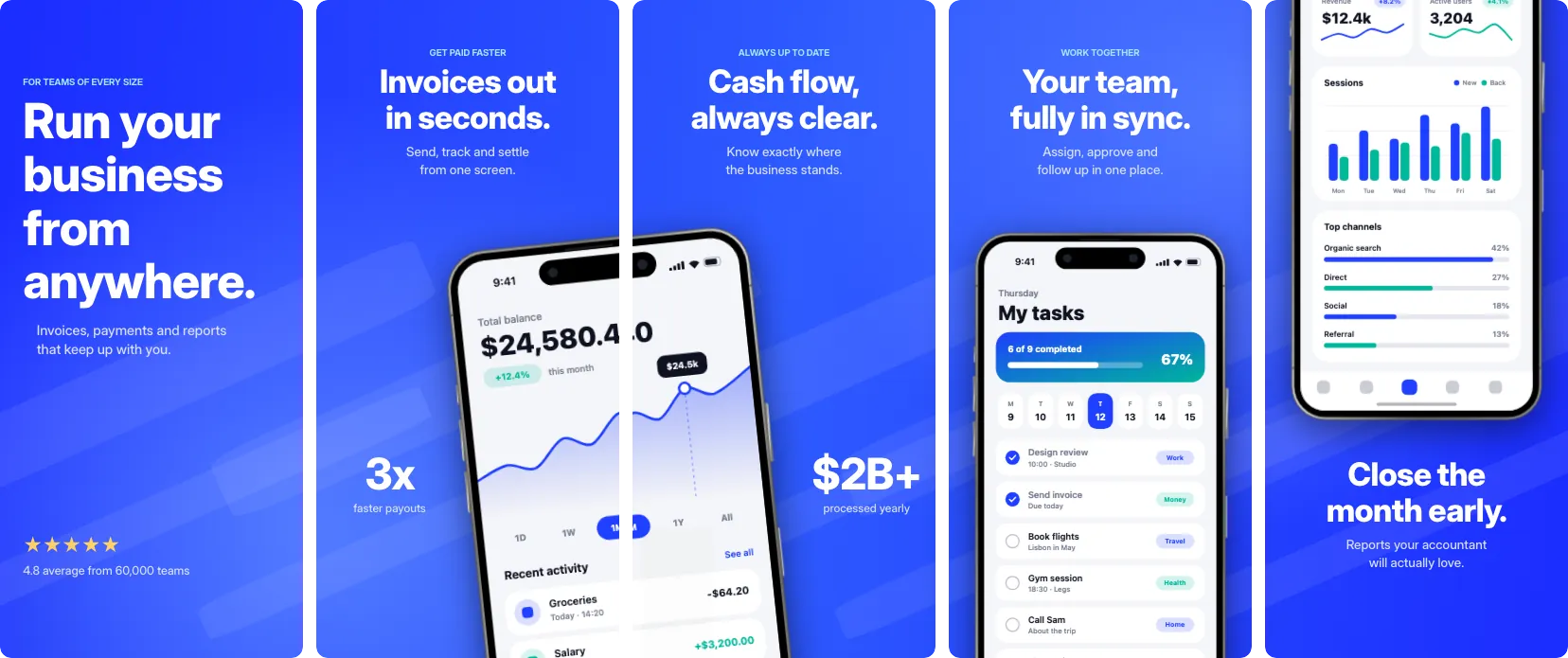
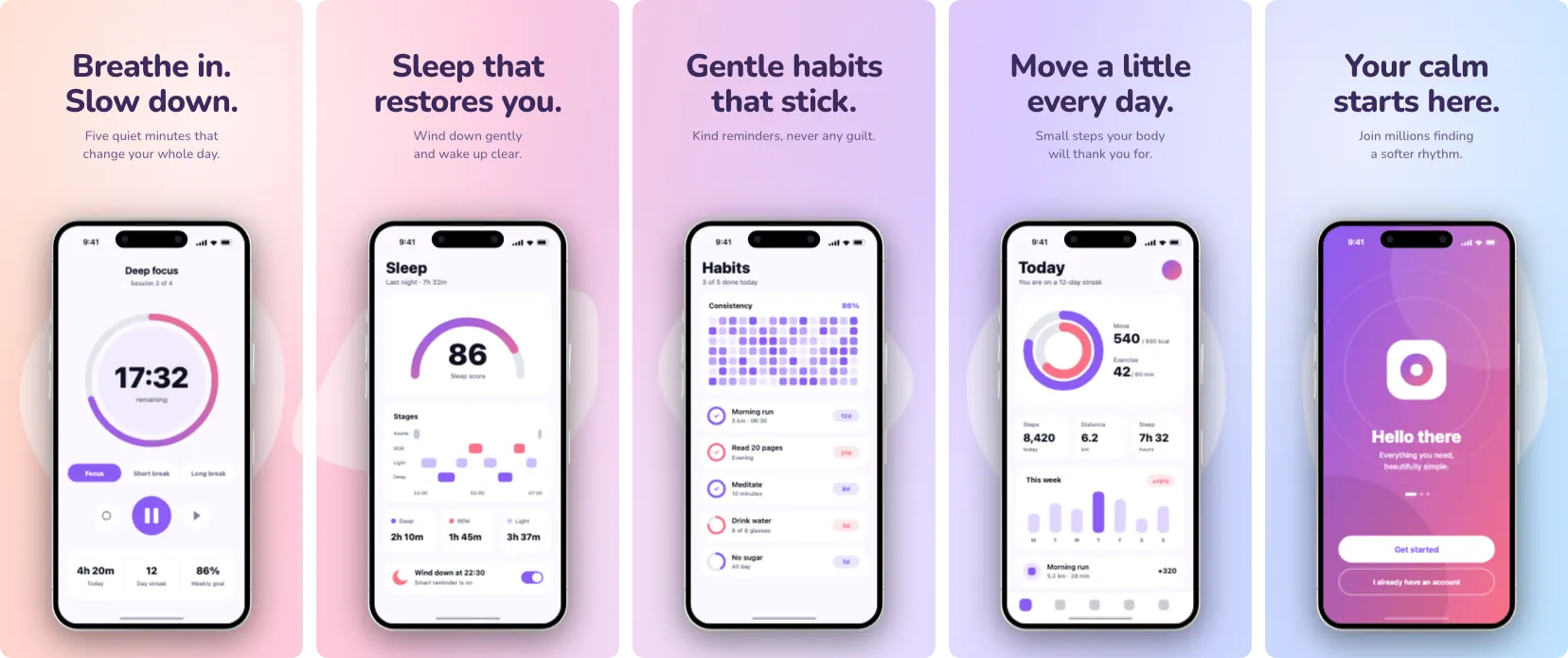
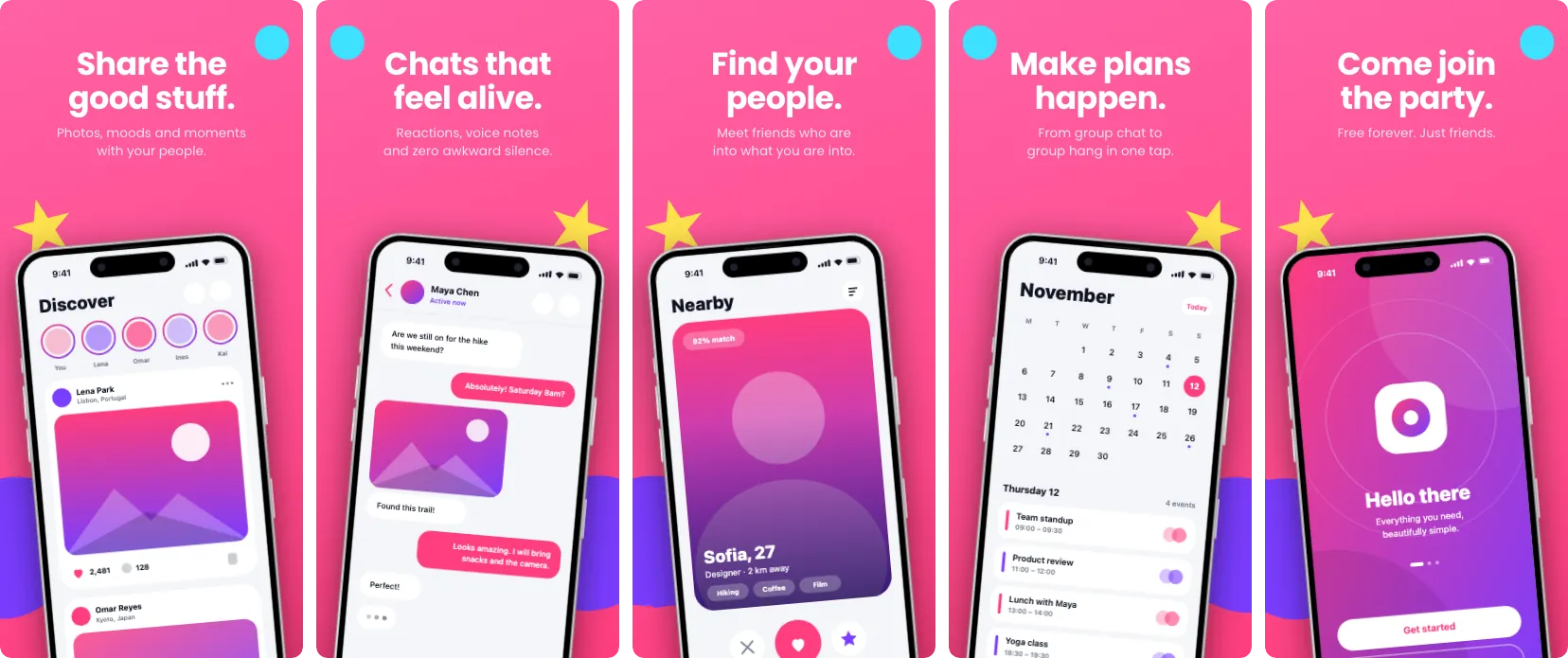
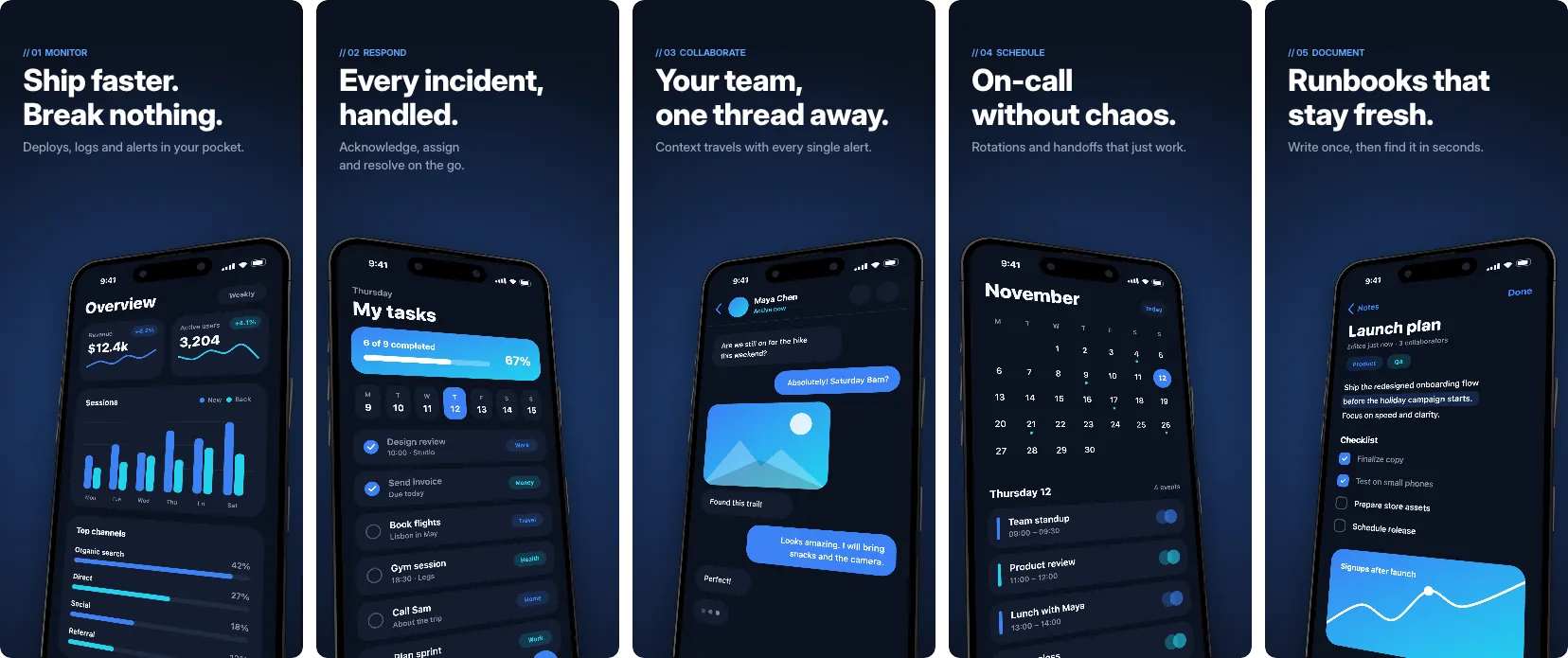
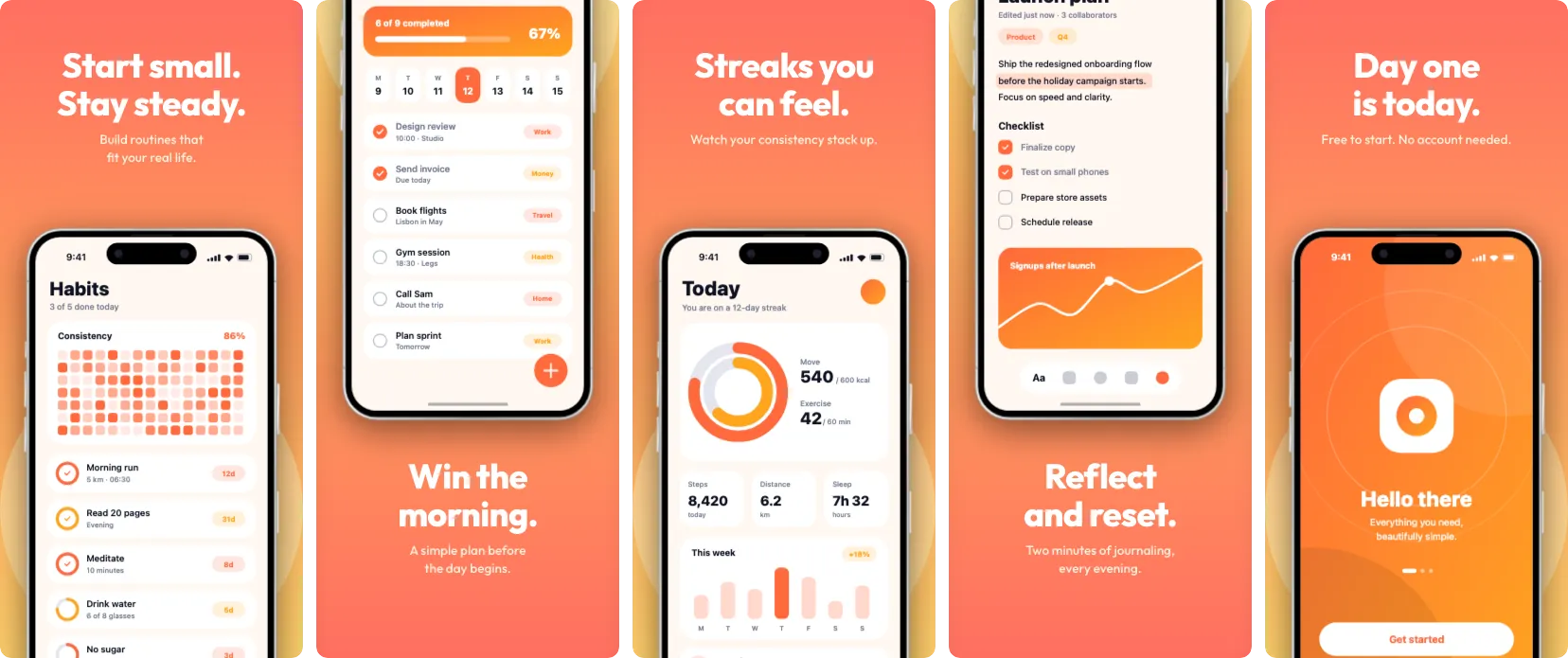
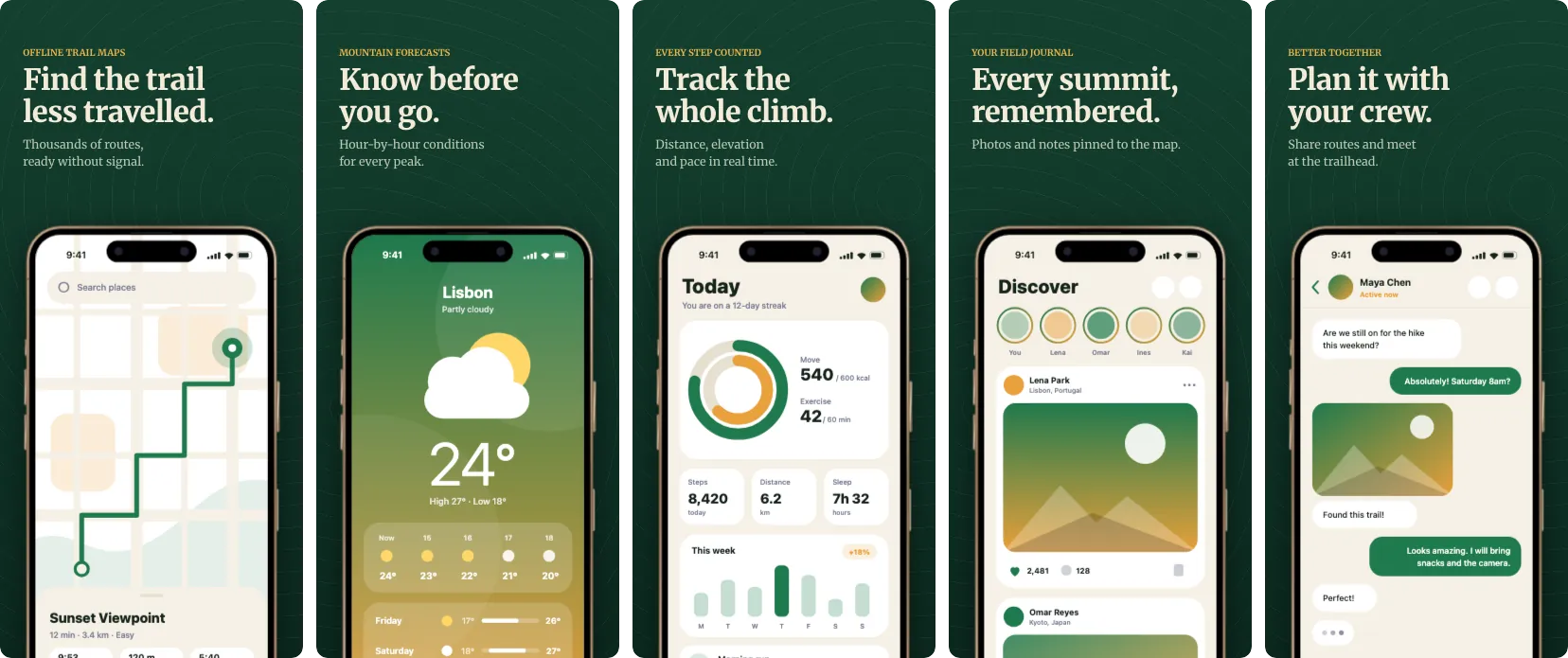
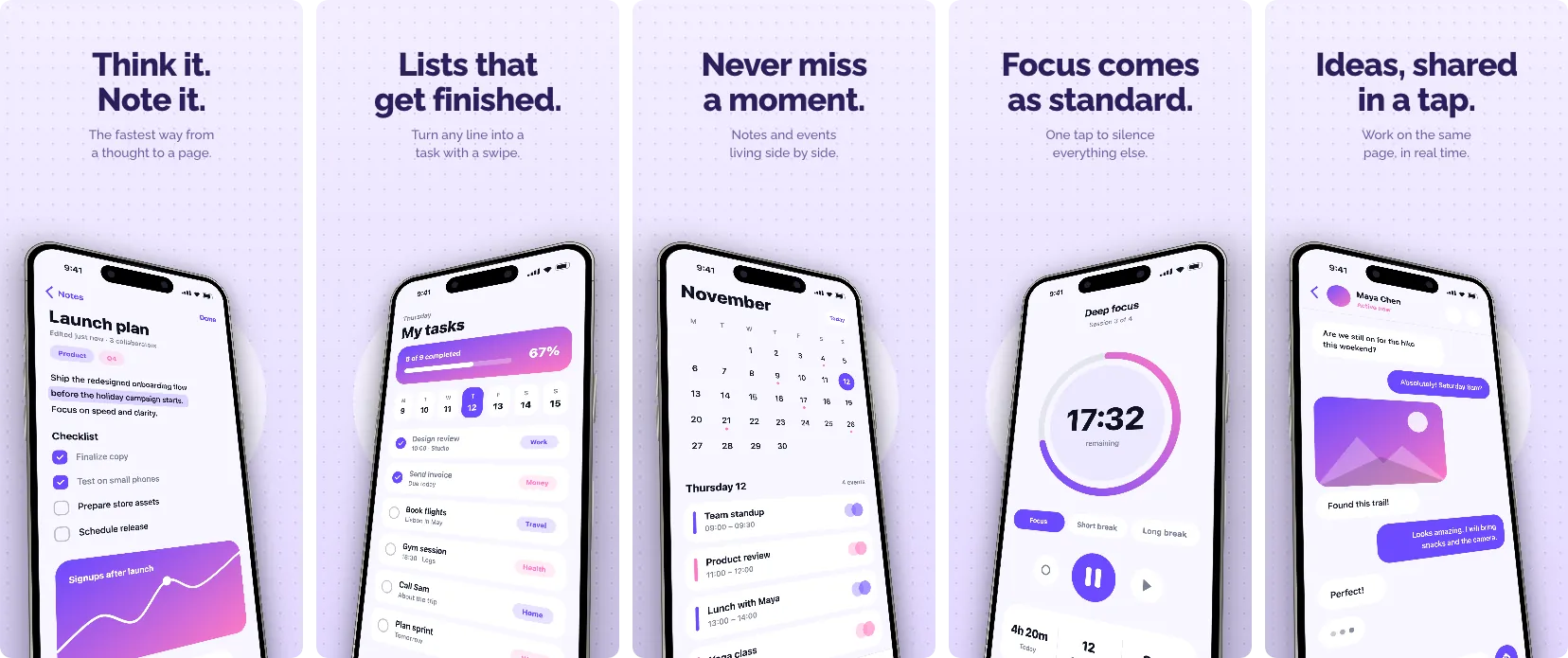
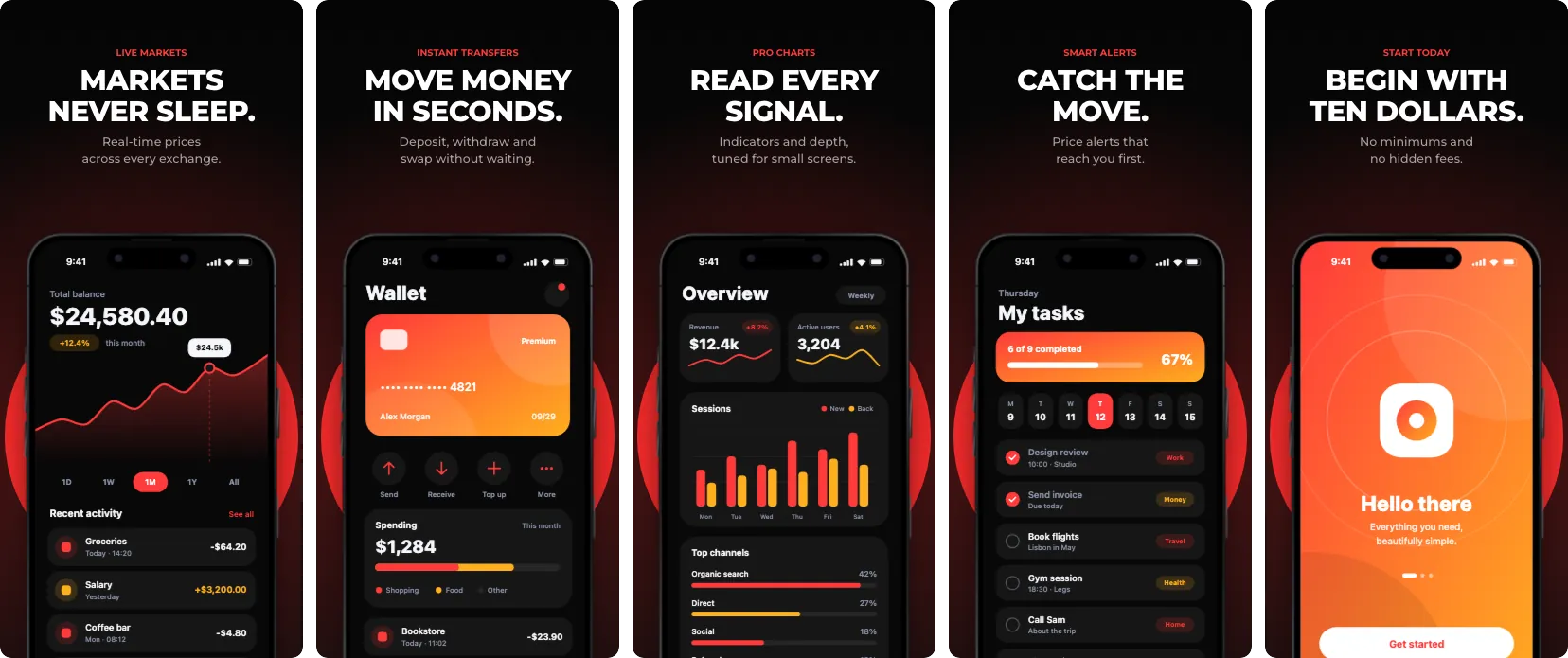
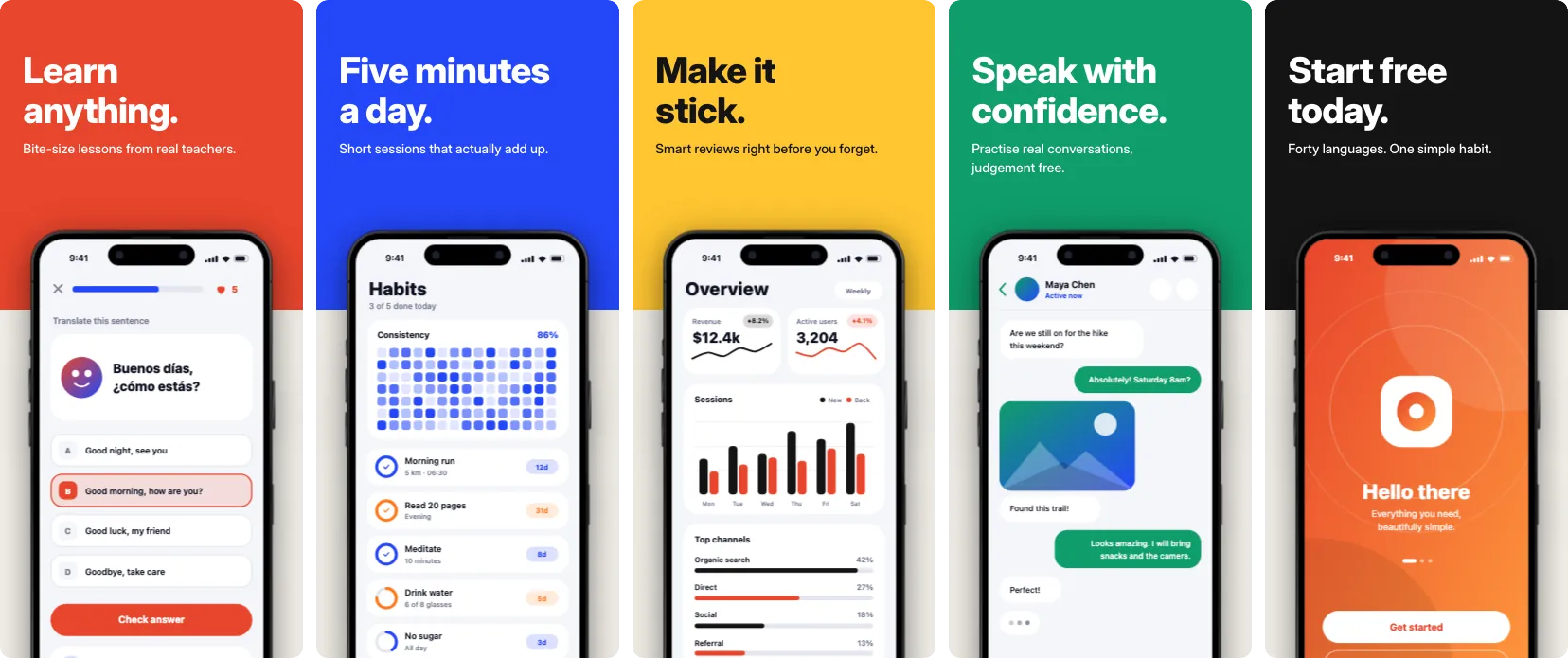
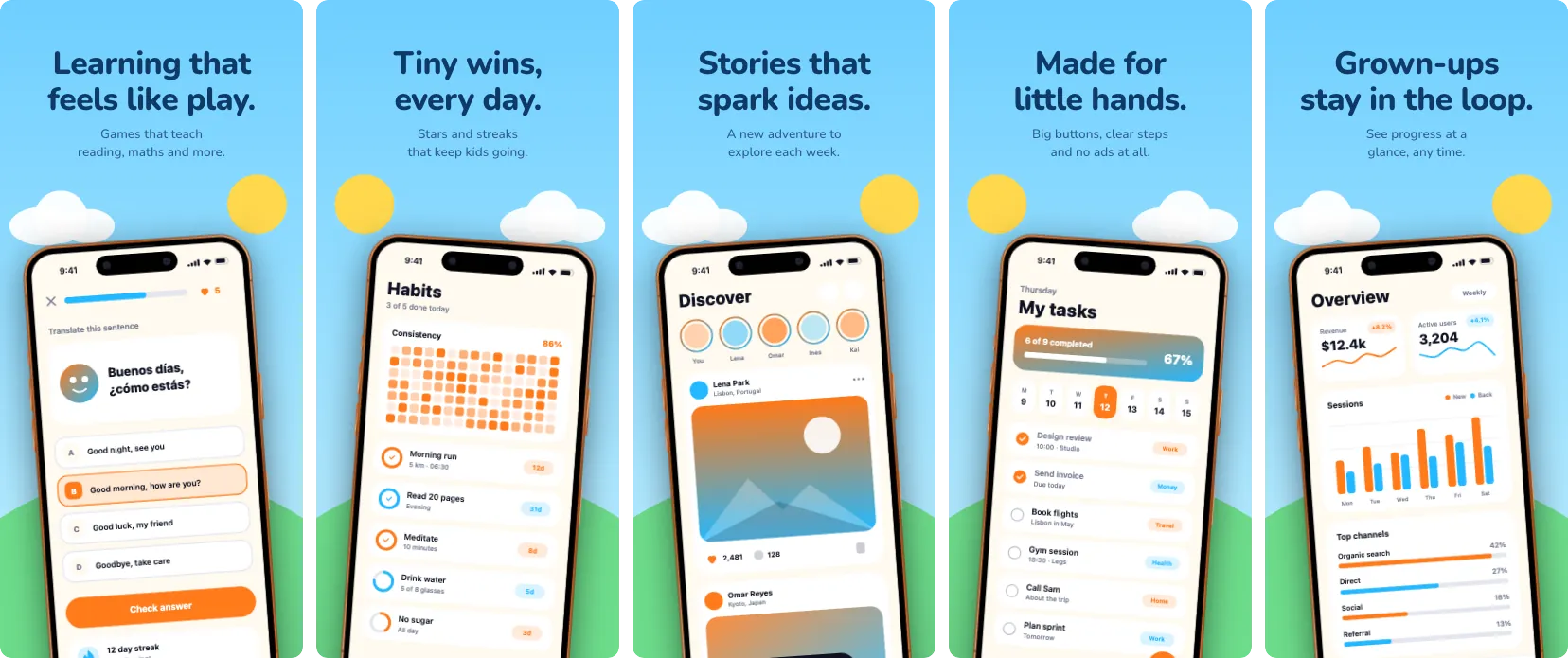
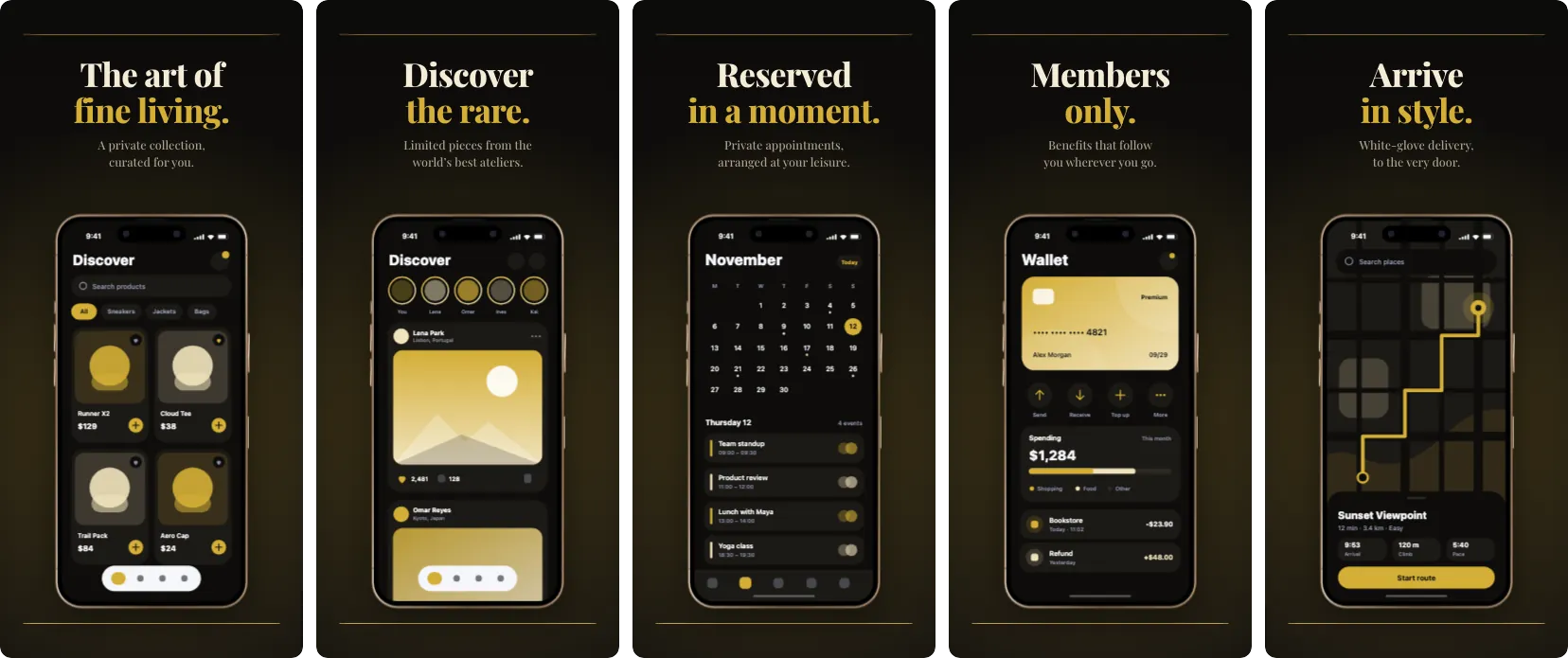
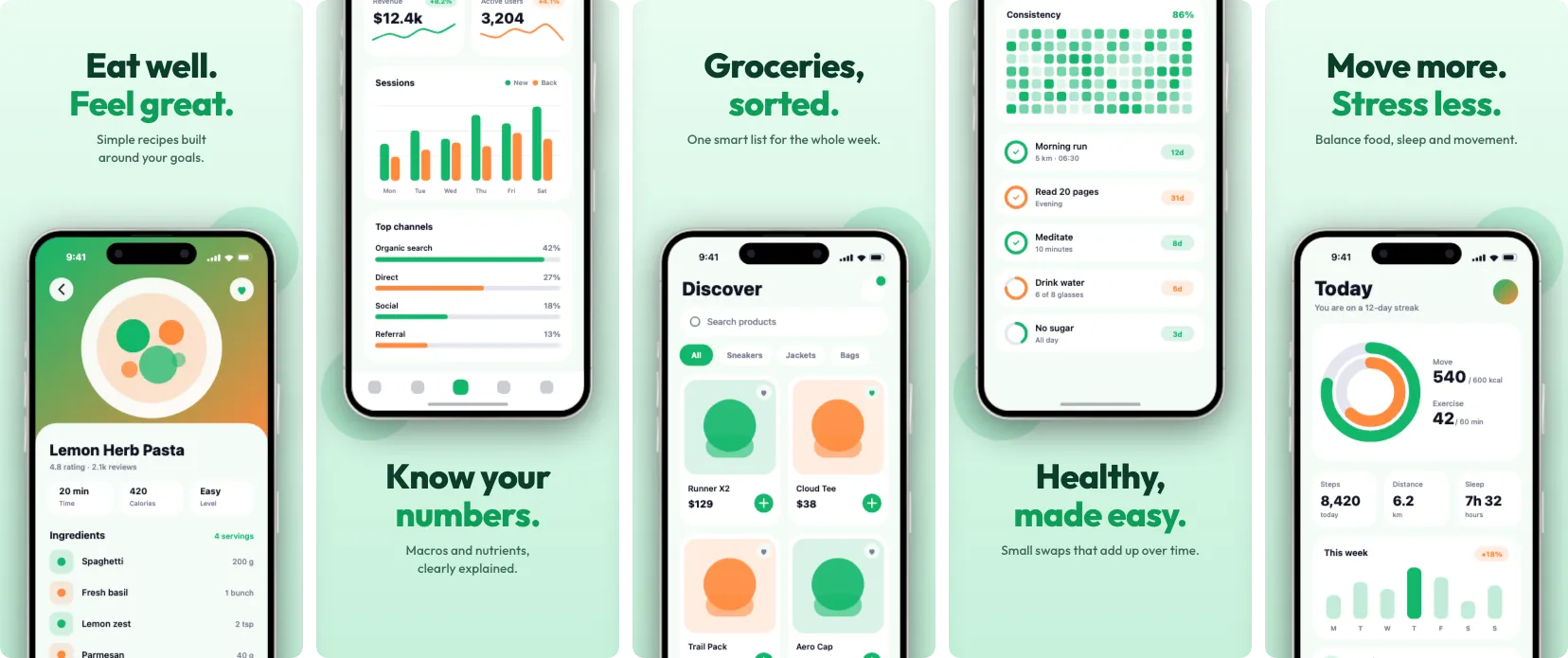
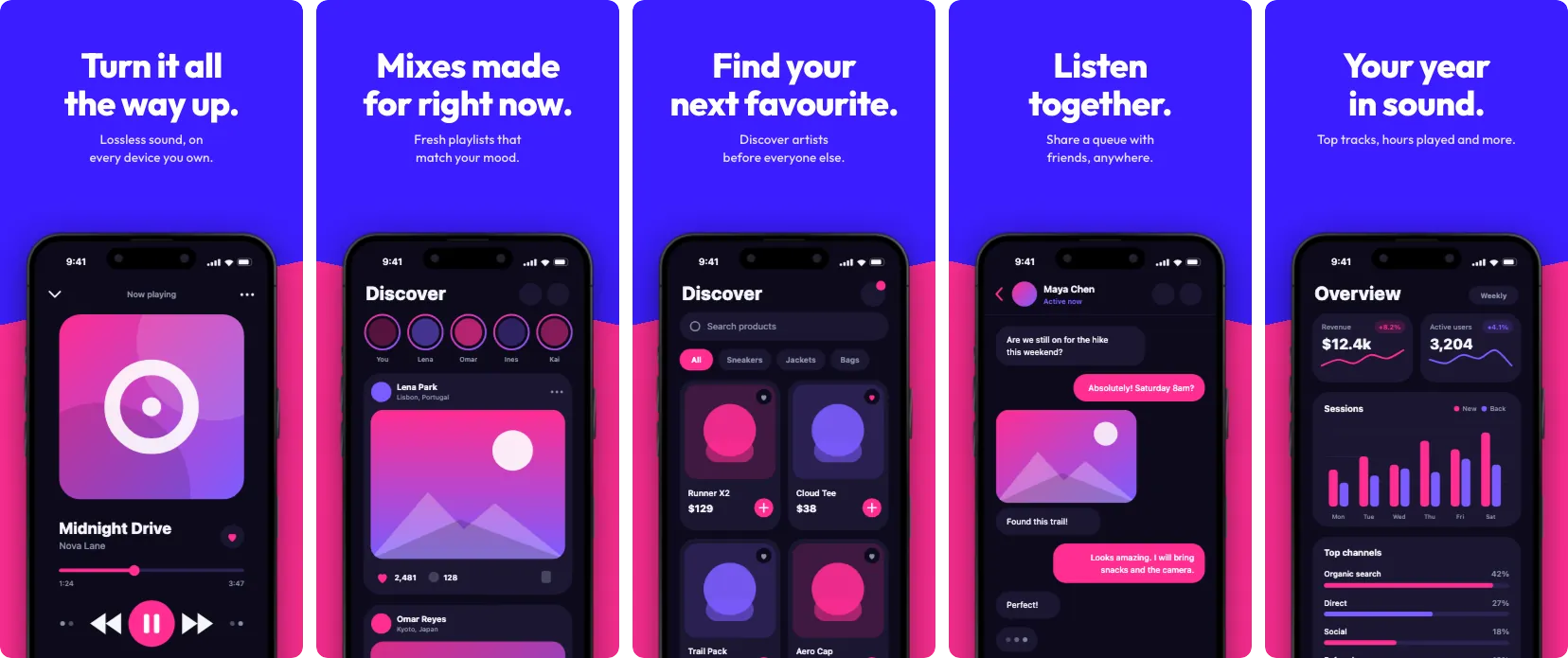
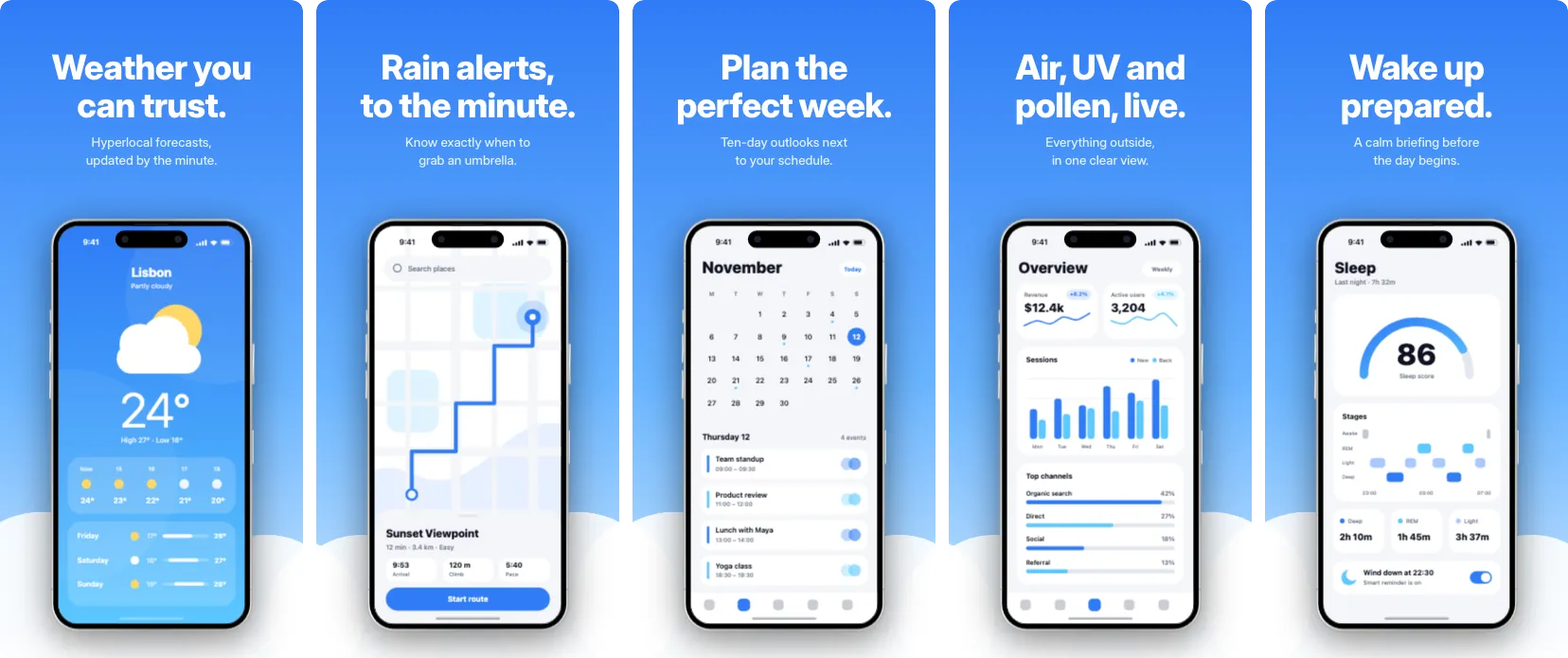
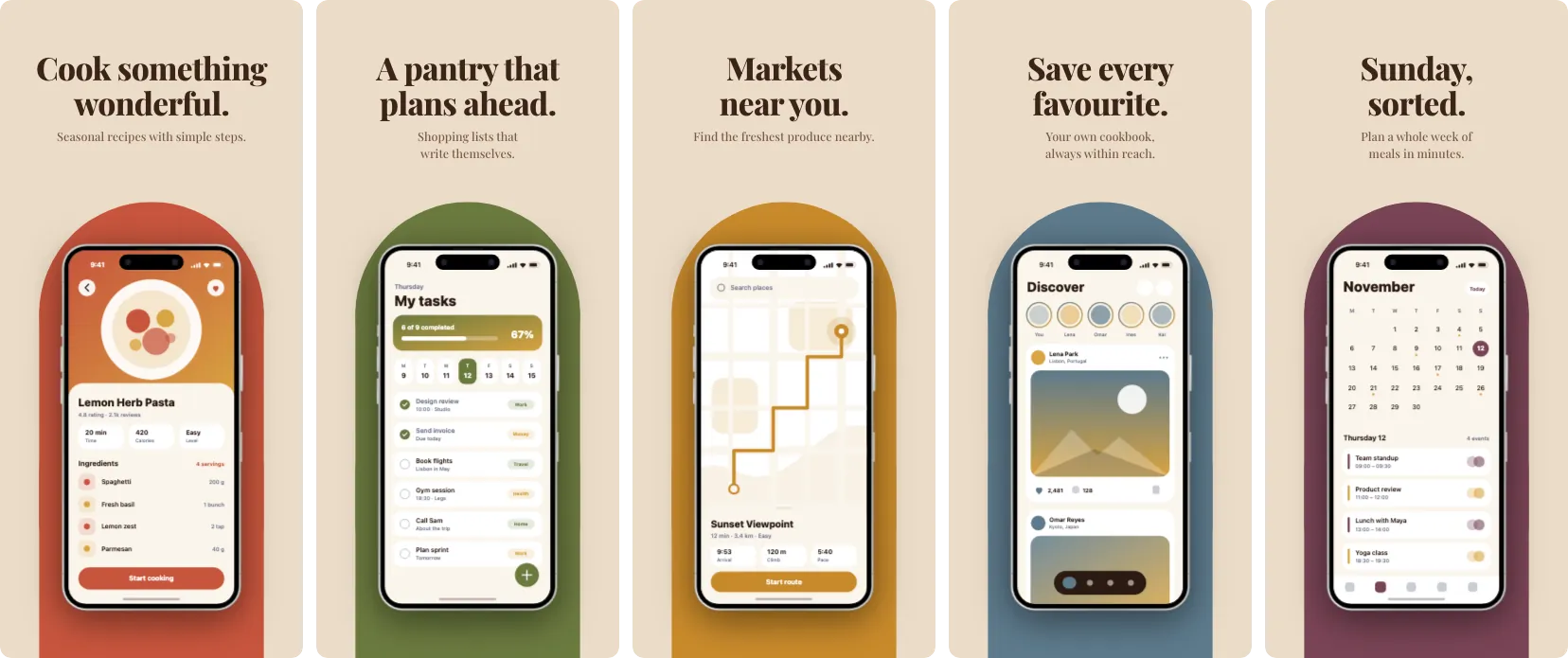
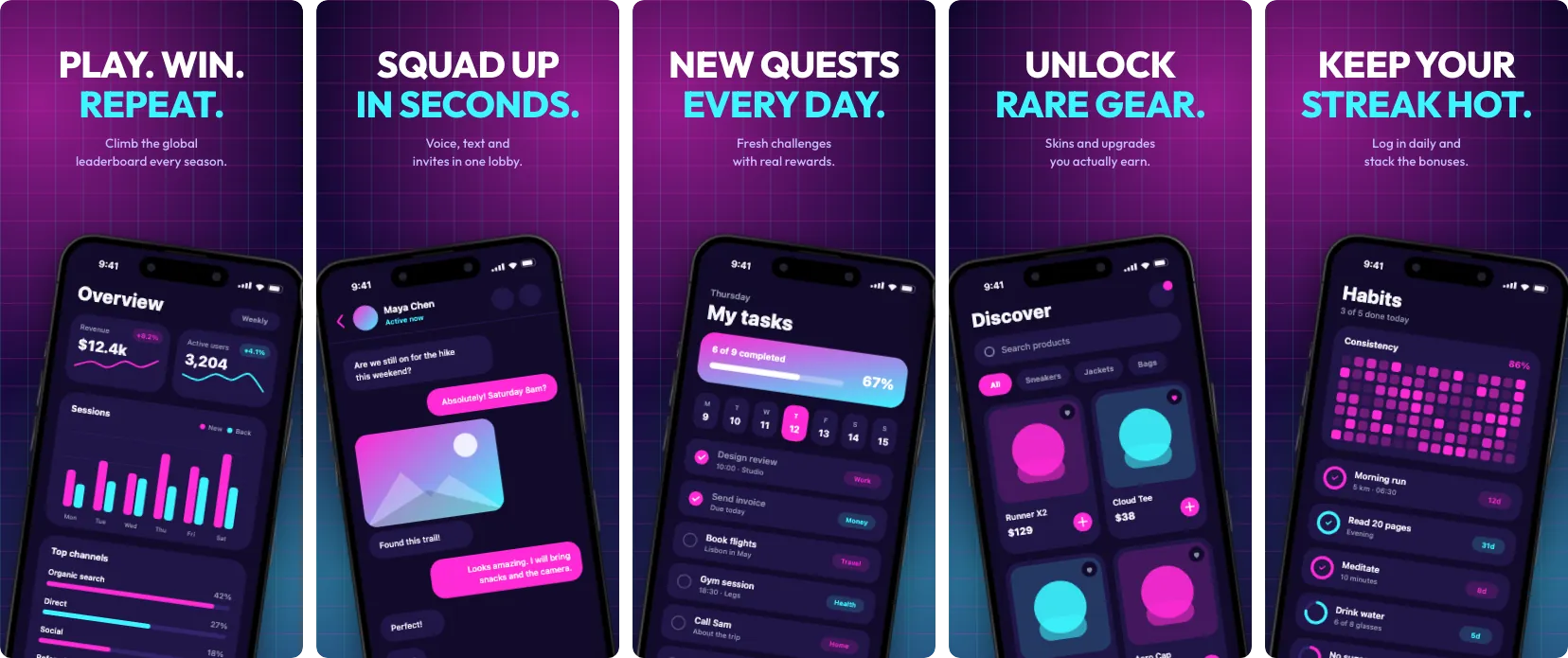
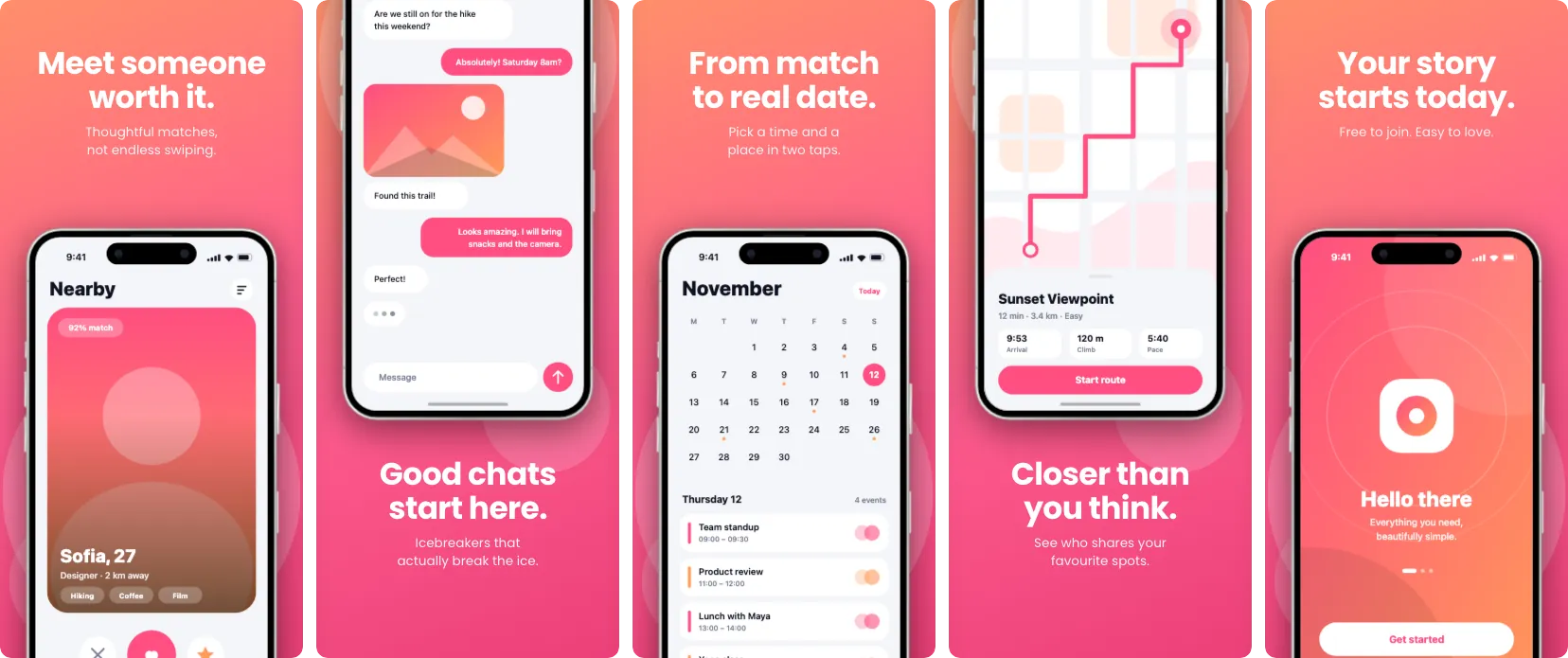
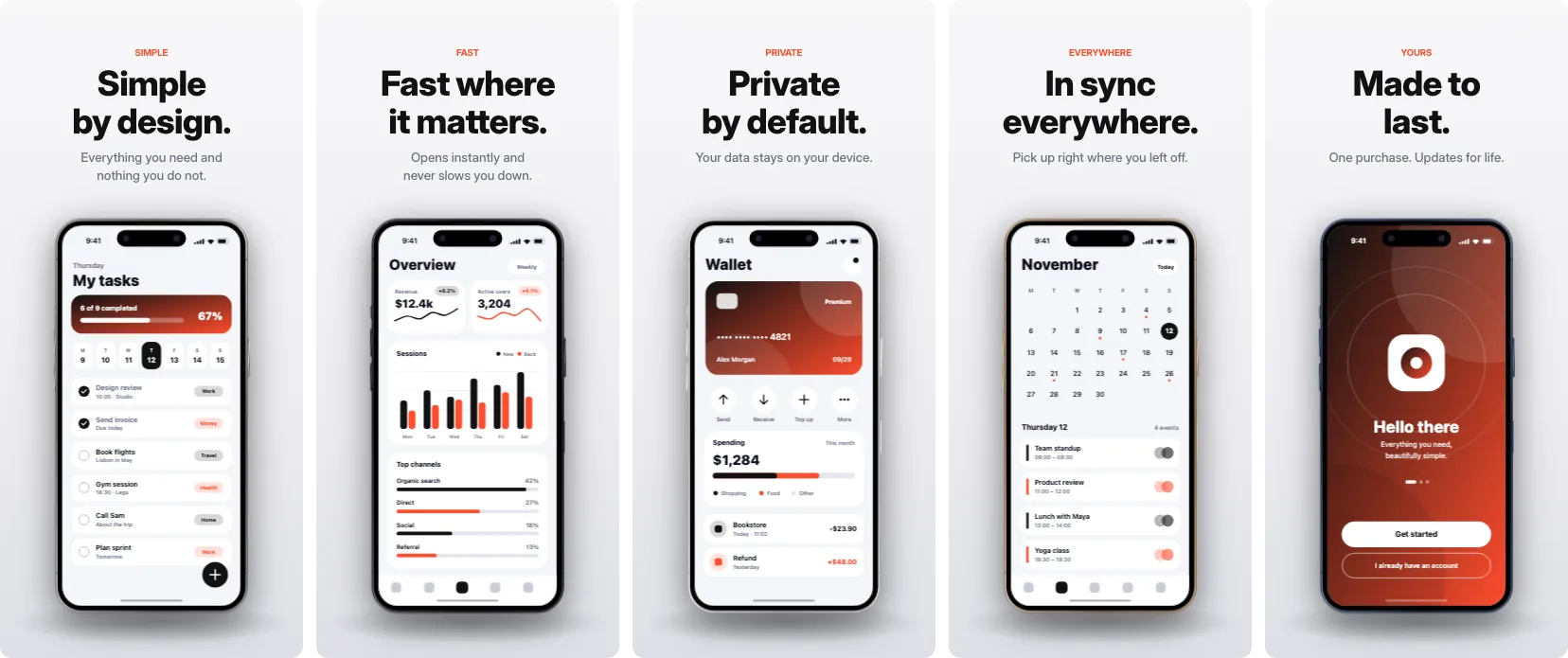
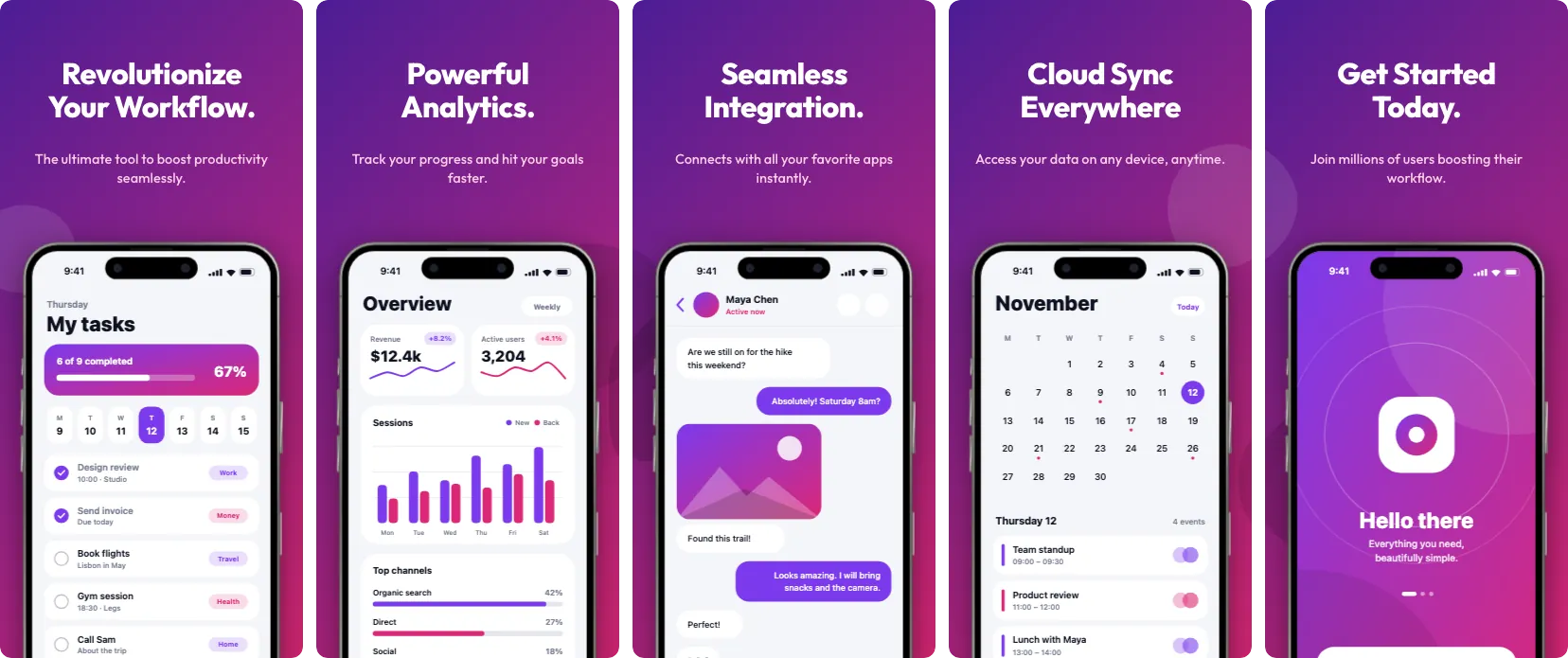
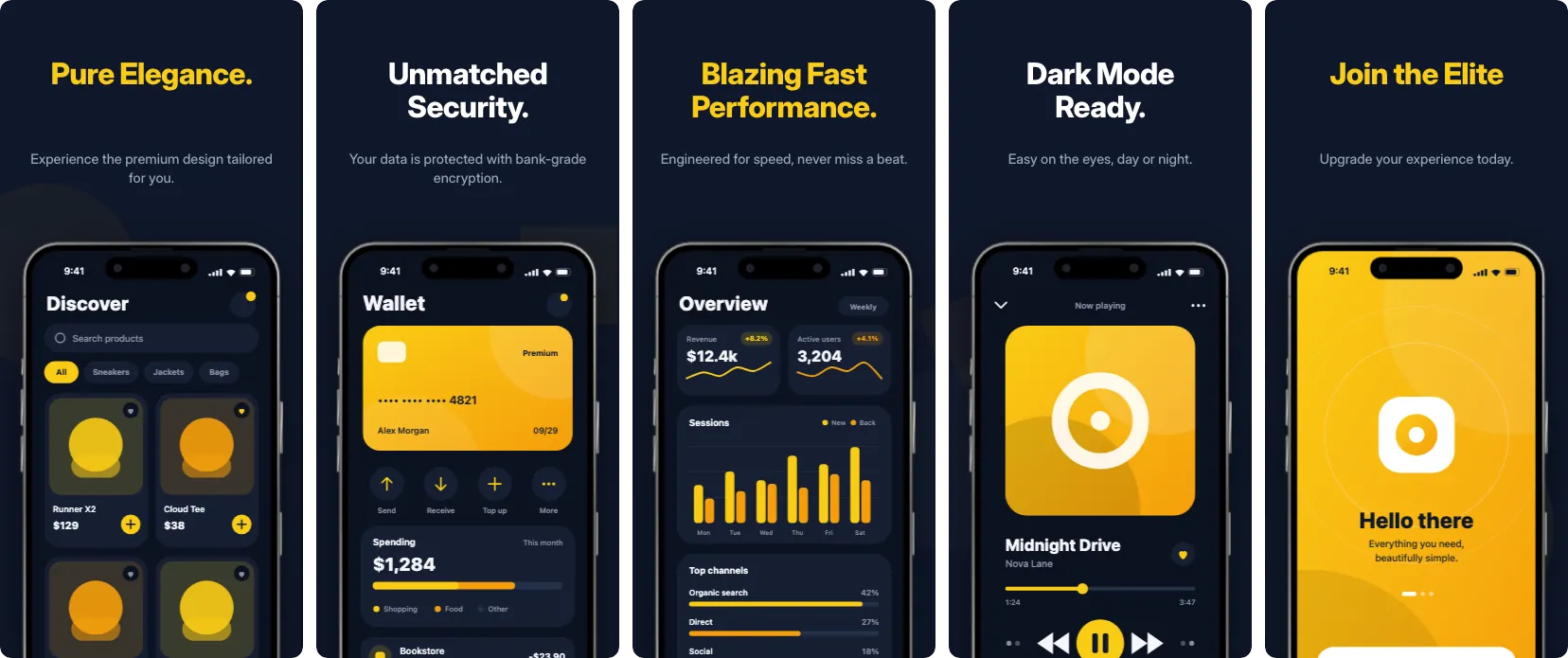
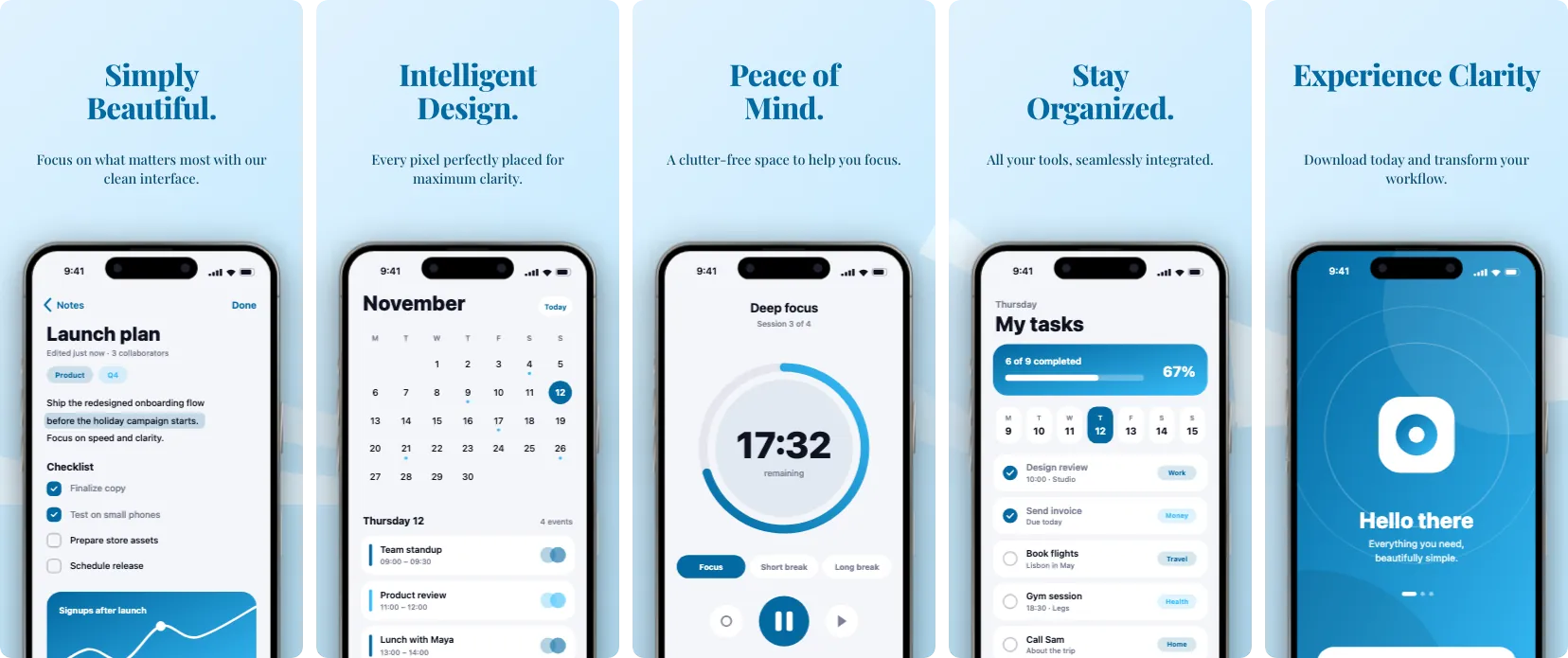
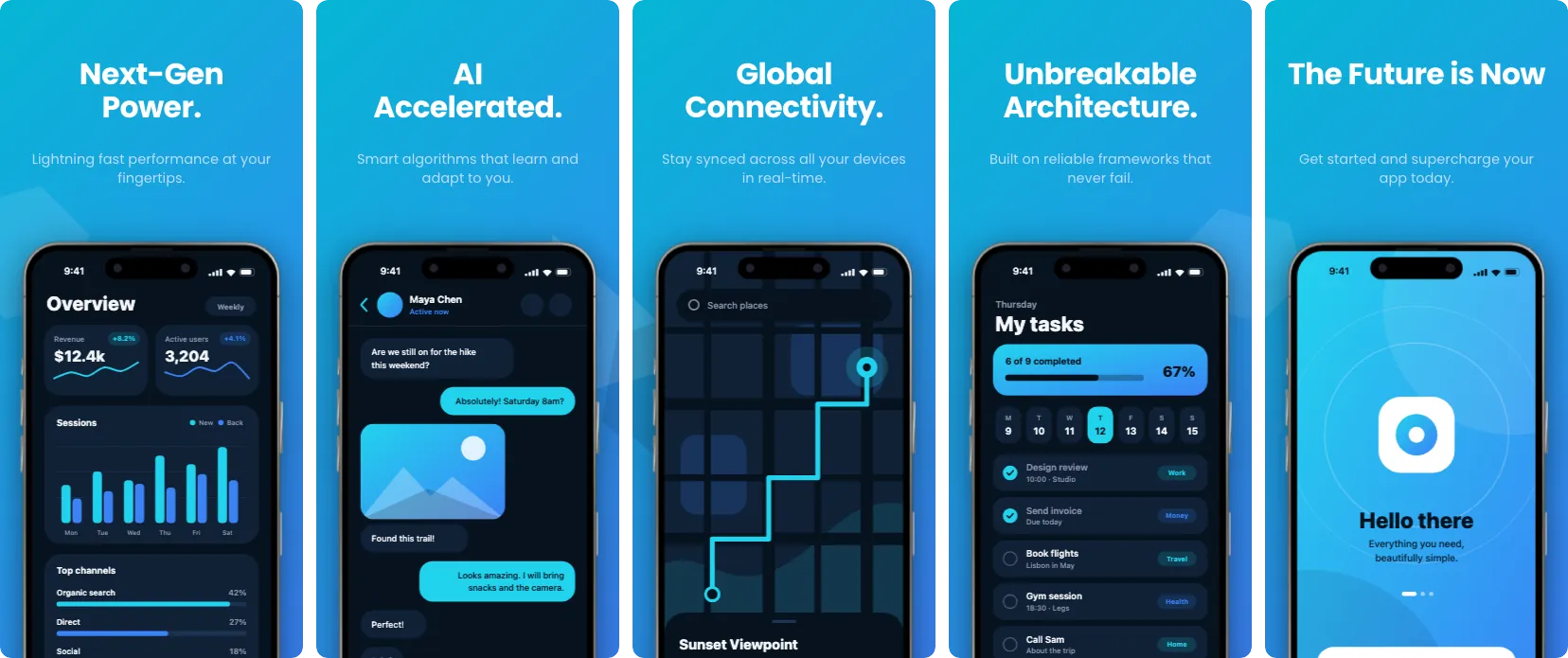
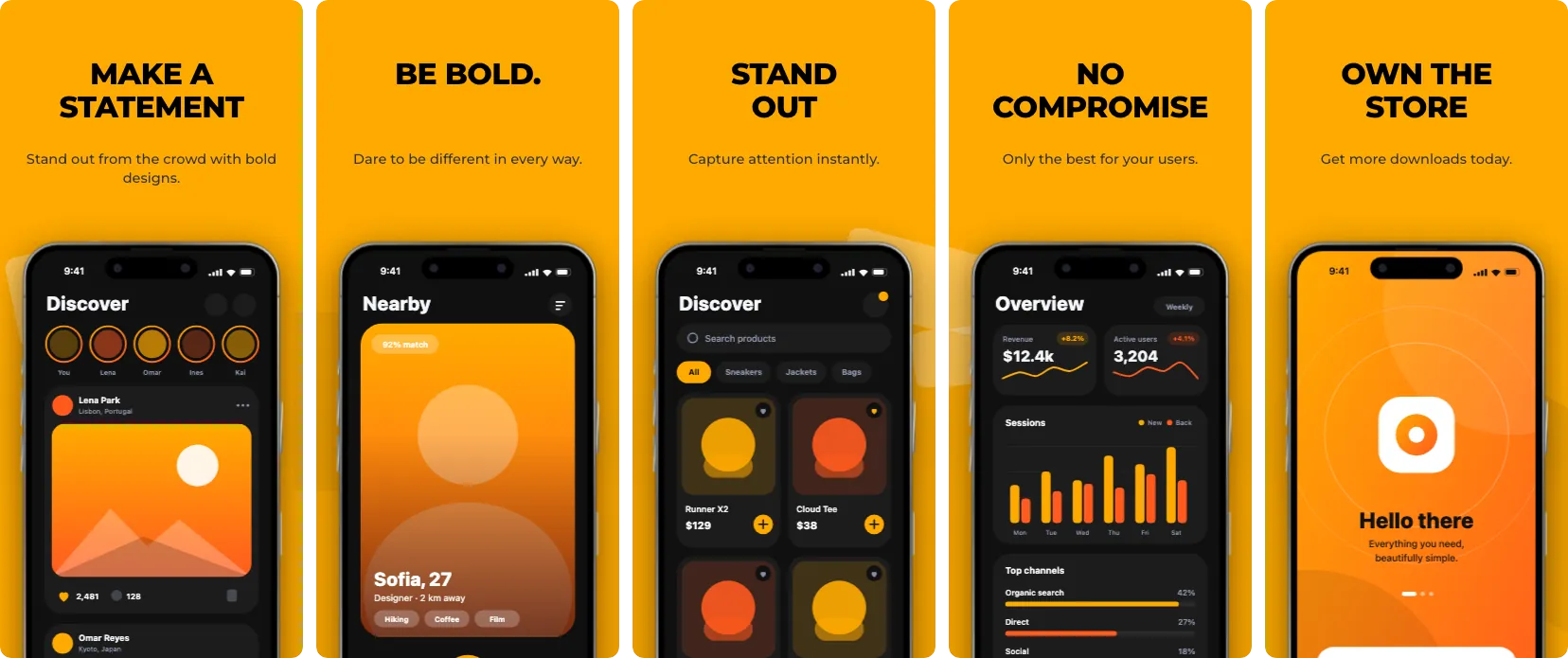
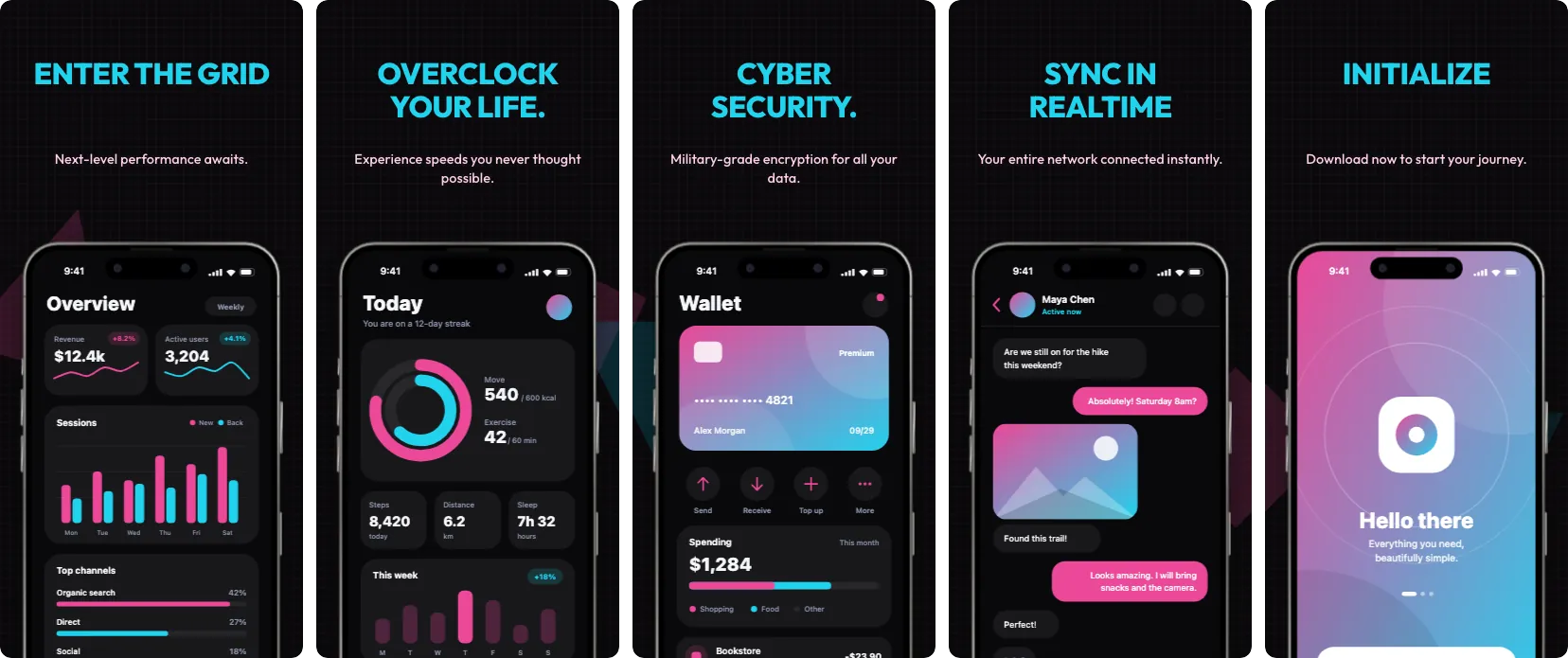
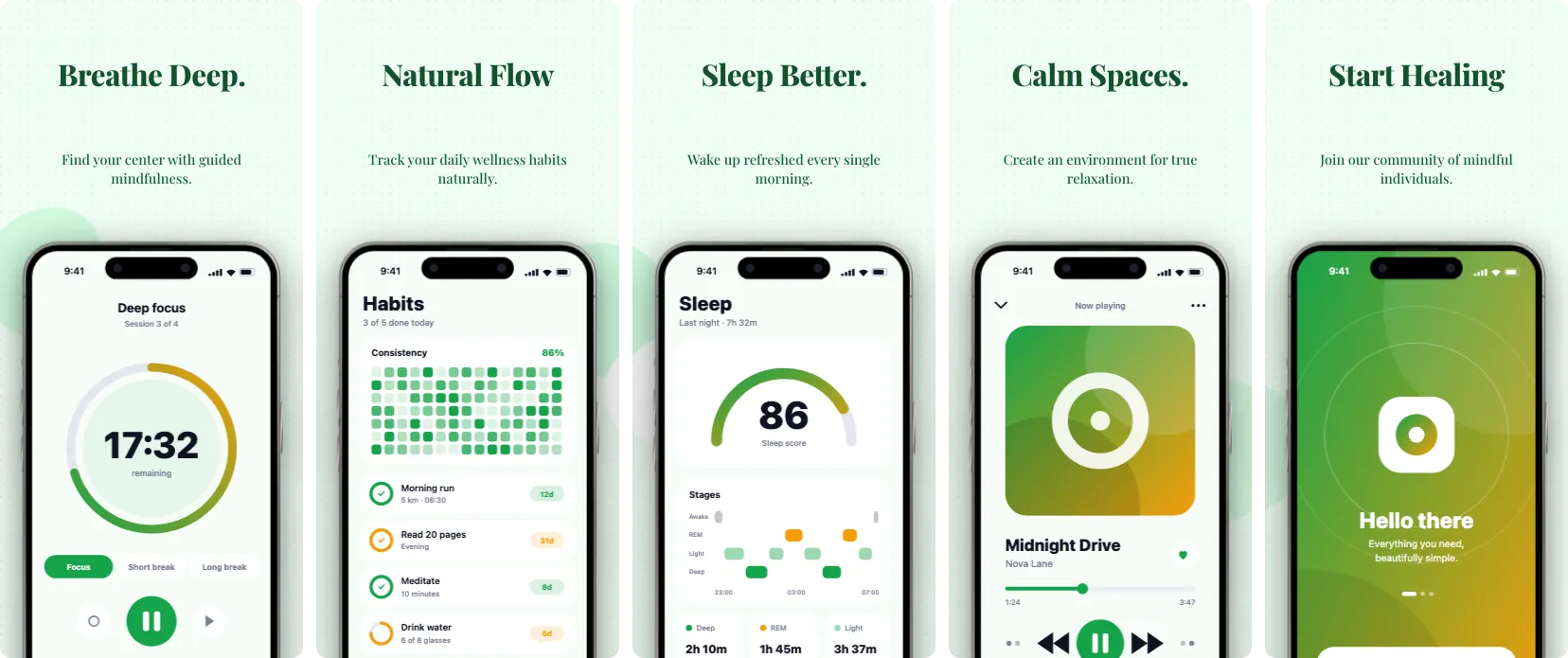
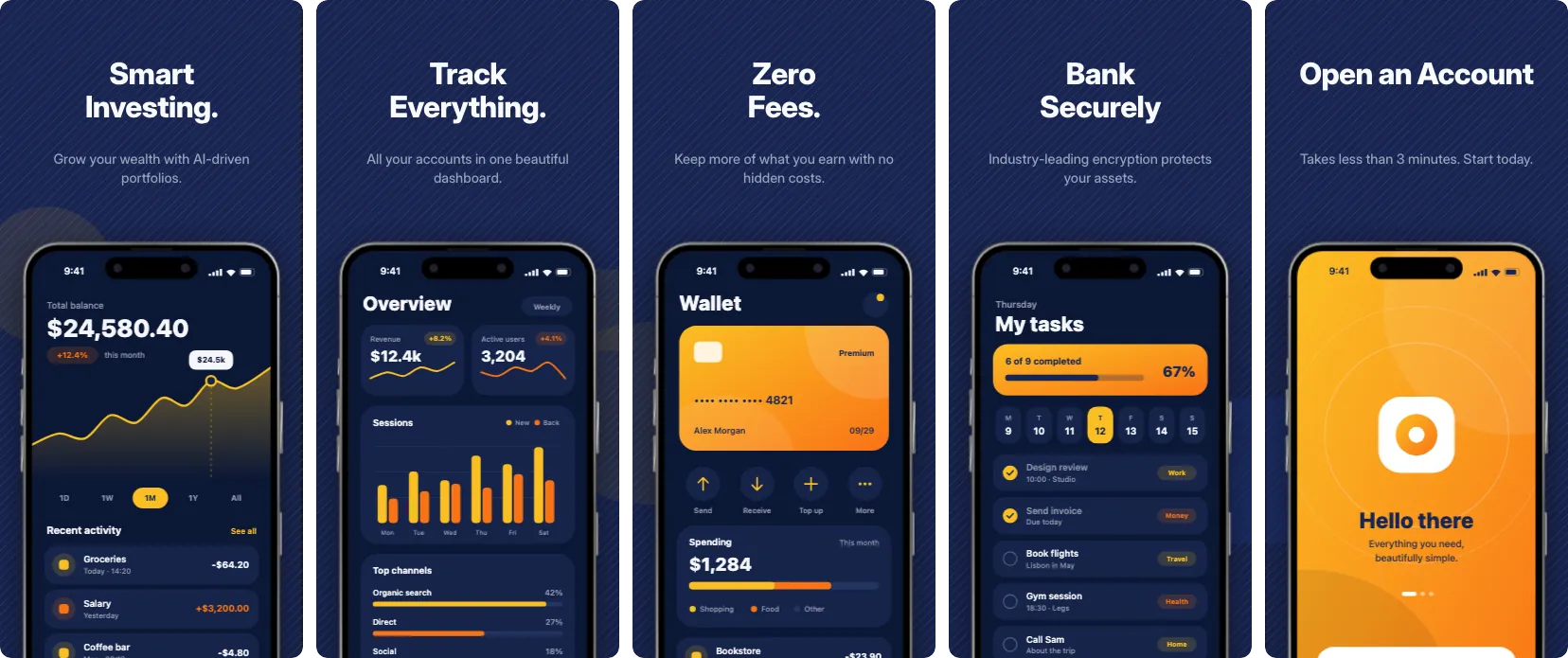
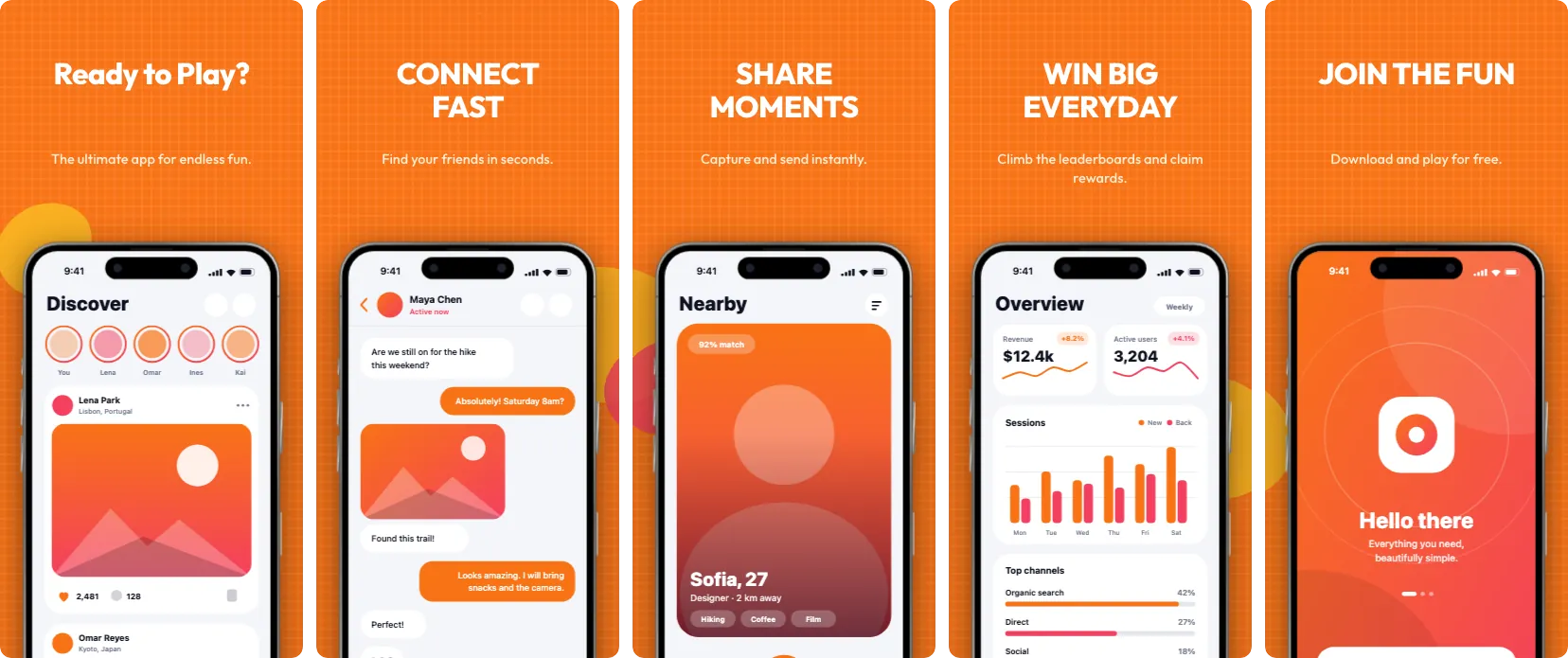
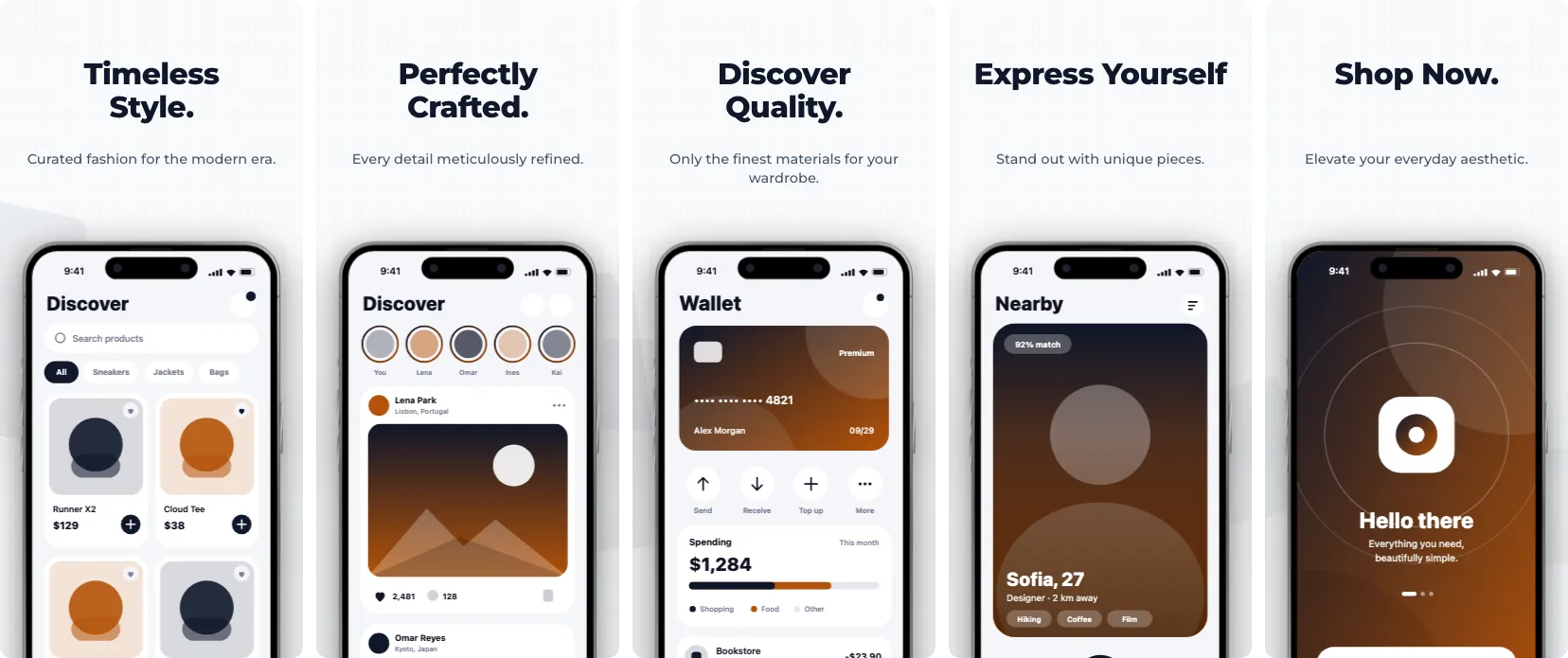
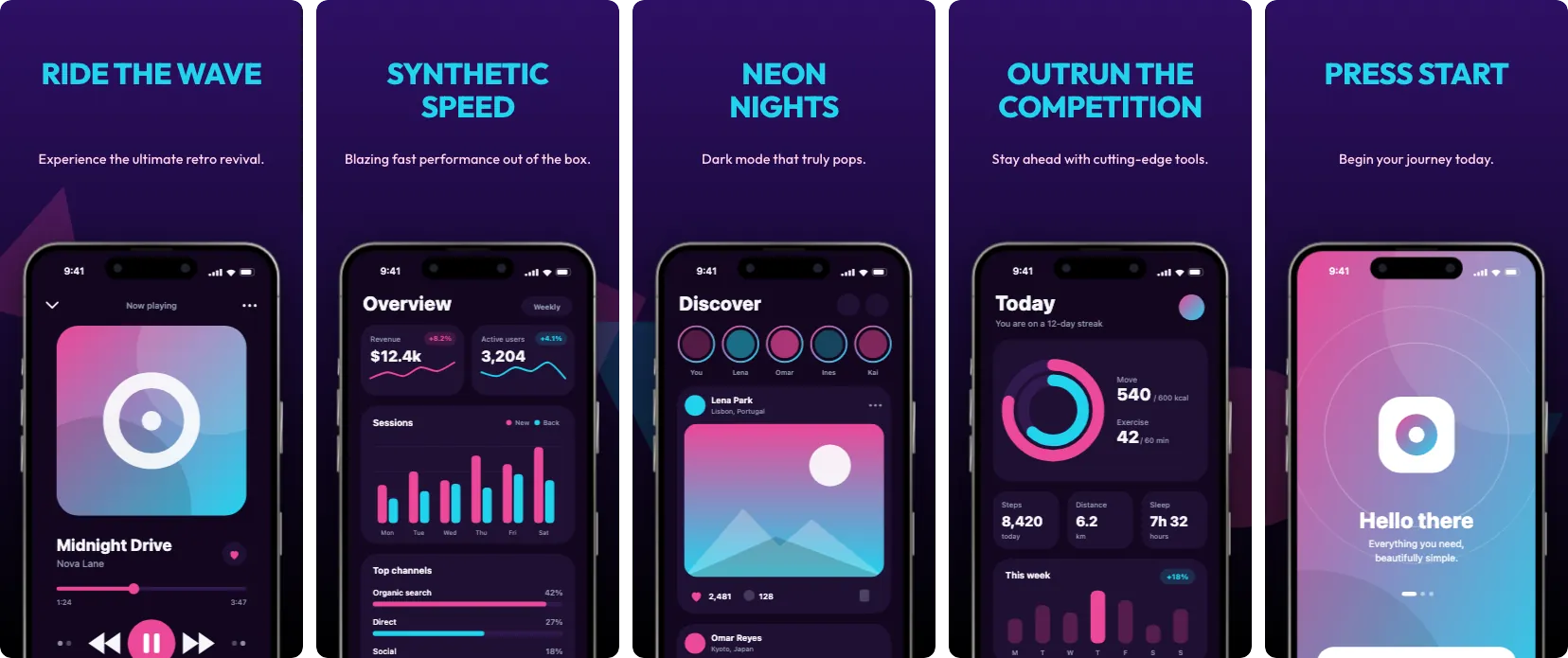
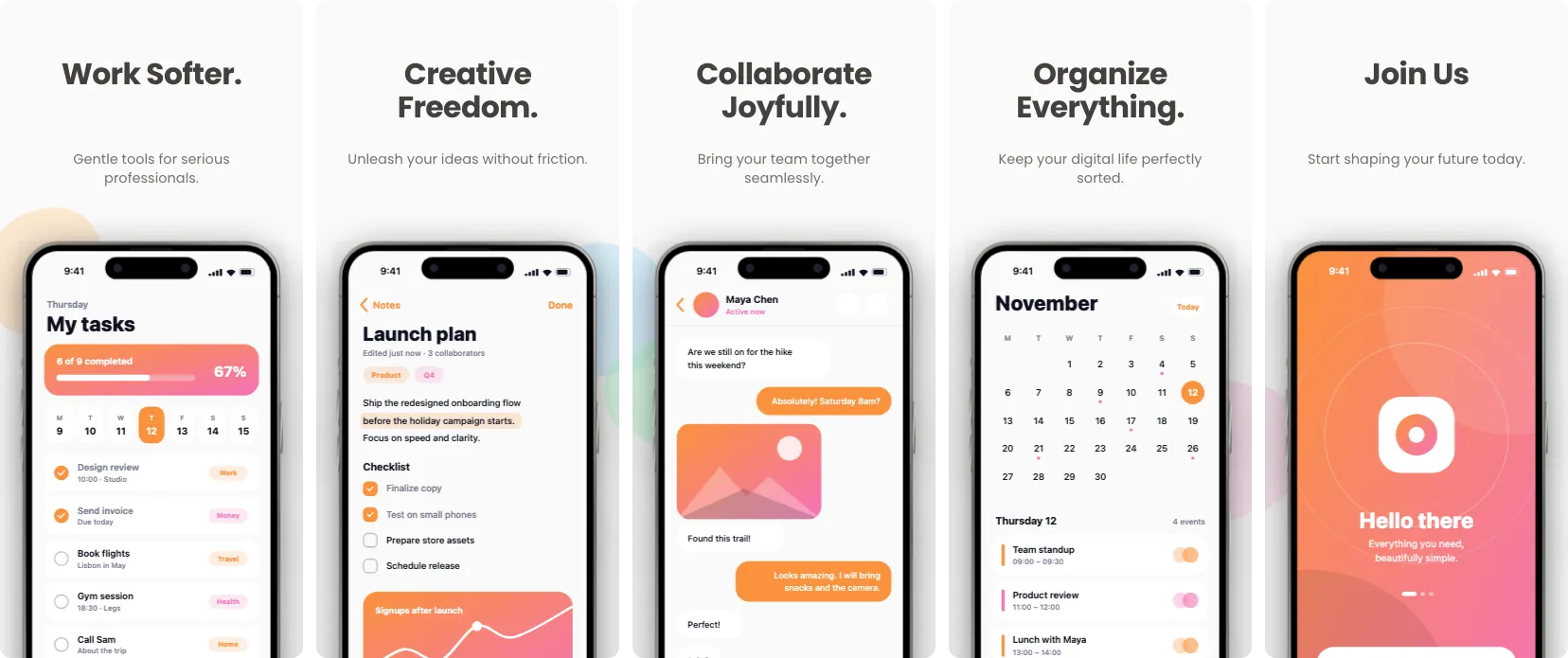
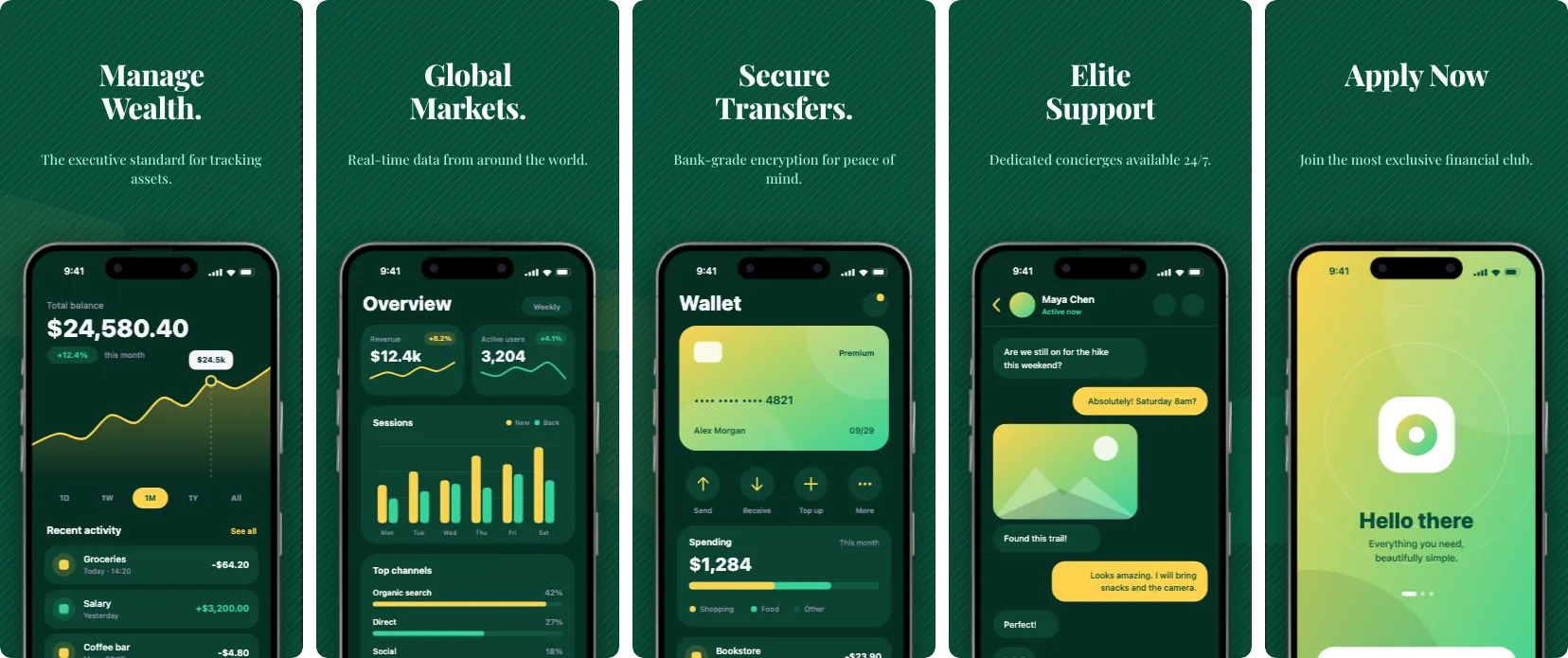
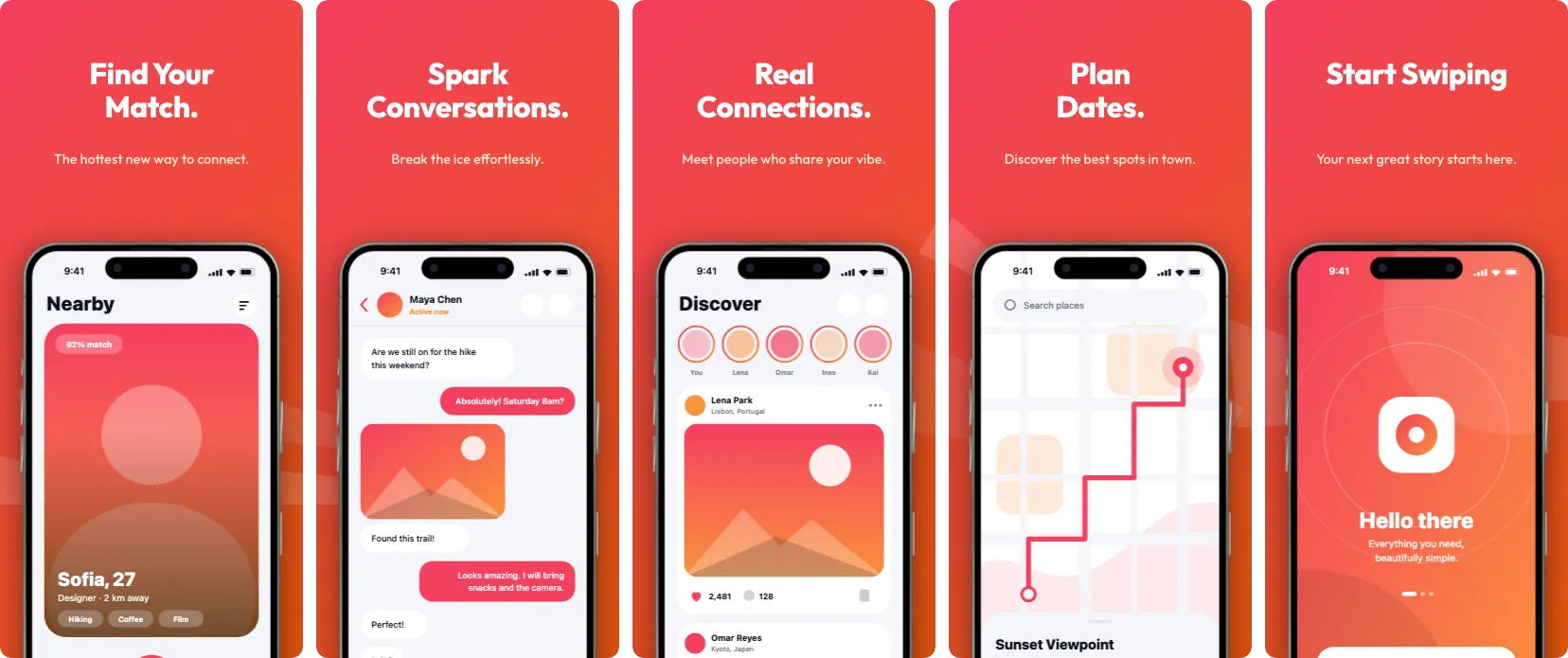
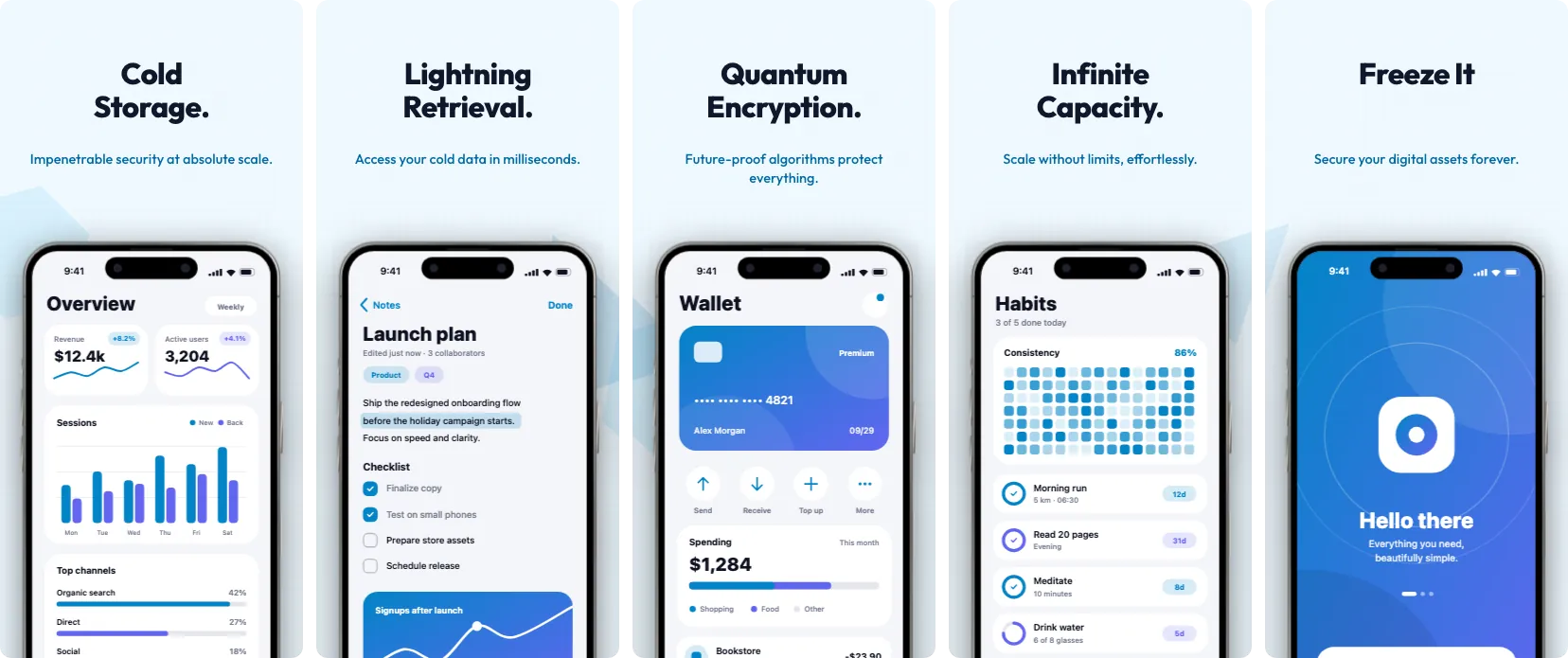
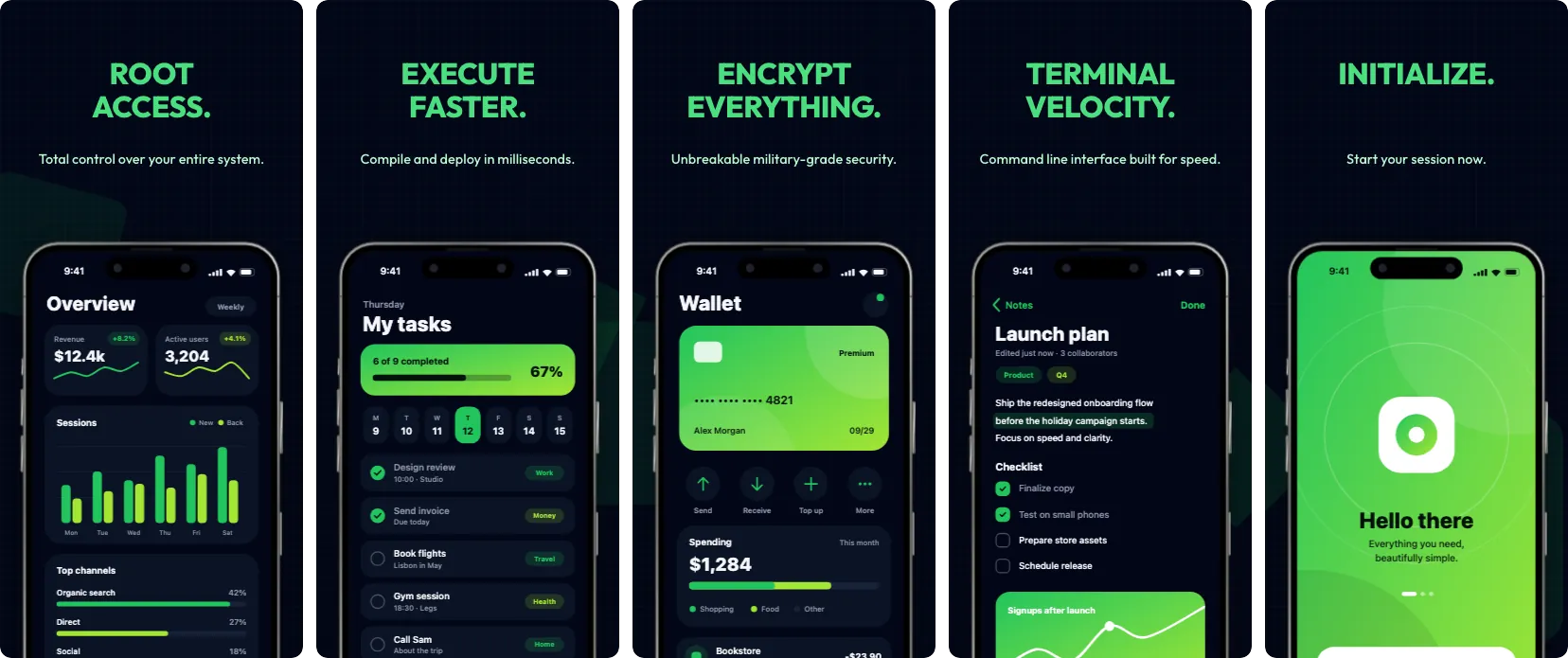
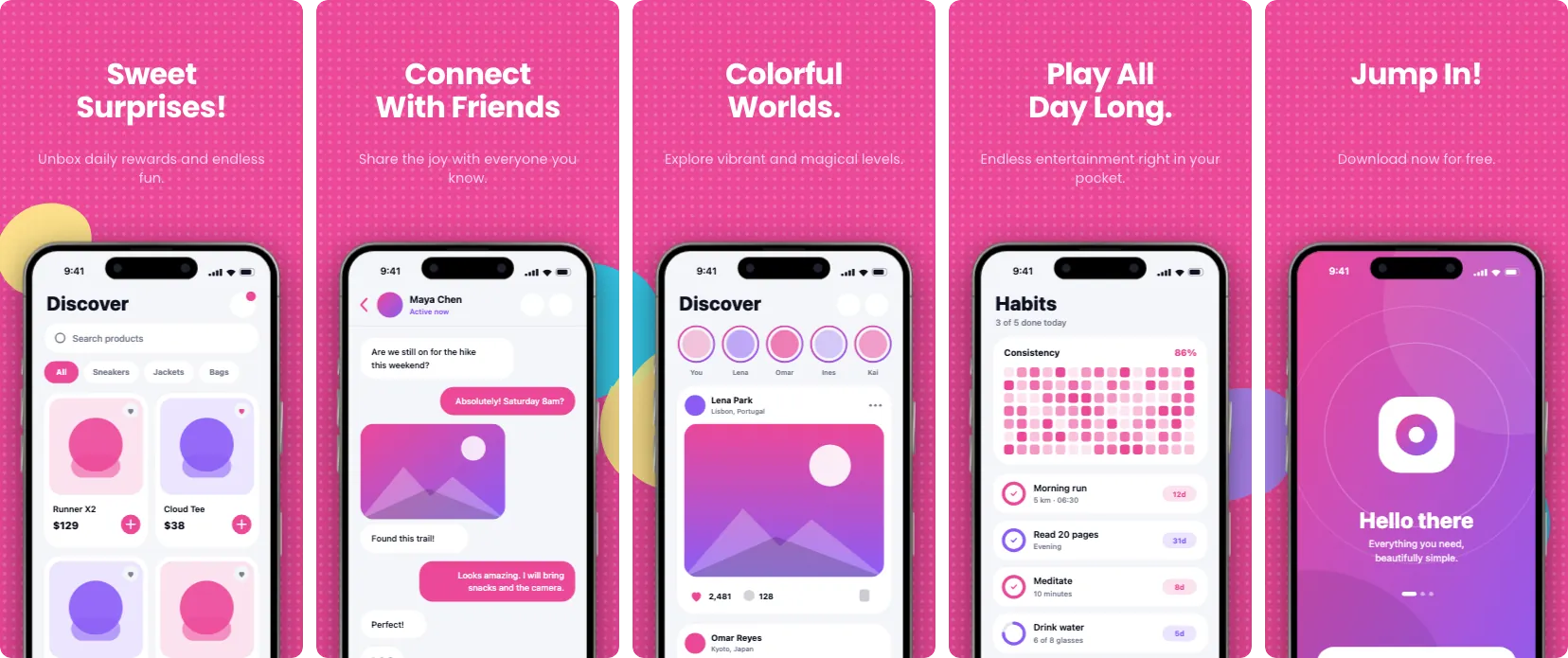
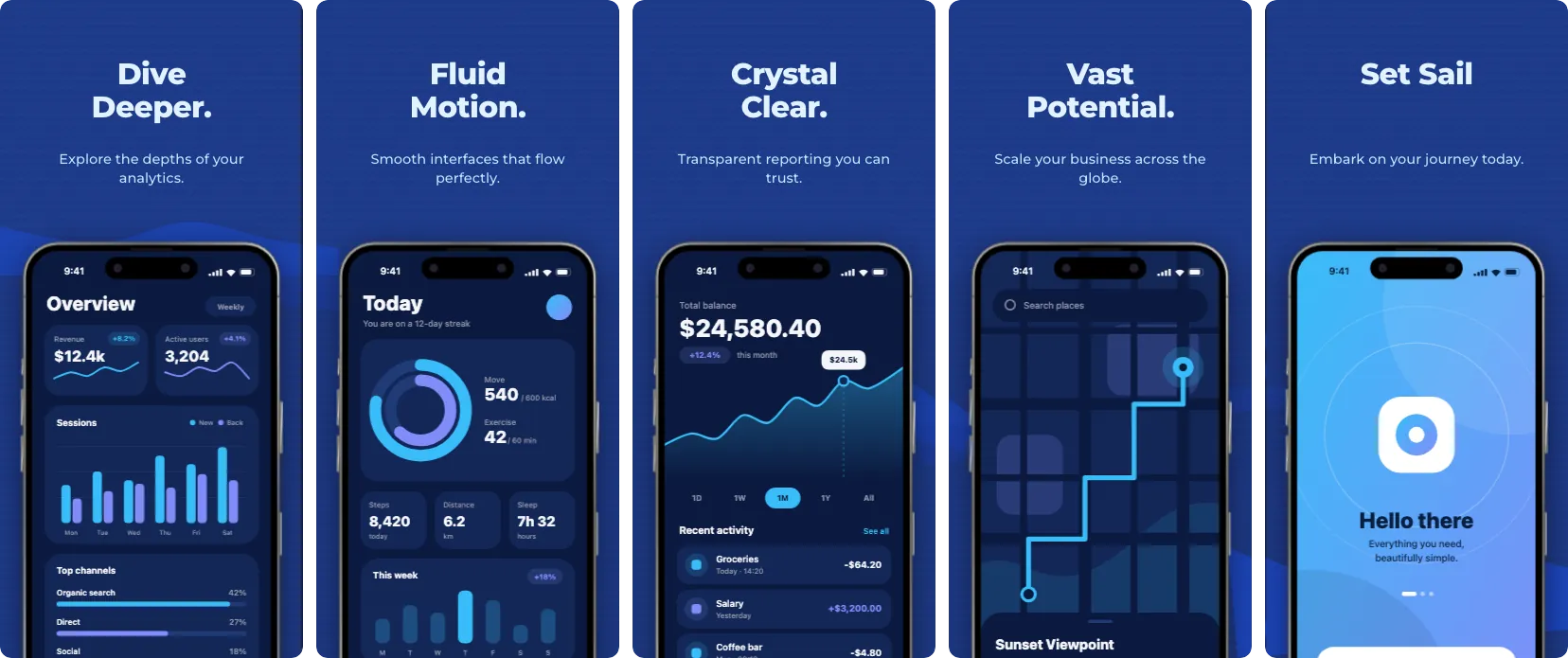
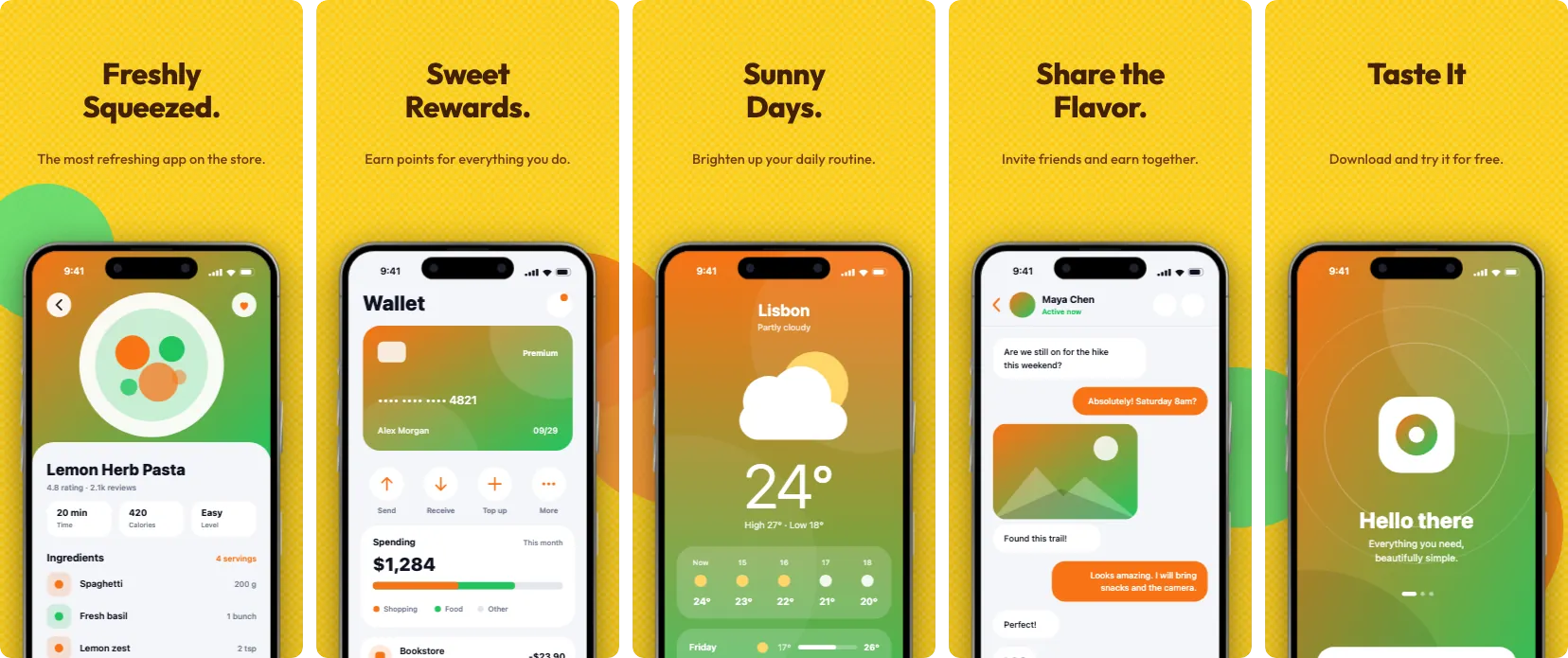
Feature graphics · 1024 × 500
A feature graphic for every template.
Google Play requires a 1024 × 500 feature graphic for every store listing. Each template comes with one in the same colours and fonts as its screens. Add it in the editor with one click, put in your own text and screenshot, or switch to any other design in the list.
 Aurora Pro
 Nebula Pro
 Lagoon Pro
 Glacier Pro
 Eclipse Pro
 Solstice Pro
 Orbit Pro
 Peony Pro
 Moss Pro
 Chroma Pro
 Mirage Pro
 Cobalt Pro
 Polar Pro
 Ember Pro
 Quartz Pro
 Spotlight Pro
 Circuit Pro
 Frost Pro
 Graphite Pro
 Pulse Pro
 Mono Pro
 Horizon Pro
 Midnight Pro
 Citrus Pro
 Prism Pro
 Volt Pro
 Editorial Pro
 Blueprint Pro
 Daydream Pro
 Bubblegum Pro
 Terminal Pro
 Sunrise Pro
 Evergreen Pro
 Lilac Pro
 Carbon Pro
 Primary Pro
 Playroom Pro
 Noir Pro
 Mint Pro
 Duotone Pro
 Skyline Pro
 Terracotta Pro
 Arcade Pro
 Blush Pro
 Studio Pro
 Vibrant Startup Free
 Dark Elegance Free
 Modern Minimal Free
 Tech Pop Pro
 Bold Impact Free
 Neon Cyber Pro
 Nature Breathe Free
 Finance Flow Free
 Vivid Play Free
 Elegant Slate Free
 Retro Wave Pro
 Soft Clay Free
 Emerald Executive Pro
 Sunset Glow Pro
 Arctic Freeze Pro
 Midnight Hacker Pro
 Candy Pop Pro
 Deep Ocean Free
 Lemonade Stand Pro
 Royal Velvet Pro
The editor
A full design studio in your browser
Drag devices, edit text, switch frames and backgrounds, and see every screen side by side. Nothing to install and nothing uploaded.

Features
What's in the editor
The tools that take you from raw captures to a finished store listing.
Panoramic backgrounds
Run one background image or gradient across several phone and tablet screens. Drop it in once and ReinShots slices it for each screen.
Custom 3D device bezels
Choose from the latest mobile phone, tablet, and custom device frames in multiple color finishes, or upload your own custom SVG/PNG bezels.
Every store size
One-click export presets for every App Store phone size (6.9", 6.5", 6.3", 5.5"), 13" tablets and Google Play, as PNG or JPEG at the exact pixel dimensions. Design once and export several sizes together.
Multi-language localization
Add any language, then type your translations or import them from a CSV. ReinShots does not translate for you. It fits each text to the layout and exports every language as one ZIP, with a folder per locale.
Offline and private
The editor is cached after your first visit and your projects are stored in your browser. It keeps working without a connection, and your designs never leave your device.
Reusable design templates
Don't rebuild from scratch for every project. Save your typography, badge placements, device layouts, and color palettes as reusable templates for your next app release.
How it works
Three steps to store-ready screenshots
No design software needed. Drop in your captures, adjust the layout and export.
-
Step 01
Upload screenshots
Drop your iOS Simulator or Android emulator screenshot files directly into the gallery. We support high-res PNG, JPEG, and WebP images.
-
Step 02
Customize layout
Add headlines, choose fonts and device frames, and set a background gradient, image or pattern.
-
Step 03
Export
Click export to get image files at the exact pixel sizes the App Store and Google Play ask for.
Why it runs offline
Runs in your browser. Paid for once.
ReinShots has no render server and no account system. The editor loads once, and after that everything happens on your device.
65
Templates
18
Export sizes
€0
Per month
0
Files uploaded
Pay once
Pro is €19 as a launch price until 30 June 2027 and €29 afterwards. Both prices include VAT. It is a single payment. There is no subscription and nothing renews.
Nothing is uploaded
Your screenshots are read and rendered by your own browser. They are never sent to a server, so unreleased screens stay on your machine.
No render queue
Exports are drawn on your device, so they do not wait on anyone else's server.
Works offline
After your first visit the editor is cached. You can keep designing and exporting without a connection. Pro features confirm your license online at least once every 30 days.
Pricing
One-time purchase, no subscription
Design for free and export 5 times without a watermark. Pro is a single payment, with no subscription.
Free
Design as much as you like. Your first 5 exports come without a watermark.
€0
no card needed
- Full access to all device frames & tools
- Unlimited project drafts in browser
- 10 free starter templates
- Try every Pro template (watermarked exports)
- 5 full-resolution exports without watermark
- Works offline
Pro License
For developers and teams who update their store listings regularly.
€19
one-time purchase, incl. VAT
Launch price until 30 June 2027. €29 afterwards. Prices include VAT.
- Every Pro template, no watermark
- Unlimited full-resolution exports
- One-click bulk exporting (all screens)
- ZIP localization package export
- Custom device bezel import (SVG/PNG)
- Commercial usage rights included
- Works offline (license check online every 30 days)
- Valid for the product lifetime, at least 24 months
Android app
Create App Store screenshots directly on your Android device
Need to mock up screenshots on your phone or tablet? The official ReinShots Android app brings our offline panoramic screenshot engine to your phone. Nothing is uploaded, and exports are full resolution.
- Offline and private on your phone or tablet
- Hardware-accelerated full-resolution rendering
- Panoramic backgrounds across screens

Google Play and the Google Play logo are trademarks of Google LLC.

Scan to download
Guides
Master App Store optimization
Read our in-depth guides and workflows to learn how to design high-converting screenshots for the App Store and Google Play.
Workflow Guide
How to Create Split-Screen App Store Mockups
Learn the psychology of spanning screenshots across two panels and how to create them in minutes.
Workflow GuideHow to Use Device Bezels in App Screenshots
Why raw simulator screenshots hurt conversions and how to pick the perfect 3D or flat frame.
Design TipsApp Store Screenshot Typography Tips
Master the Three Second Rule for mobile legibility and learn how to use text shadows for contrast.
Growth StrategyHow to Localize App Store Screenshots Faster
Expanding to new countries boosts downloads by 20-40%. Learn the fastest way to translate your gallery.
Technical GuideExporting App Screenshots Without Quality Loss
A deep dive into App Store compression algorithms, PNG vs JPEG, and full-resolution exports.
Feature Highlight1-Click Device Framer for Instant Mockups
Discover how to instantly wrap your app screenshots in beautiful 3D device frames with zero manual masking.
Feature HighlightHome Screen Icon Tester
Validate your new app icon design by testing how it looks directly on a simulated home screen.
ReferenceApp Store Screenshot Sizes 2026
Every accepted pixel size for phones, foldables, tablets, desktop and watch, including the new required phone size.
ASO StrategyA/B Testing App Store Screenshots
Learn how to run native PPO experiments to find out which visuals actually drive downloads.
Design StrategyThe Anatomy of a Hero Screenshot
You have 3 seconds to impress a user. How to design a high-converting first impression.
Design StrategyDark Mode vs. Light Mode
Should your screenshots use a dark or light UI? We break down the psychology of aesthetic choices.
Conversion HackHow to Add Social Proof
Increase downloads by featuring 5-star reviews, awards, and milestones in your mockups.
ASO StrategyVideo Previews vs. Static Images
Do you really need an expensive video trailer? The data might surprise you.
Asset GuideUltimate Guide to App Store & Play Asset Sizes 2026
A complete breakdown of every required pixel dimension for iOS and Android, and how to instantly generate them.
ToolingWhy You Don't Need Photoshop to Resize App Icons
Stop wrestling with heavy desktop editors just to generate a 512x512 PNG. Here is the modern workflow.
Design TipsiOS Rounded Corners and Circular Masks Explained
Why CSS border-radius fails for Apple app icons, the math behind the 'Squircle', and designing for Wear OS.
WorkflowHow to Batch Export All Store Assets in One Click
Eliminate the manual, error-prone process of exporting iOS and Android asset sizes on launch day.
ASO StrategyThe Hidden Cost of Poor App Store Assets
Why a great app with a bad Feature Graphic is silently bleeding downloads, and how to instantly fix it.
FAQ
Frequently asked questions
Got questions about app screenshot sizes, offline privacy, or the one-time license? We have answers.
What sizes are required for App Store screenshots in 2026?
The App Store Connect specification asks for at least one phone screenshot for the medium 6.3" display
(1206 x 2622 px or 1179 x 2556 px) and, for apps that run on tablets, one 13" tablet screenshot (2064 x
2752 px or 2048 x 2732 px). The large 6.9" phone size (1320 x 2868 px) is still accepted and is scaled
down for smaller phones. ReinShots includes export presets for all of these sizes and for Google Play.
See the full size guide or test your
files with the free screenshot size
checker.
How does offline mode work in a browser web application?
ReinShots is a Progressive Web App (PWA). On your first visit the editor, device frames and fonts are
cached on your computer, and your screenshot files are stored in your browser's IndexedDB database.
After that you can turn off your WiFi and keep designing and exporting. Pro features confirm your
license online at least once every 30 days.
Is ReinShots a one-time purchase or a subscription?
ReinShots is a one-time purchase with no subscription. Designing is free and so are your first 5
exports. The Pro license costs €19 once as a launch price until 30 June 2027, and €29 afterwards, both
including VAT. The license has no expiry date and no recurring fees. It is valid for the lifetime of the
product, meaning for as long as ReinShots is offered and maintained, and for at least 24 months from
your purchase. It is not a promise that ReinShots will be available forever.
See what the one-time
license includes.
Can I use ReinShots for Android Play Store feature graphics and tablet mockups?
Yes! ReinShots supports Android smartphone frames, tablet device frames, and custom export resolutions
suitable for Play Store listings and marketing promotional banners.
Are my app screenshots sent to any external servers or third-party AI?
Never. Data privacy is fundamental to ReinShots. Because all image processing happens via client-side
JavaScript and browser Canvas APIs, your pre-release app screenshots, trade secrets, and user data never
leave your local hardware.
Try it with your own screenshots
Open the editor, pick a template and drop in your captures. No account, no card, and your first 5 exports are free.